AI Age Filter
See yourself at different ages! Apply realistic aging or de-aging effects to any portrait photo.
Click to upload an image
or drag and drop
Running a quick security check…
What It Does
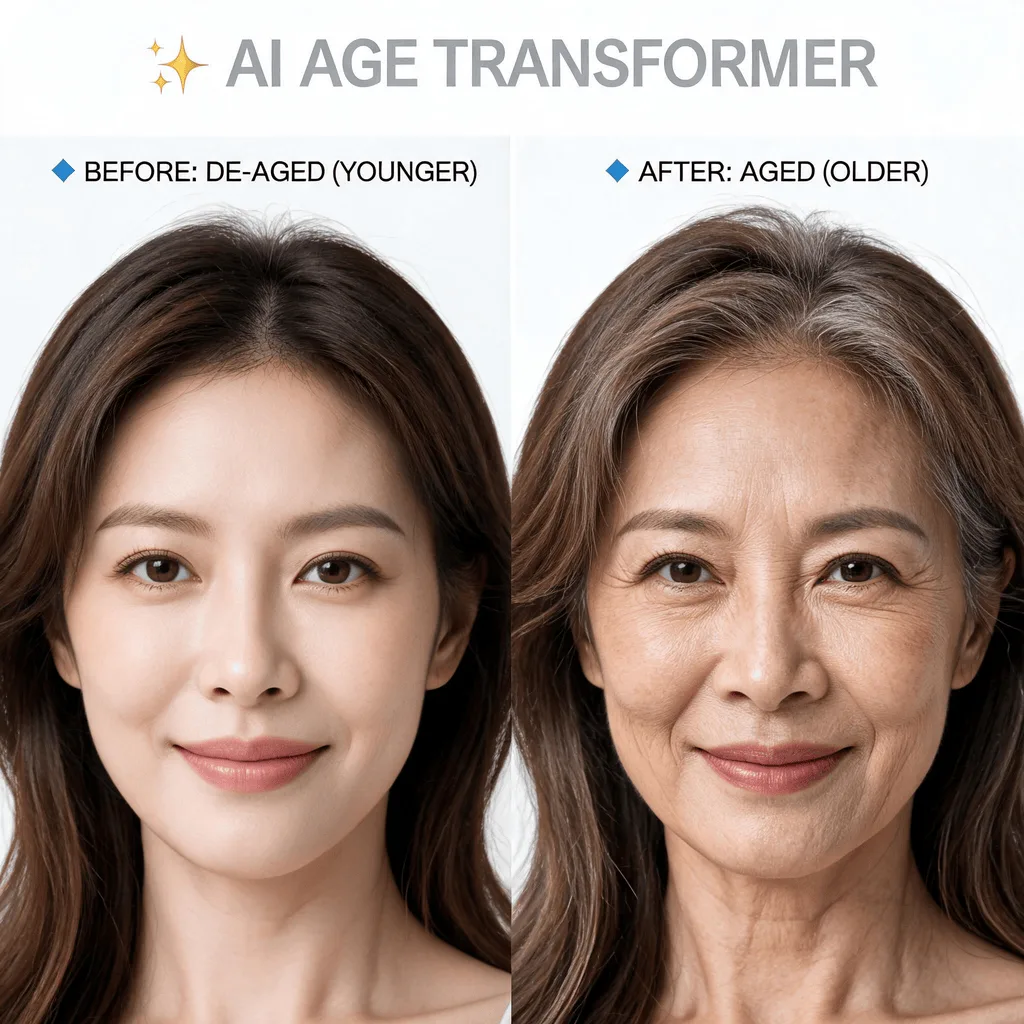
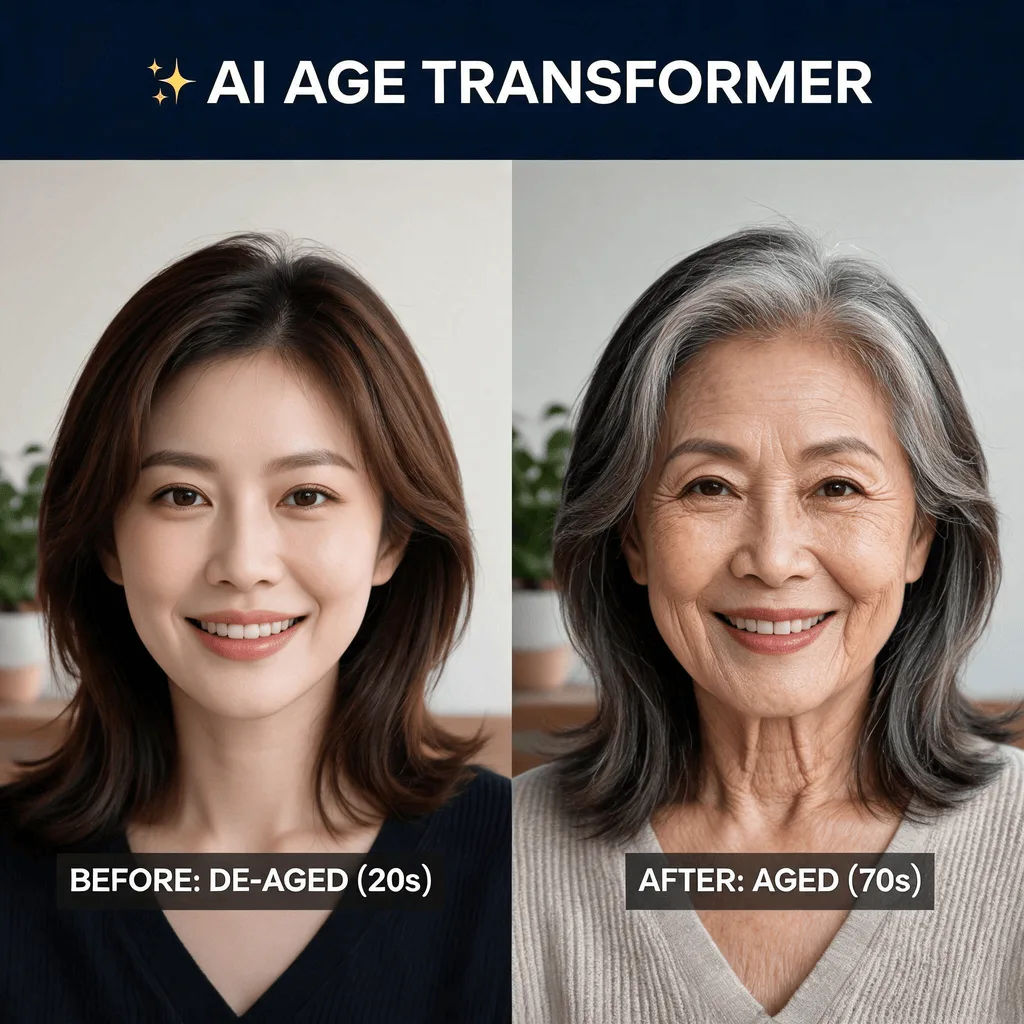
About the AI Age Filter
The AI Age Filter uses a generative model trained on thousands of photos of people at different life stages. It realistically simulates the effects of aging, such as wrinkles, skin texture changes, and hair graying, or reverses them for a younger look. It's a popular and entertaining tool for social media, allowing users to playfully glimpse into the future or the past.
How to Apply an Age Filter with AI
1. Upload Your Photo
Start by uploading a clear, front-facing photo. The AI Age Filter uses facial features to create a realistic transformation.
2. Choose and Refine
Instruct the AI to "make me look older" or "make me look younger." Review the generated image and refine the prompt to adjust the age to your liking.
3. Download the Result
When you're happy with your new age, download the high-resolution photo to see the past or future you.