Create Blueprint Schematic
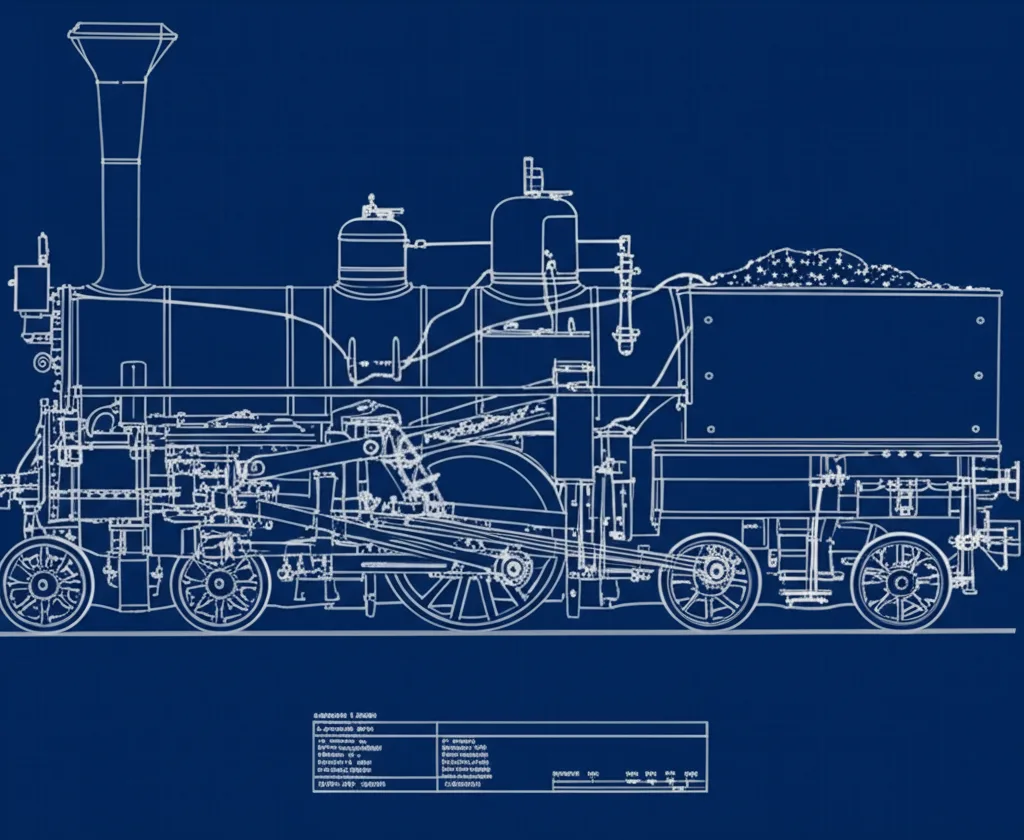
Generate blueprint-style technical drawings — white linework on a deep blue background, with dimension lines, annotations, and orthographic projection.
Inspiration Gallery
See what you can create with our AI image generator
About Creating Blueprint Schematics
How to Use
Describe Your Subject
Tell the AI the subject and which projections to show — 'blueprint of a vintage motorcycle, side and top view, dimension lines' or 'blueprint of a house plan with room labels'. Specify the level of annotation.
Generate & Review
Generate the blueprint and check the projection accuracy, the line precision, and the annotations. The result should feel like a working drawing, not a stylized poster.
Refine & Save
Re-prompt for more or fewer annotations, additional projections, or a different subject orientation until the schematic reads convincingly engineered. Save for print, packaging, or gift art.