AI Image Vectorizer
Convert any raster image (JPG, PNG) into a scalable vector graphic (SVG) with AI-powered precision.
Click to upload an image
or drag and drop
Running a quick security check…
What It Does
About the AI Image Vectorizer
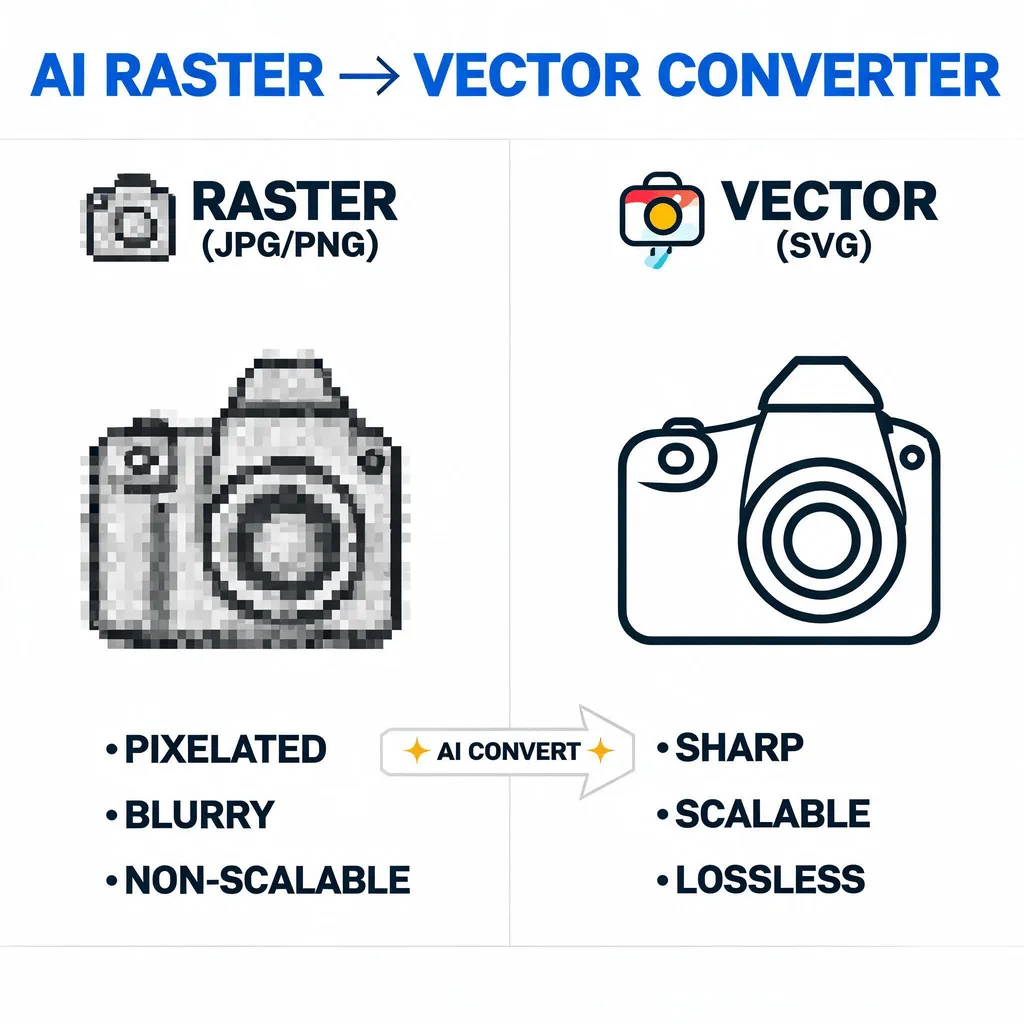
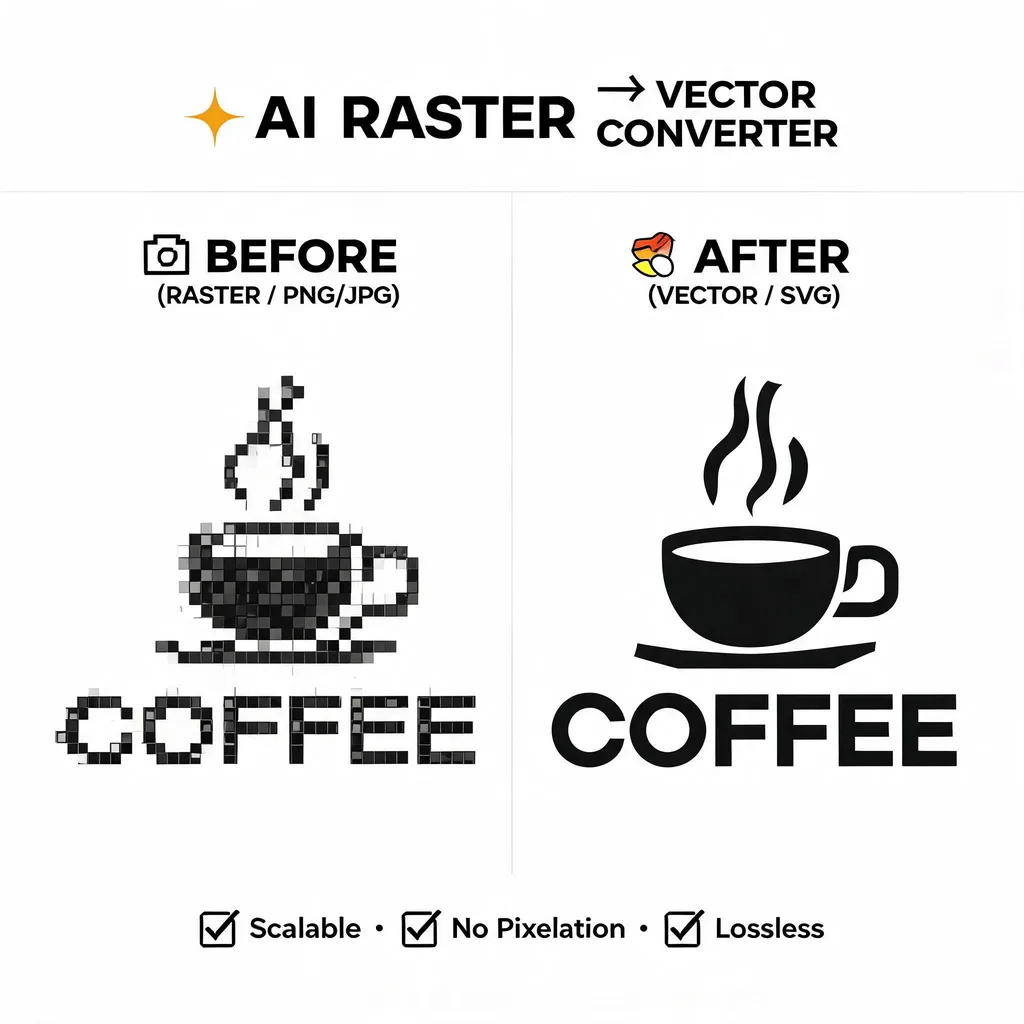
The AI Image Vectorizer traces the pixels in a raster image and converts them into mathematical paths and shapes, creating a vector file (SVG). Unlike raster images that pixelate when enlarged, vectors are infinitely scalable without losing quality. This is essential for logos, icons, and illustrations that need to be used in various sizes, from a small website icon to a large billboard.
How to Vectorize an Image with the AI Image Vectorizer
1. Upload Your Image
Start by uploading the raster image (like a JPG or PNG) that you want to convert into a vector graphic with our Image Vectorizer.
2. Convert and Refine
The AI will automatically trace your image and convert it to a scalable vector format (SVG). You can then refine the settings if needed for optimal quality.
3. Download Your Vector File
Once the conversion is complete, download the clean, high-quality SVG file, ready for scaling without any loss of quality.