Create Acrylic Painting
Generate vibrant acrylic paintings with visible brushwork, layered washes, and impasto texture.
Running a quick security check…
Inspiration Gallery
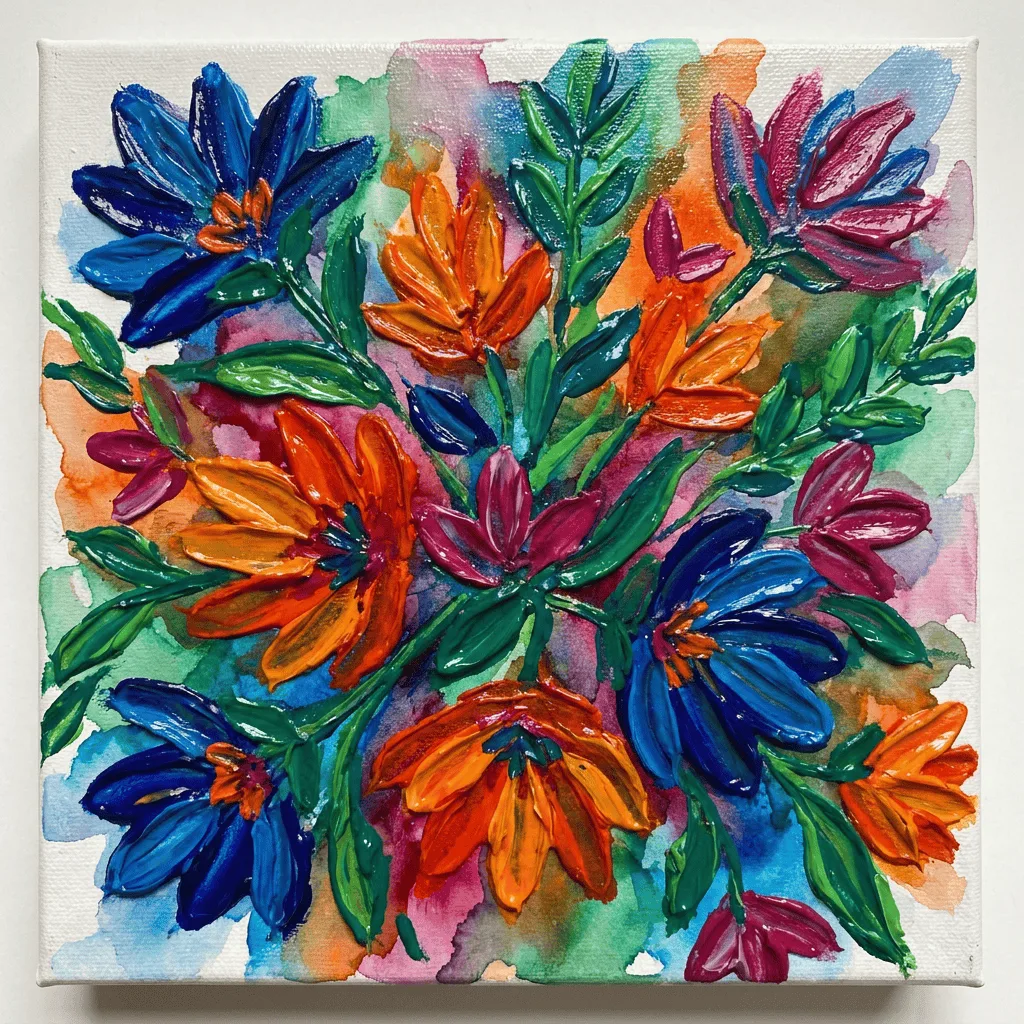
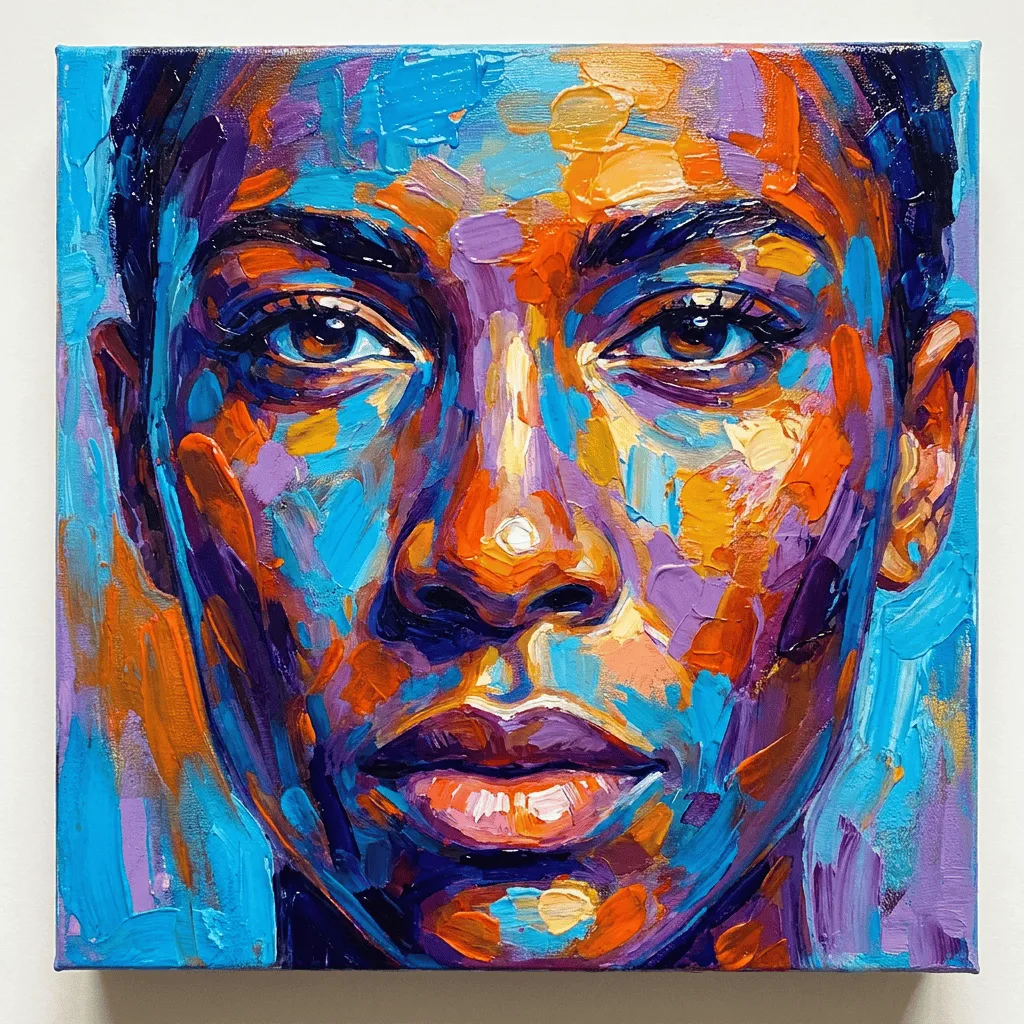
See what you can create with our AI image generator
About Creating Acrylic Paintings
Acrylic paint emerged in the 1950s as a versatile alternative to oils — it dries fast, holds saturated color, and can be applied as a thin wash or thick impasto in the same painting. Our AI captures those handling traits: visible brushwork, color that stays bright after drying, and the layered build-up that acrylic painters use to create depth. Use it for contemporary portraits, expressive abstracts, gallery-style canvases for print, or commissioned-look pieces when you want the energy of acrylic painting without setting up a studio.
How to Create Acrylic Paintings
Describe Your Painting
Describe the subject, composition, and the painting handling you want — 'thick impasto floral still life', 'smooth blended abstract', 'expressive portrait with visible palette knife strokes'. Mention a color palette if you have one.
Generate & Review
Generate the painting and inspect the brushwork, color saturation, and texture. Look for the layered feel that distinguishes acrylic from digital flat painting.
Refine & Save
Re-prompt with different handling cues — heavier impasto, glaze layers, dry-brush detail — until the painting reads like real acrylic. Save in high resolution for print or framed display.