Add Image Border
Add a border to any photo — simple solid frames, vintage scalloped edges, ornate decorative cartouches, or modern minimalist margins.
Click to upload an image
or drag and drop
Running a quick security check…
What It Does
About Adding Image Borders
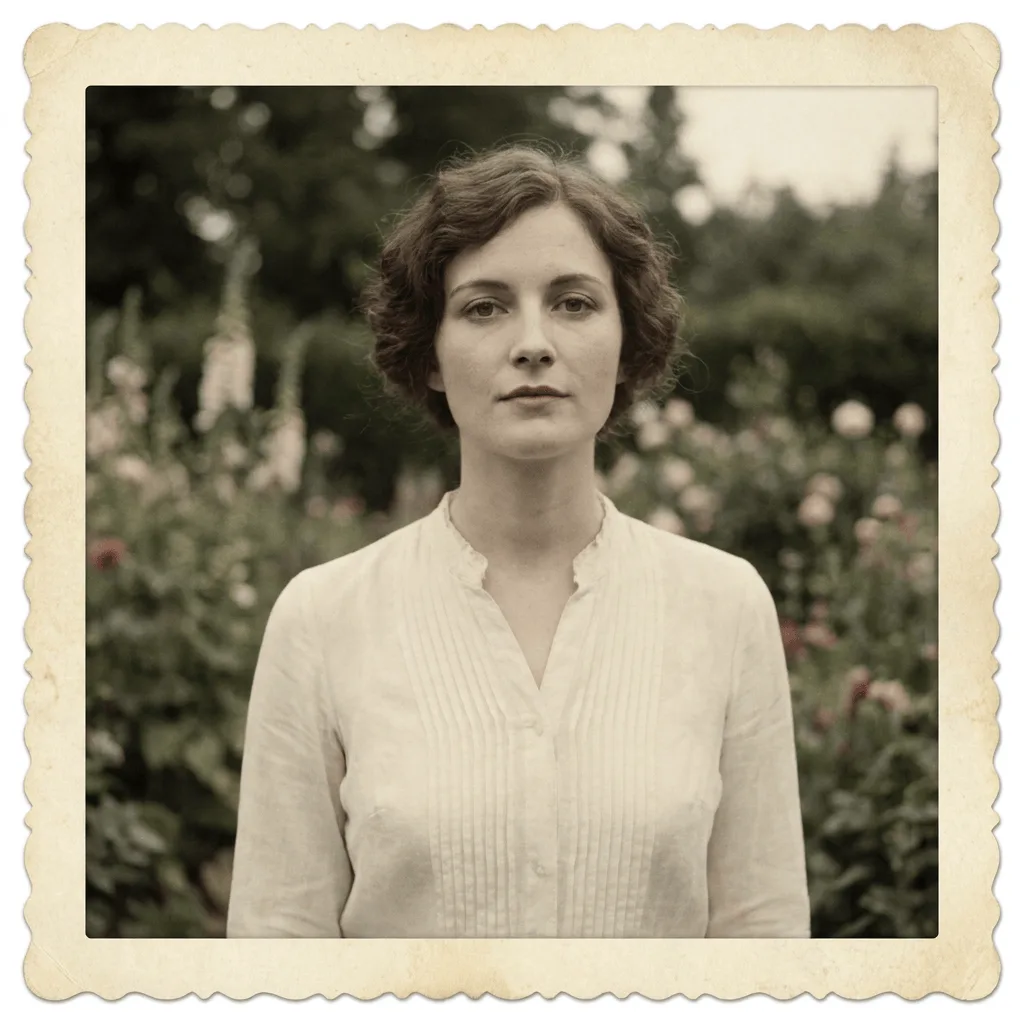
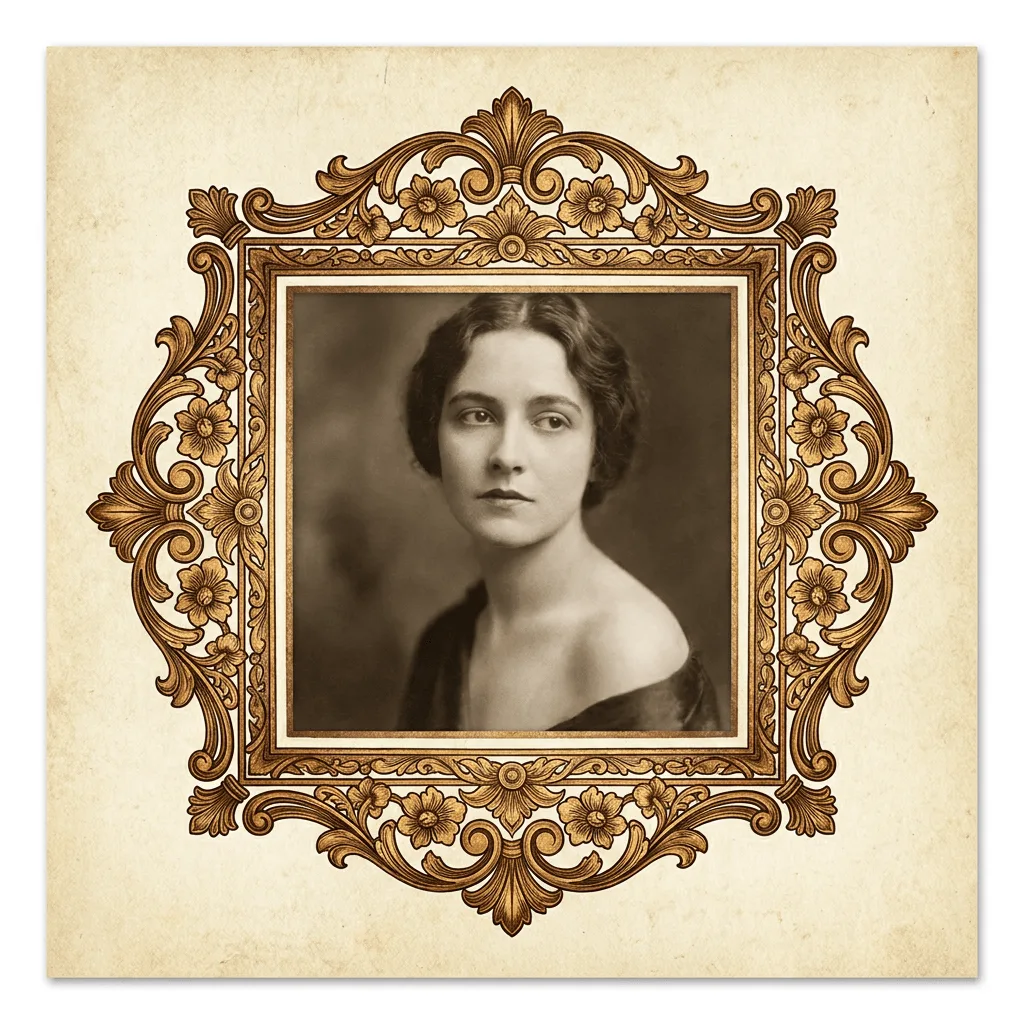
A well-chosen border can transform a photo's feel — a minimalist white margin reads as gallery-quality, a vintage scalloped edge as Polaroid memory, an ornate cartouche as antique print. Our editor offers a range of border styles and sizes them to the photo's aspect ratio. Use it for Instagram and Pinterest posts that need framing, gift prints, gallery wall mockups, blog post headers, and stationery designs.
How to Add an Image Border
Upload Your Photo
Choose the photo you want to frame. Any aspect ratio works; the border sizes to fit.
Choose Border Style & Apply
Pick the border type — 'minimalist white margin', 'vintage scalloped sepia border', 'ornate gold cartouche frame'. Apply and inspect the framing.
Refine & Download
Re-run with a different border style, thickness, or color until the framing lands. Download for social, print, or stationery.