Add Object
Add an object, person, or element to any photo — realistically inserted with matched lighting, perspective, and scale.
Click to upload an image
or drag and drop
Running a quick security check…
What It Does
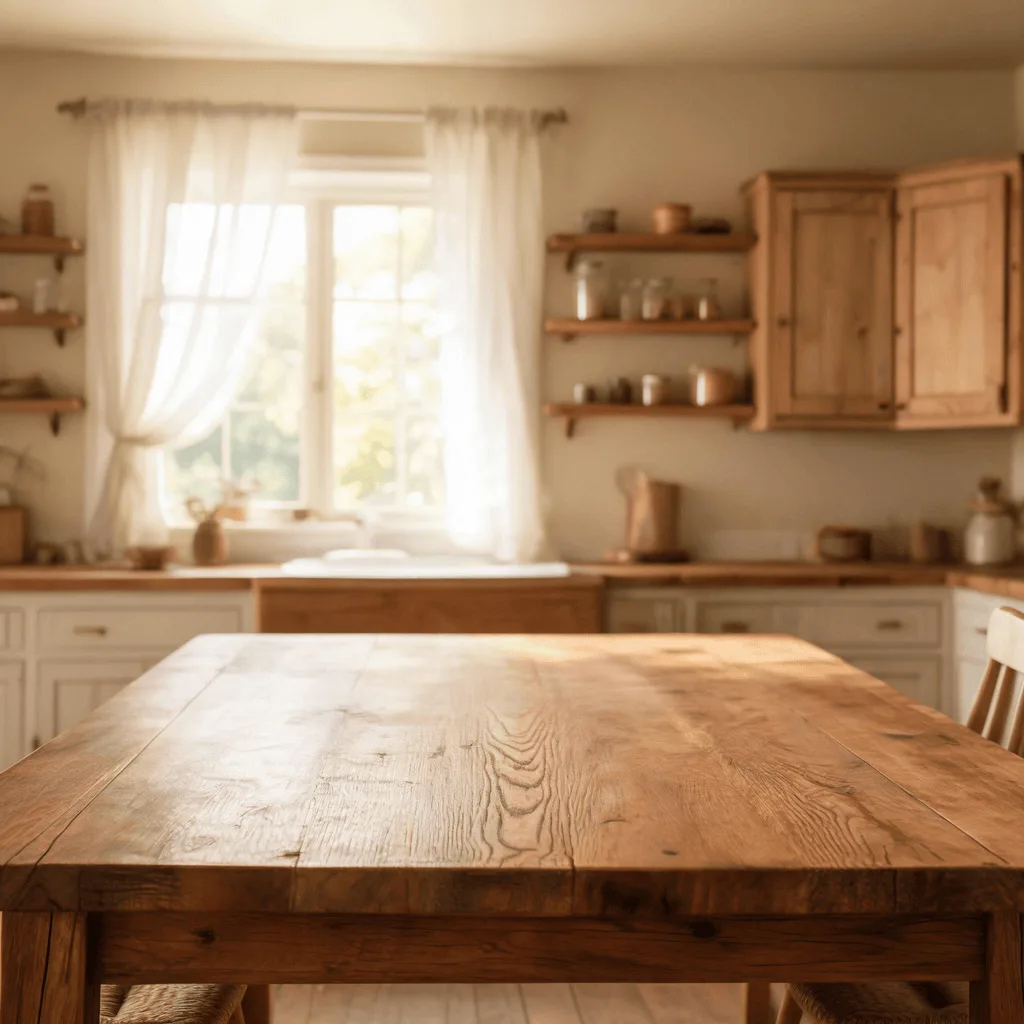
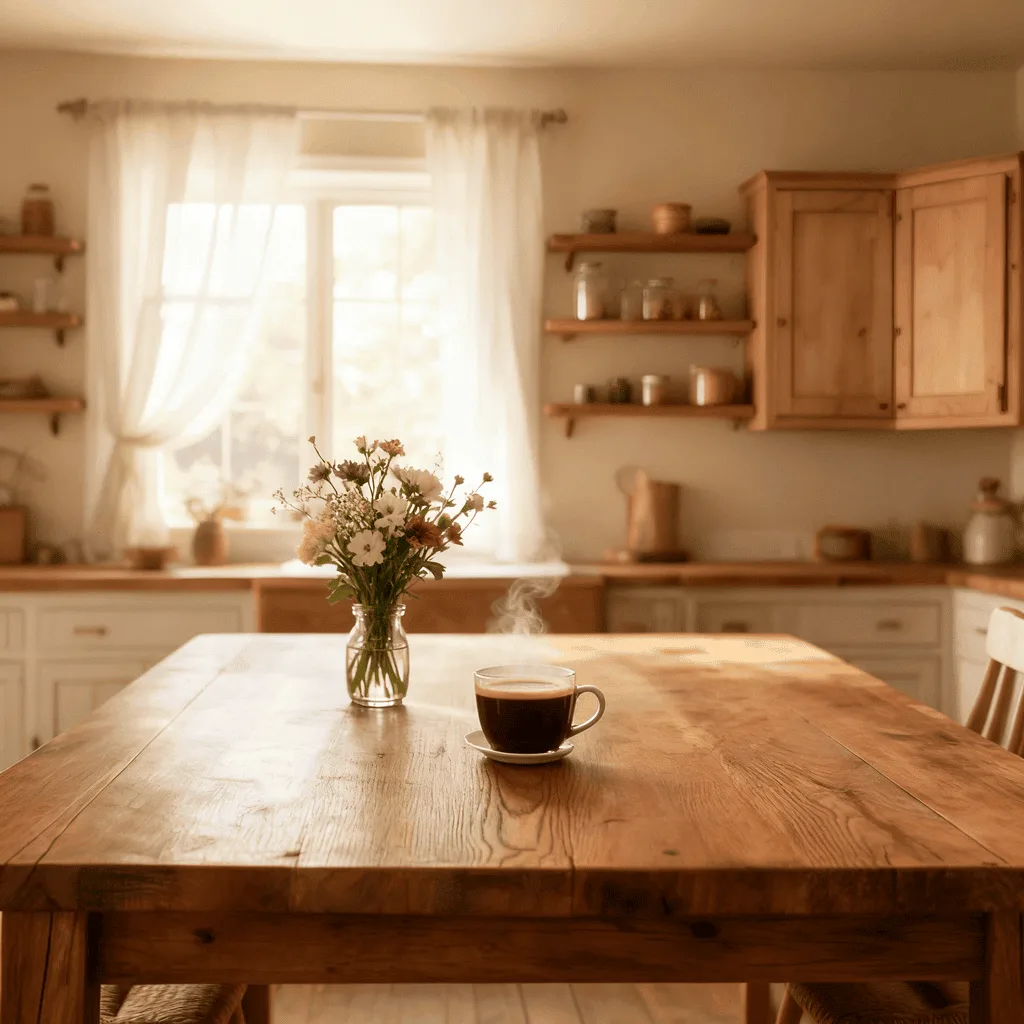
About Adding Objects to Photos
Adding an object to a photo is one of the harder edits to do well — the new element has to land at the right scale, with the right perspective, lit to match the scene's existing light, and shadowed accordingly. Our AI reasons about all four. Use it for product mockups (place your product into a lifestyle scene), real-estate marketing (add furniture to empty rooms), creative composites (drop a fantasy element into a real photo), and editorial illustration for stories that need a specific visual element.
How to Add Objects to a Photo
Upload Your Photo
Choose the base photo. Photos with clear lighting and depth cues make the insertion more convincing.
Describe What to Add & Apply
Tell the AI what and where — 'add a wooden bench under the tree on the right', 'add a sleeping cat on the windowsill'. Apply and inspect the lighting and scale of the insertion.
Refine & Download
Re-prompt with a more specific description or position if the inserted object doesn't blend. Download the composite for personal, marketing, or real-estate use.