Create Airbrushed Art
Generate airbrushed art — smooth gradient color, soft focus, and the polished 1970s-80s commercial illustration aesthetic.
Running a quick security check…
Inspiration Gallery
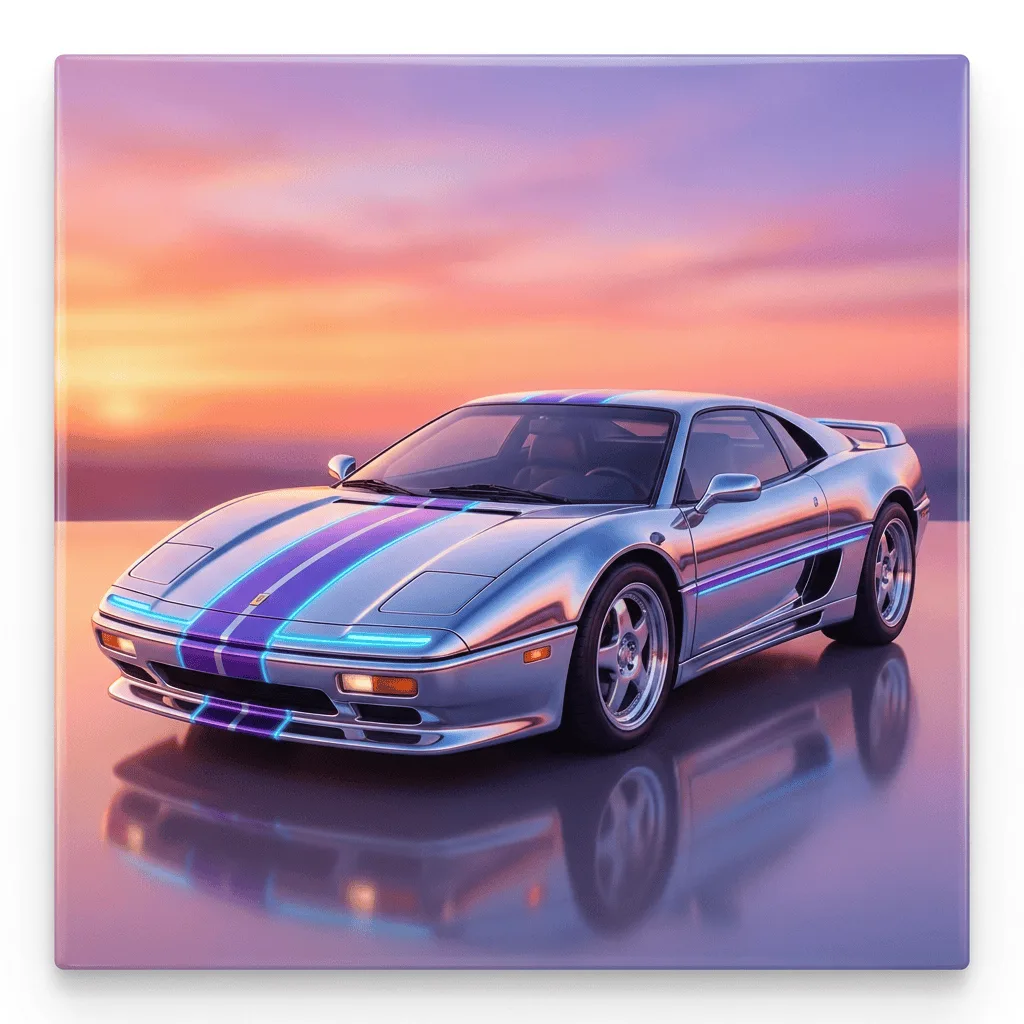
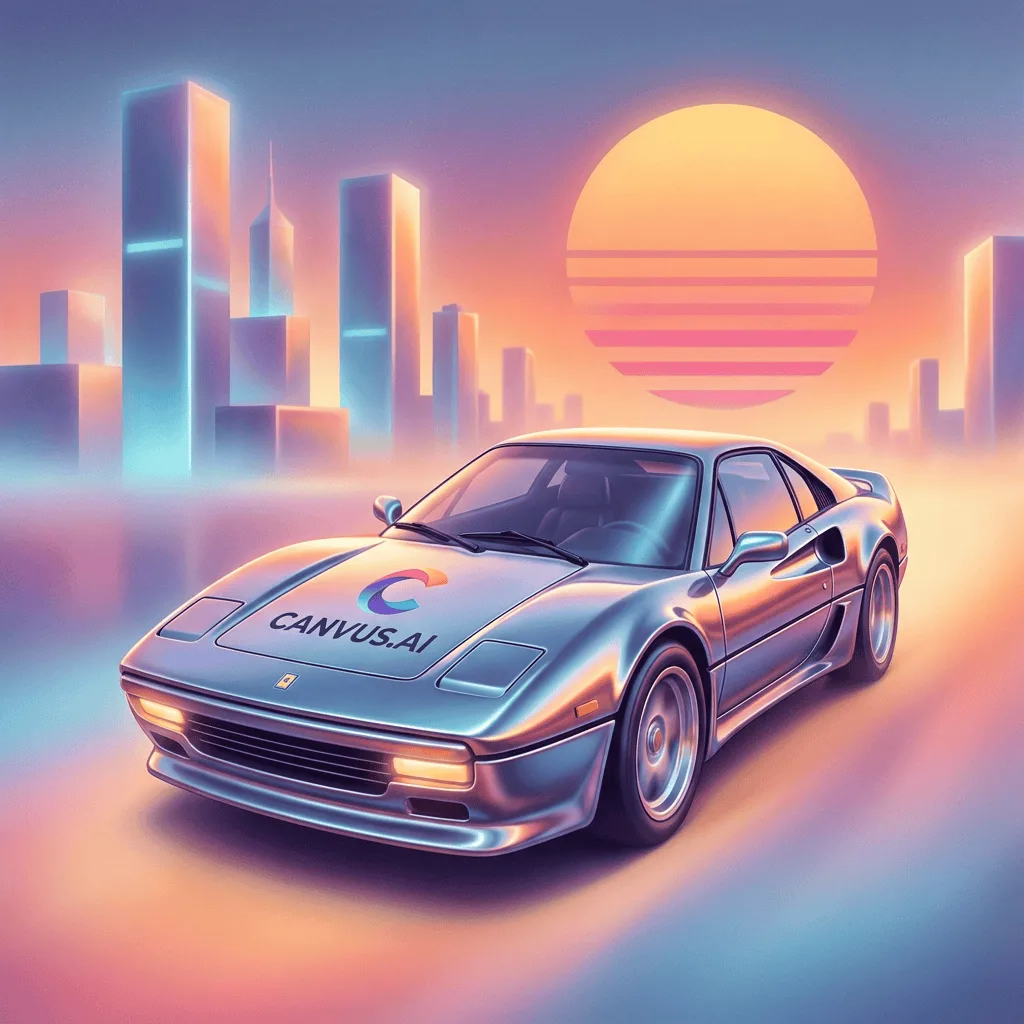
See what you can create with our AI image generator
About Creating Airbrushed Art
Airbrushed illustration — the dominant visual language of 1970s and 1980s magazine covers, custom van art, car-brand advertising, and album sleeves — produces smooth gradient color, soft edges, and a polished glossy surface with no visible brushstroke. Our AI captures those traits and lets you direct the subject. Use it for retro-themed brand visuals, music album covers, custom car merch, t-shirt art, themed event posters, and editorial illustration with a deliberately retro polish.
How to Create Airbrushed Art
Describe Your Subject
Tell the AI the subject and the era — 'airbrushed 70s muscle car against a desert sunset', '80s airbrushed portrait, neon palette'. Lean into the smooth gradient look.
Generate & Review
Generate the image and check the gradients and softness. The result should feel airbrushed, not painted with brushstrokes.
Refine & Save
Re-prompt for smoother gradient, glossier surface, or a different era anchor until the airbrush lands. Save for retro merch or branding.