Edit into Airbrushed Style
Convert any photo into airbrushed art — smooth gradient color, soft focus, and the polished retro-commercial finish.
Click to upload an image
or drag and drop
Running a quick security check…
What It Does
About Converting Photos to Airbrushed Style
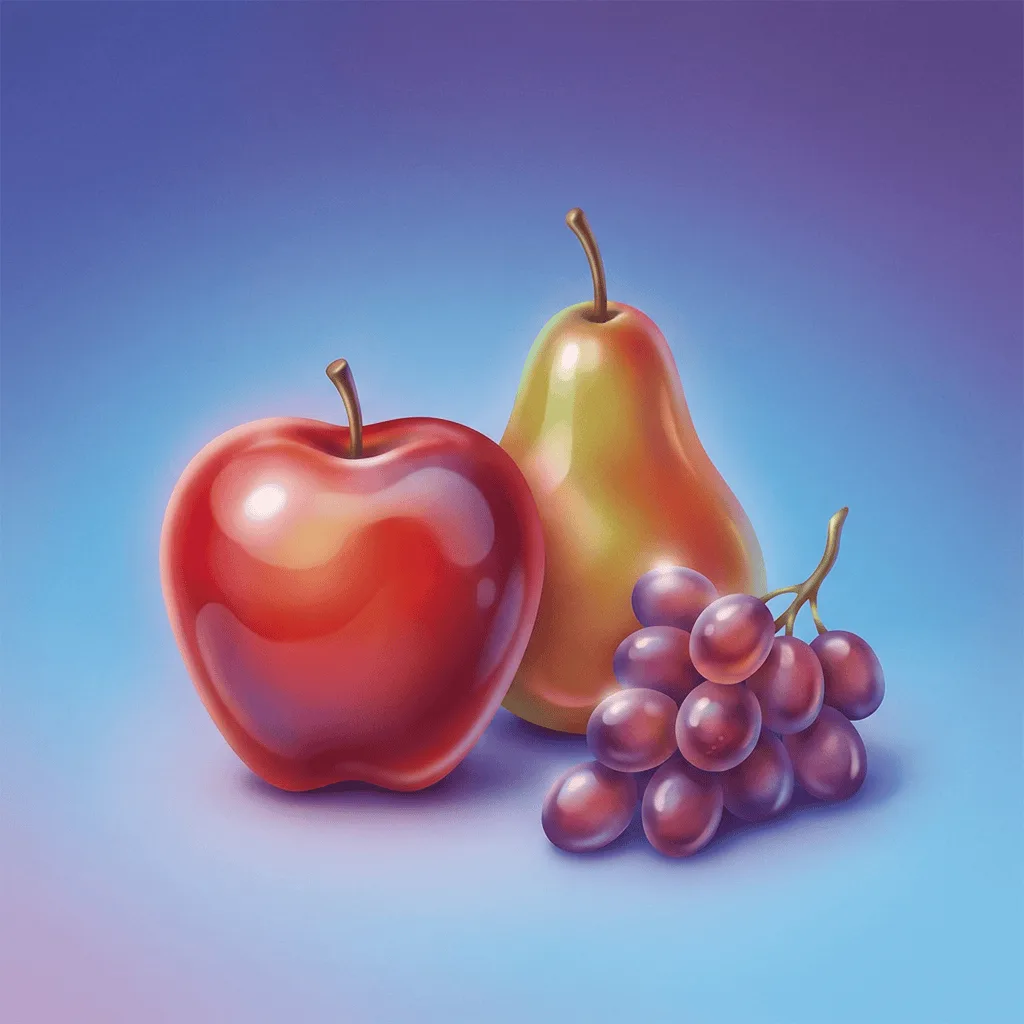
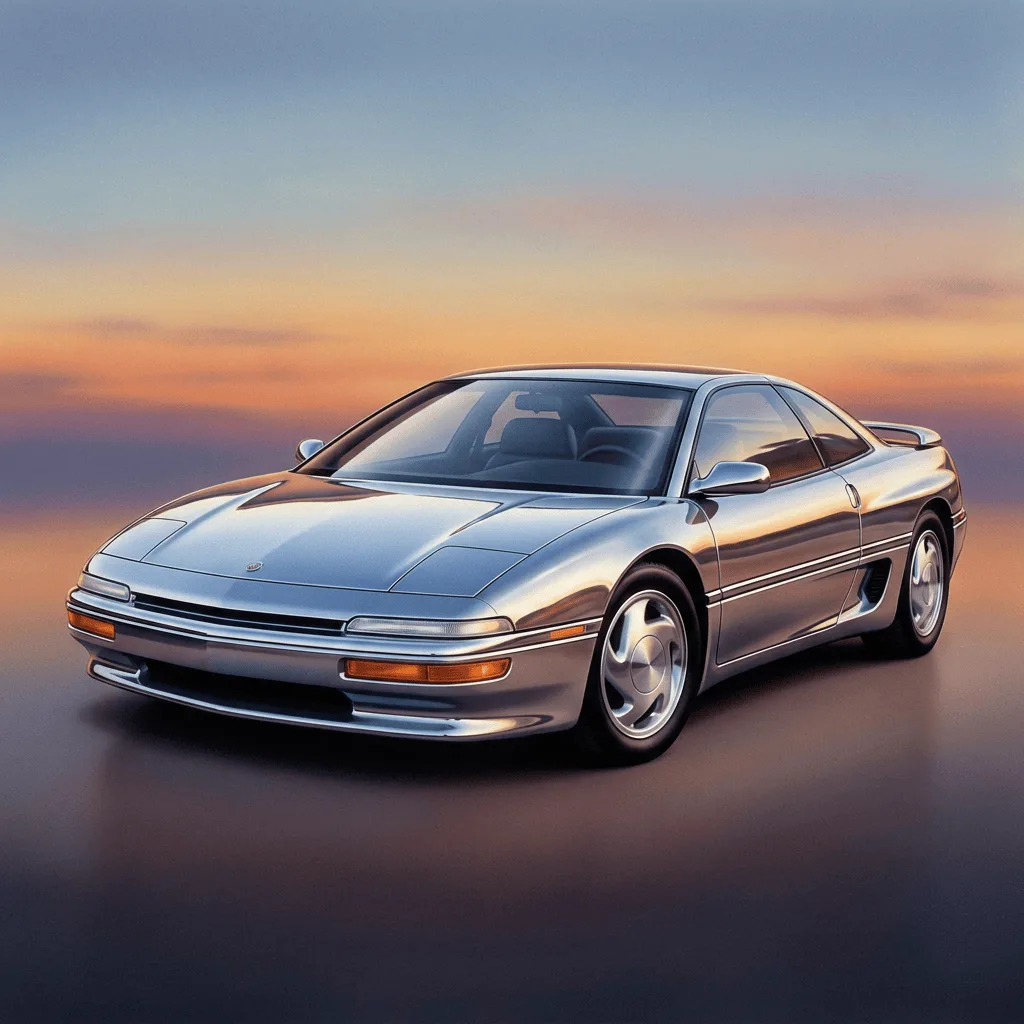
Translating a photo into airbrushed art smooths the entire image — edges soften, detail collapses into gradient color, and surfaces gain the polished glossy finish of retro commercial illustration. Our editor reads your image and rebuilds it through that vocabulary. Use it for retro-themed branding, custom merch, themed event art, magazine-style editorial illustration, and gift portraits with a deliberately polished look.
How to Convert a Photo to Airbrushed
Upload Your Photo
Choose a photo with a clear single subject — portraits, cars, products, and characters translate most reliably into the airbrushed look.
Apply & Review
Apply the conversion and check the smoothness and polish. The result should feel airbrushed retro, not just softened.
Refine & Download
Re-prompt for smoother gradients, glossier surface, or a different era anchor until the airbrush lands. Download for merch, branding, or gifts.