Edit into Bauhaus Style
Transform any photo into Bauhaus design — geometric simplification, primary-color palette, and the school's functional-form aesthetic.
Click to upload an image
or drag and drop
Running a quick security check…
What It Does

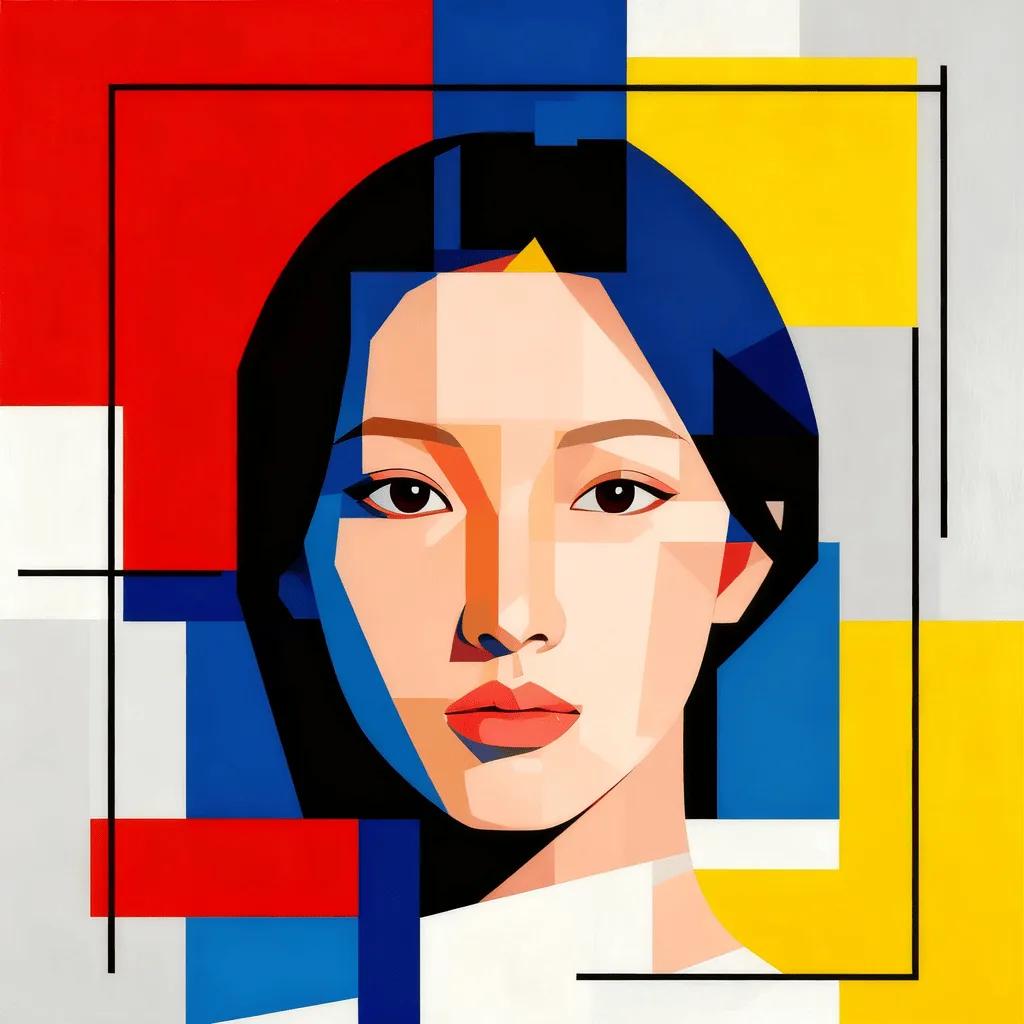
About Converting Photos to Bauhaus Style
The Bauhaus, the 1919–1933 German design school led by Gropius, Klee, and Kandinsky, defined modern design with three core ideas: reduce form to its geometric essentials, restrict palette to primary colors plus black and white, and let function shape composition. Our editor reads your photo and translates it through those rules: circles, squares, and triangles replace organic detail; the palette collapses to red, yellow, blue, black, white; the composition flattens. Use it for poster art, modern brand visuals, editorial illustration with a design-history feel, architectural and product visuals, and gallery prints.
How to Convert a Photo to Bauhaus Style
Upload Your Photo
Choose a photo with strong geometry — buildings, single objects, portraits with clear silhouettes. Bauhaus rewards subjects that already simplify cleanly.
Apply & Review
Apply the conversion and check the palette and composition. The result should feel like a modernist poster, not a photo with a filter.
Refine & Download
Re-prompt for stricter geometry, fewer color elements, or more functional composition until the image earns the Bauhaus label. Download for print or branding.