AI Beard Filter
See what you'd look like with a beard! Try on different beard styles with our realistic AI filter.
Click to upload an image
or drag and drop
What It Does
Before

After
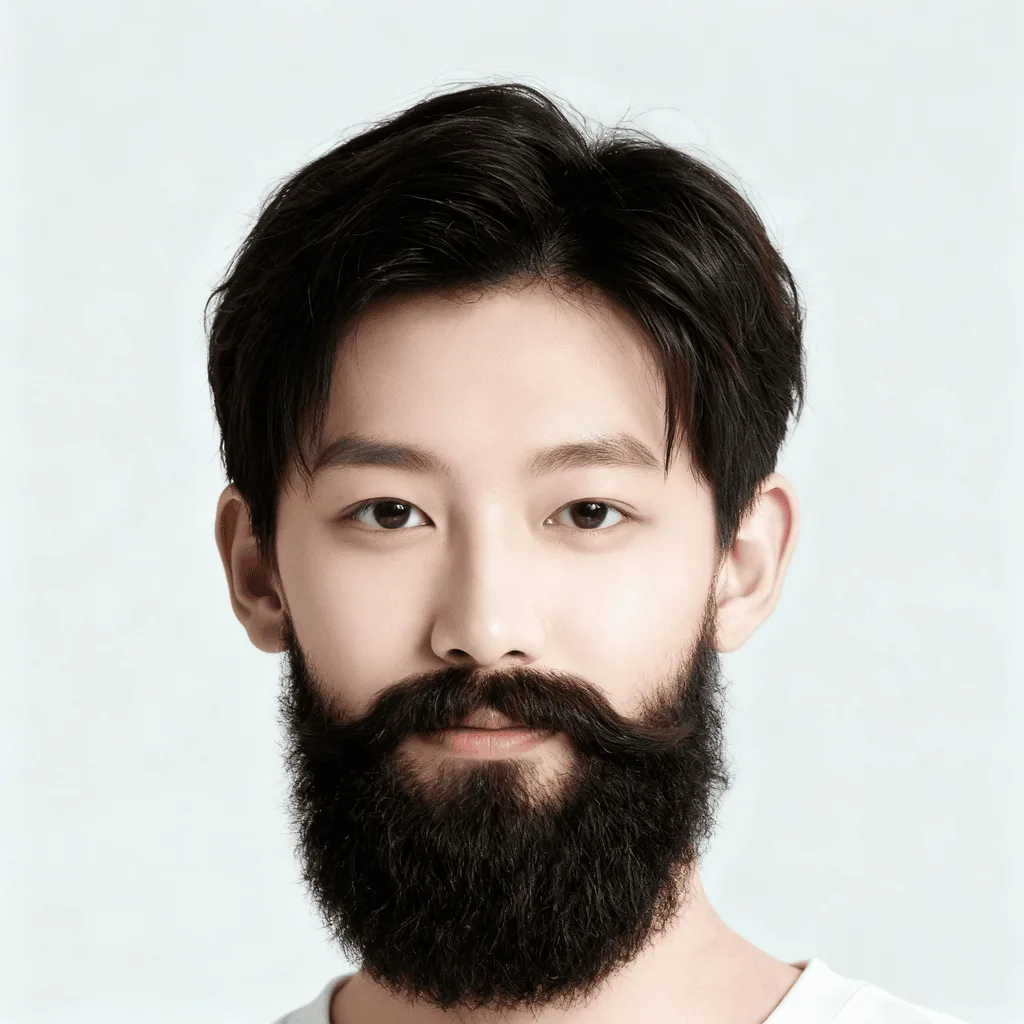
About the AI Beard Filter
The AI Beard Filter uses a generative AI model to realistically add facial hair to a face in a photo. It analyzes the jawline and facial structure to apply a variety of beard styles, from stubble to a full beard, in a way that looks natural and convincing. It's a fun and popular tool for anyone curious to see themselves with a beard or for trying out a new look before they commit to growing it.
How to Use the AI Beard Filter
1. Upload Your Photo
Choose a clear, front-facing photo to see how you'd look with a beard using our Beard Filter.
2. Apply and Refine
Instruct the AI to "add a beard." You can then refine the look by specifying the beard's style, length, or color in your prompt.
3. Download Your Bearded Look
Satisfied with your new facial hair? Download the high-resolution photo to see the rugged new you.