Edit into Blueprint Style
Transform any photo into a blueprint-style technical drawing — white linework on cyanotype blue with the engineered, drafted aesthetic.
Click to upload an image
or drag and drop
Running a quick security check…
What It Does
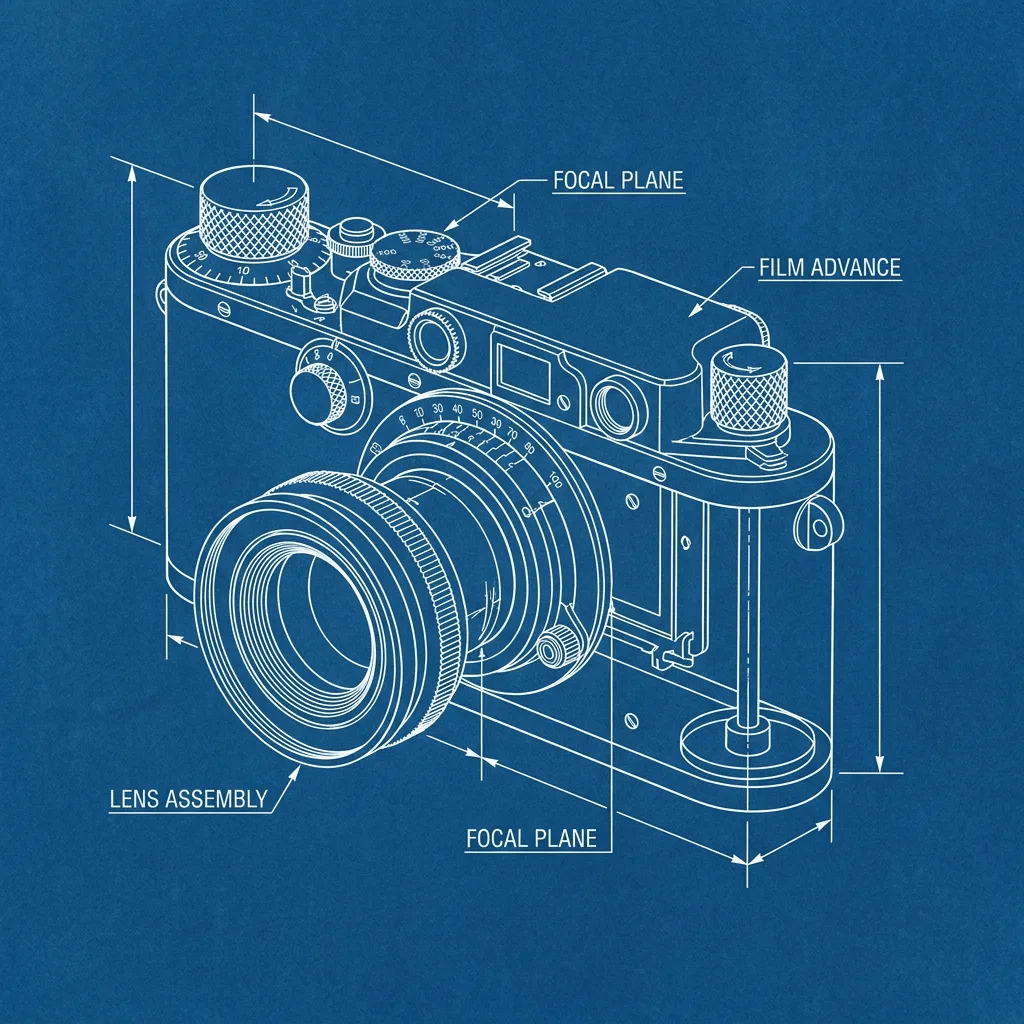
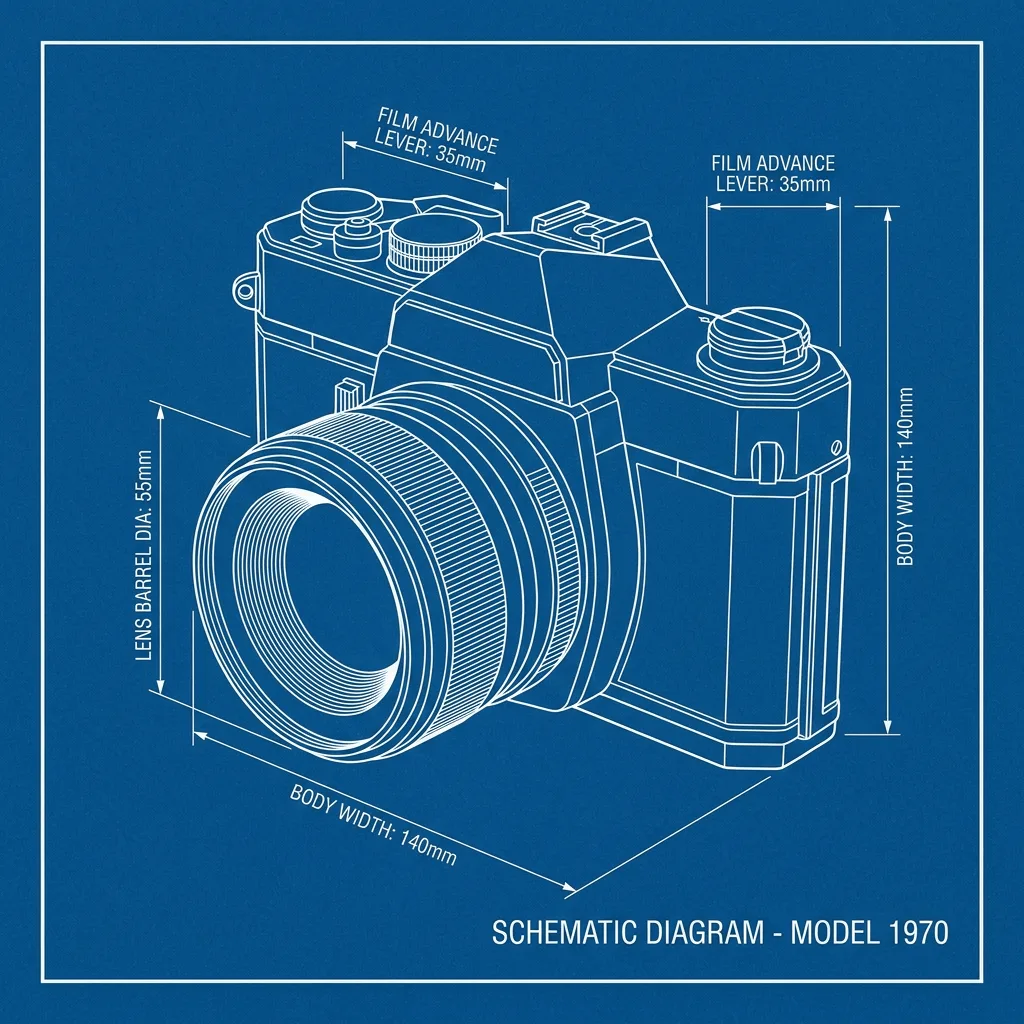
About Converting Photos to Blueprint Style
Translating a photo into a blueprint is an extraction job — the AI runs edge detection on your image, keeps only the structural lines, drops the result onto a deep cyan ground, and adds subtle technical-drawing cues (faint annotation, dimension marks, the imprecision of a hand-drafted overlay). The result reads as a working drawing of your subject, not a filtered photo. Use it for product packaging with an engineered feel, gift portraits of cars, motorcycles, or buildings, gallery prints with an industrial aesthetic, brand visuals for design and engineering companies, and concept illustrations.
How to Convert a Photo to Blueprint
Upload Your Photo
Choose a photo with strong geometric structure — buildings, vehicles, machinery, and architectural details translate most convincingly into blueprint form.
Apply & Review
Apply the conversion and check the linework — crisp white edges on deep cyan, no leftover photographic shading, and any annotations should read as technical, not decorative.
Refine & Download
Re-prompt for more or fewer annotations, sharper line extraction, or a different shade of blue until the blueprint lands. Download for prints, packaging, or gift art.