Change Object Color
Change the color of any object in a photo — recolor a shirt, car, sofa, or accent while keeping everything else identical.
Click to upload an image
or drag and drop
Running a quick security check…
What It Does
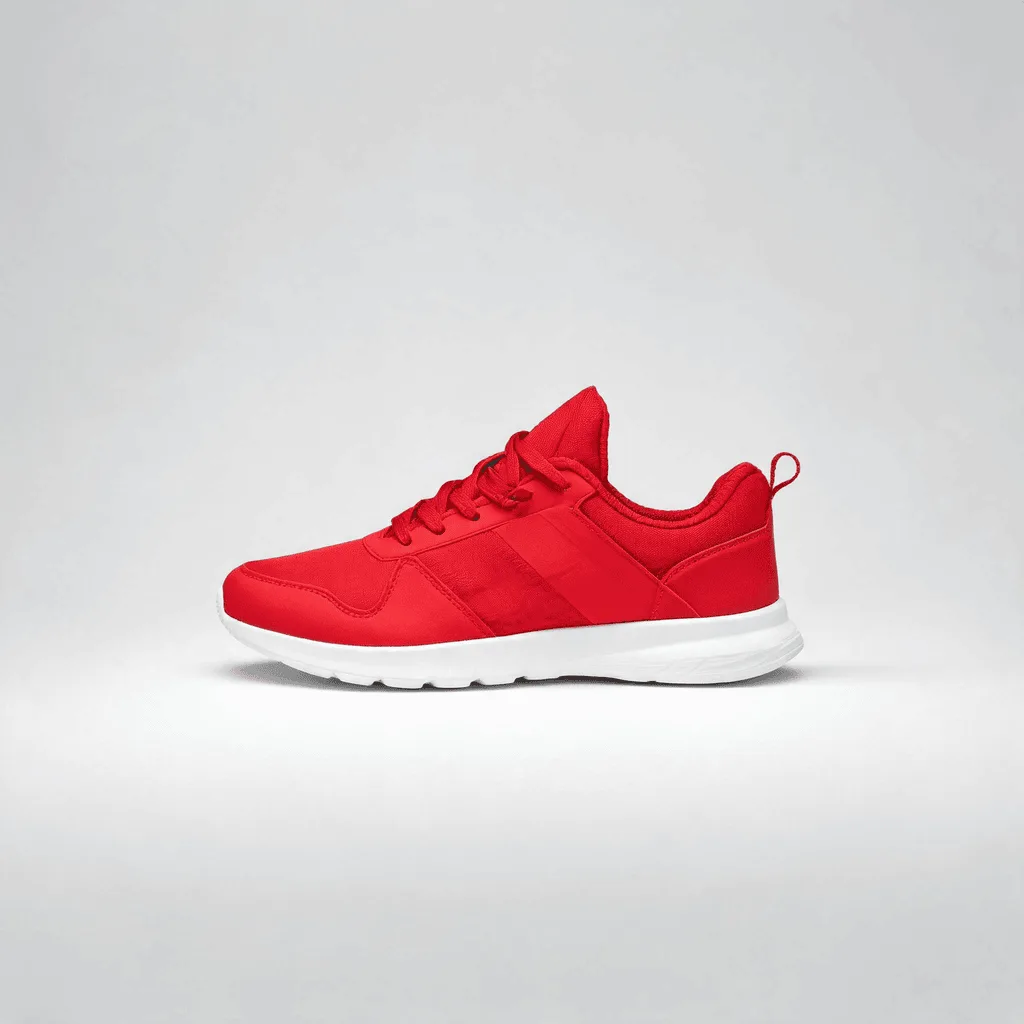
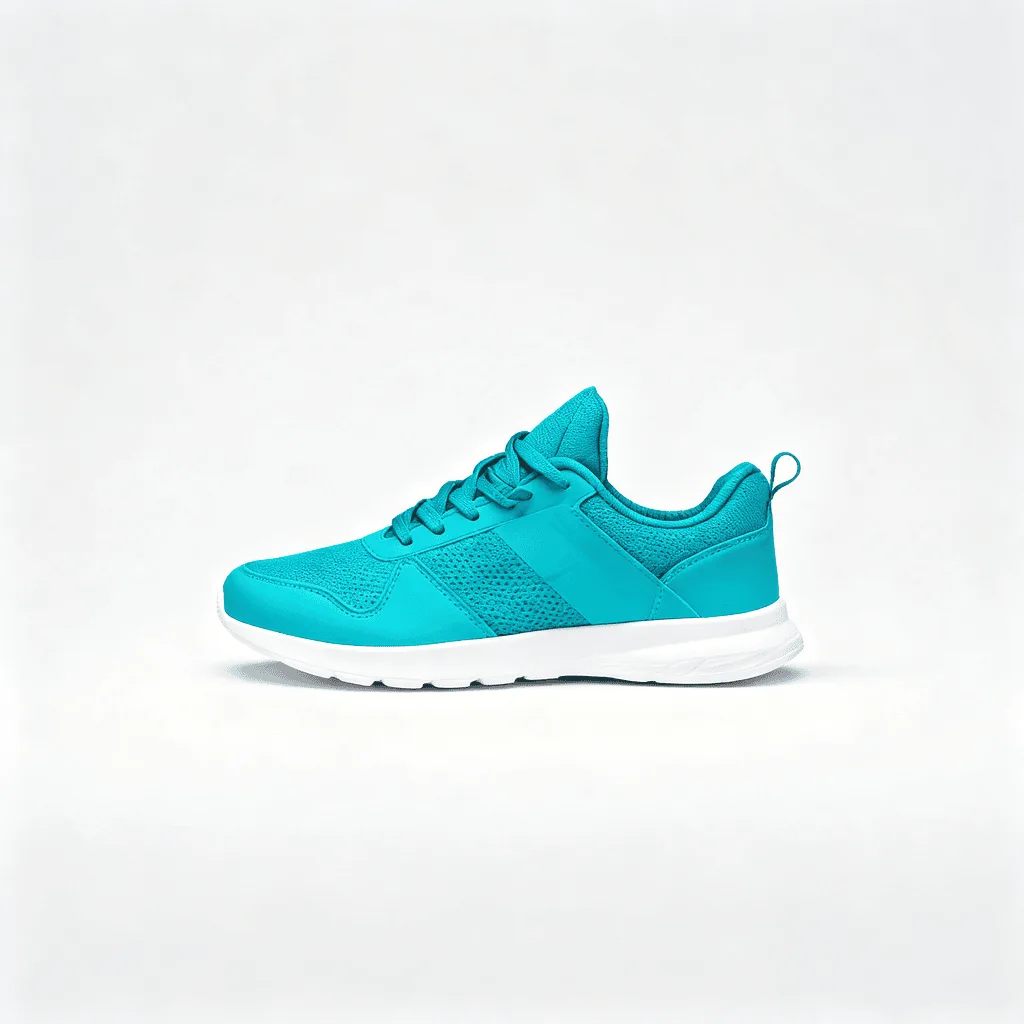
About Changing Object Colors
Recoloring a single object in a photo is one of the most common edits in fashion, e-commerce, interior design, and automotive marketing — show the same shirt in five colors, preview a sofa in different upholsteries, visualize a car repaint. Our AI runs that operation cleanly: it identifies the object you specify, remaps its color while preserving the original texture and shading, and leaves the rest of the photo untouched. Use it for fashion catalog variants, e-commerce color options, interior design mood boards, automotive marketing, packaging color variants, and personalized product visualization.
How to Change an Object's Color
Upload Your Photo
Choose a photo with a clear single object you want to recolor. Solid-colored objects with good lighting recolor most reliably.
Describe the Change & Apply
Tell the AI what to change and the new color — 'change the red car to navy blue', 'change the white sofa to forest green'. Apply and inspect: only the named object should change; everything else should be pixel-identical.
Refine & Download
Re-prompt with a different color or a more specific object description if the change spilled over. Download for catalog, mood board, or personal use.