AI Character Swap
Swap characters between different images or within the same image. Place your favorite characters in new scenes.
Running a quick security check…
What It Does
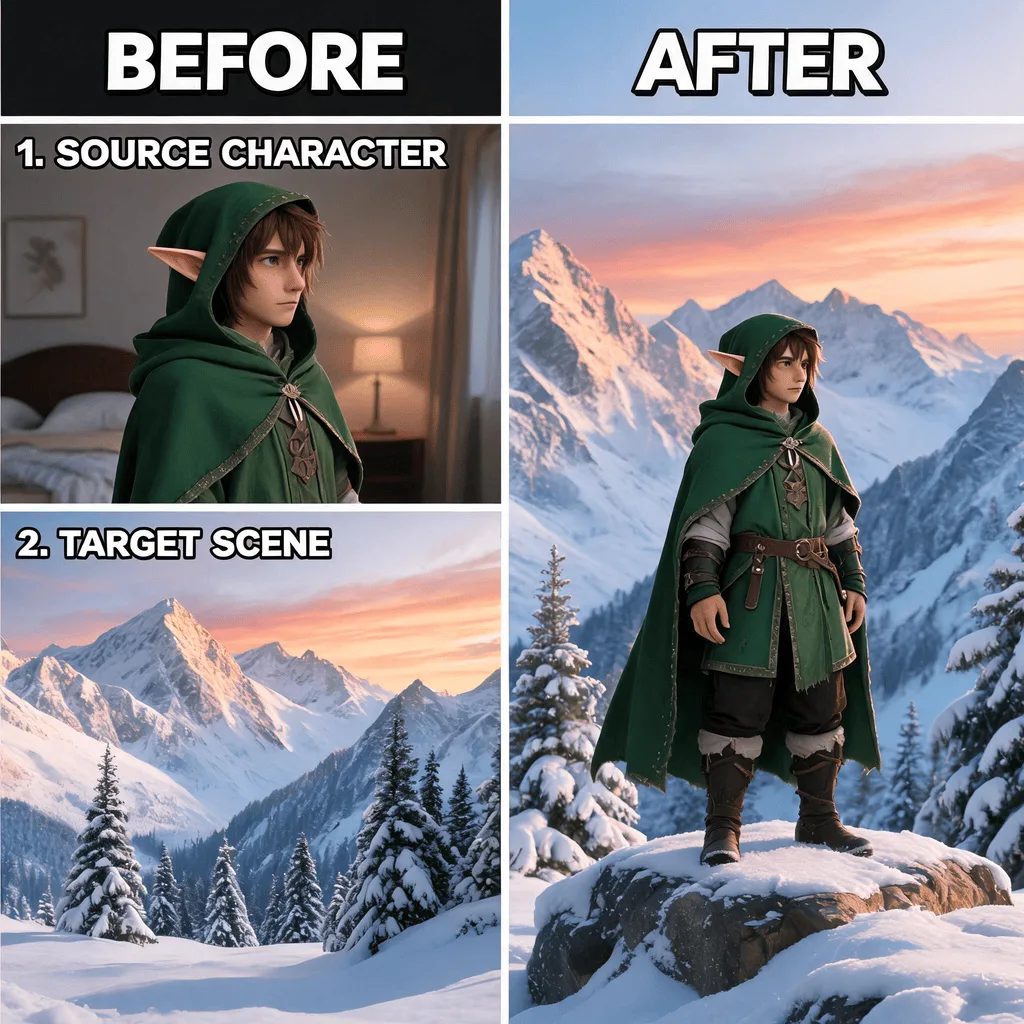
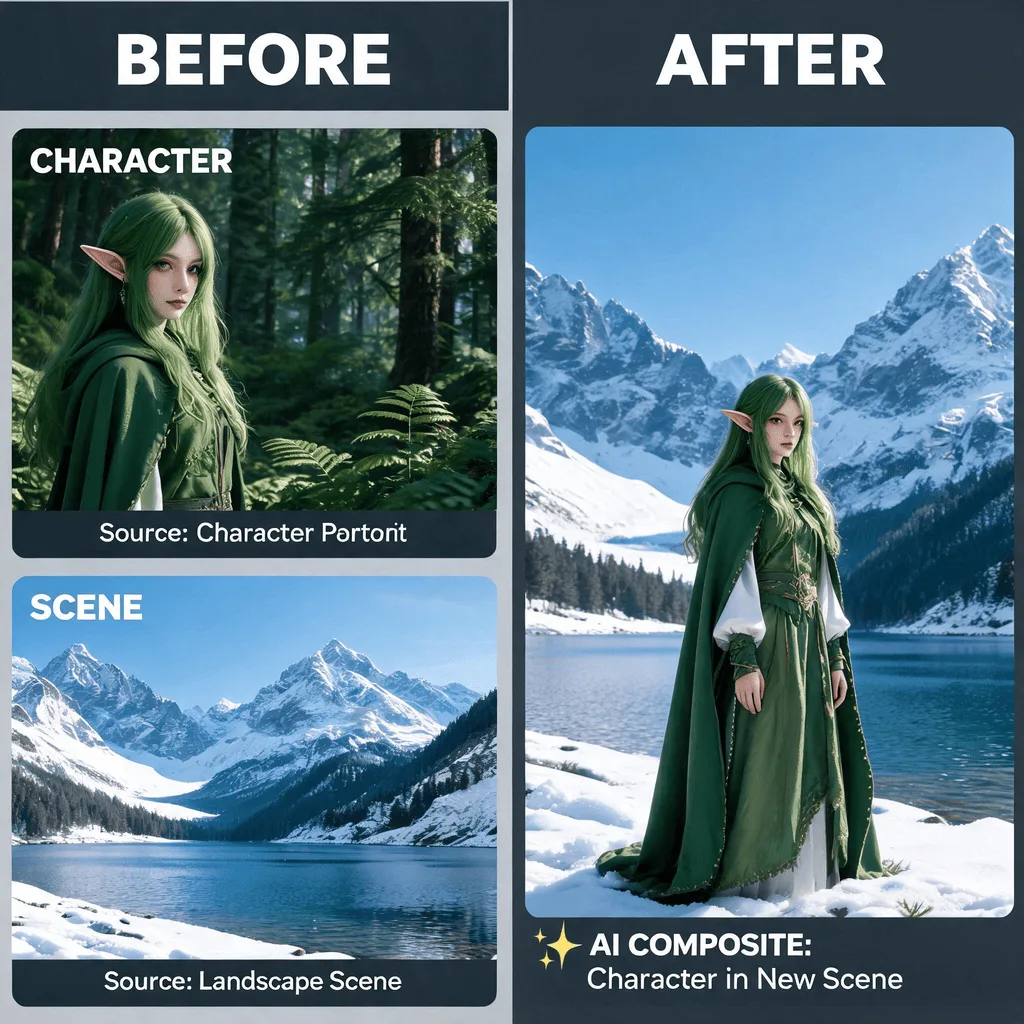
About AI Character Swap
AI Character Swap uses image segmentation to isolate a character from its original background and then intelligently blends it into a new scene. The AI adjusts the character's lighting and color balance to match the new environment, making the composite look natural. It's a powerful tool for digital artists, meme creators, and anyone wanting to create imaginative photo manipulations.
How to Swap Characters in an Image with AI
1. Upload Your Image
Upload an image containing the character or person you wish to replace. The Character Swap tool works on photos, illustrations, and more.
2. Describe the New Character
Provide a text prompt describing the new character you want to insert, for example, "replace the man with a robot." Refine the prompt for better results.
3. Download the Reimagined Scene
Once the character has been seamlessly swapped, download the newly created high-resolution image.