Apply Chrome Finish
Apply a polished chrome finish to any photo's subject — mirror-bright reflections, sharp specular highlights, and that liquid-metal Y2K aesthetic.
Click to upload an image
or drag and drop
Running a quick security check…
What It Does

About Applying Chrome Finish to Photos
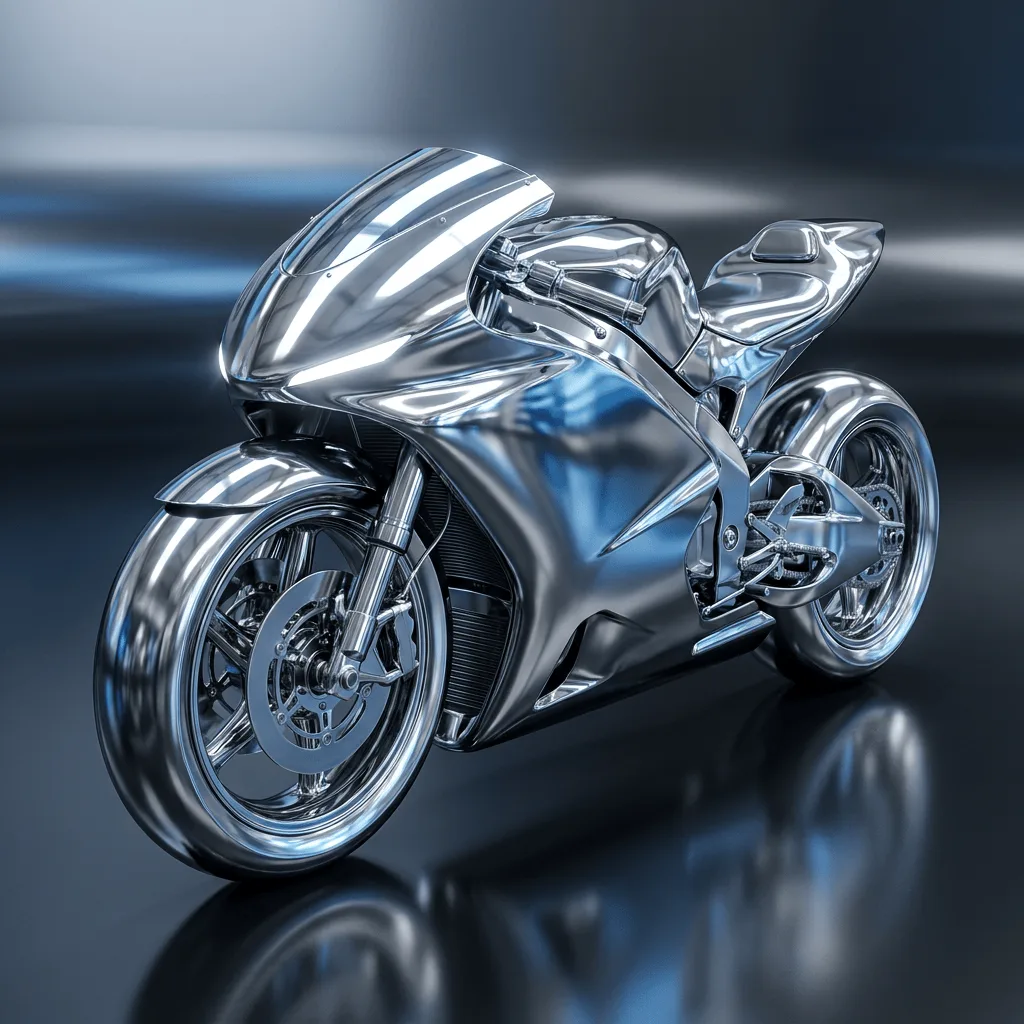
Chrome as an aesthetic recurs across design history — mid-century industrial product chrome, 1970s sci-fi cover art, Y2K and 'frutiger aero' visuals, and modern luxury branding all use the polished mirror look to signal precision and futurism. Our editor converts the subject of your photo into that finish: hard cool-toned highlights, mirror-bright reflections that suggest a surrounding environment, and smooth liquid-metal surfaces with no diffuse texture. Use it for futuristic product mockups, Y2K-themed branding, tech brand visuals, sci-fi cover art, modern luxury campaigns, and event posters with a high-shine aesthetic.
How to Apply Chrome Finish
Upload Your Photo
Pick a photo with a clear single subject — text, logos, characters, vehicles, and products all chrome convincingly. Smooth surfaces show the finish best.
Apply & Review
Apply the chrome finish and check the highlights and reflections. The subject should feel like polished mirror-metal, not like a chrome filter sticker.
Refine & Download
Re-prompt for sharper highlights, more reflection detail, or a different metal tint (cool blue chrome, warm chrome, oily iridescent chrome) until the surface lands. Download for branding or social.