Apply Cinematic Lighting
Apply cinematic lighting to any photo — dramatic single-source illumination, rim light, atmospheric haze, and the look of a feature-film still.
Click to upload an image
or drag and drop
Running a quick security check…
What It Does

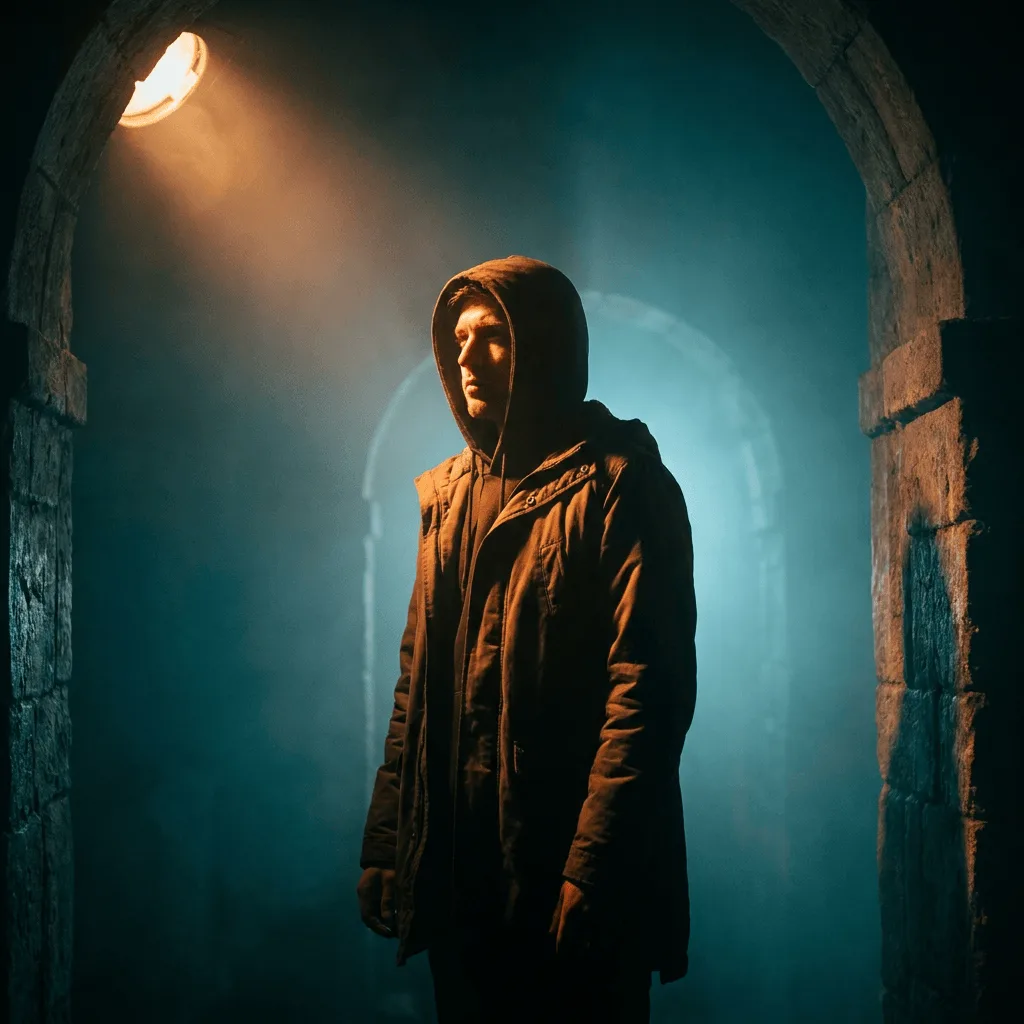
About Applying Cinematic Lighting to Photos
Cinematic lighting is the bundle of choices that separates a film still from a snapshot — dramatic single-source key, rim light separating subject from background, atmospheric haze in the deep, and the teal-and-orange color grading that's been the dominant Hollywood look for decades. Our editor re-lights your photo through those choices, preserving the subject but transforming the mood. Use it for portrait commissions with a film aesthetic, themed promotional art, music and event poster work, and editorial illustration for storytelling content.
How to Apply Cinematic Lighting
Upload Your Photo
Choose a photo with a clear subject — portraits, action shots, single objects, and architectural scenes all benefit from cinematic re-lighting.
Apply & Review
Apply the cinematic re-light and check the key, the rim separation, and the color grade. The result should feel like a film still, not a photo with a filter.
Refine & Download
Re-prompt for a different mood (warmer key, cooler shadows), more atmospheric haze, or a different rim direction until the image lands. Download for editorial or promotional use.