Edit into Claymation Style
Transform any photo into claymation — the subject re-rendered as if hand-sculpted from modeling clay, with the warm stop-motion feel.
Click to upload an image
or drag and drop
Running a quick security check…
What It Does
About Converting Photos to Claymation Style
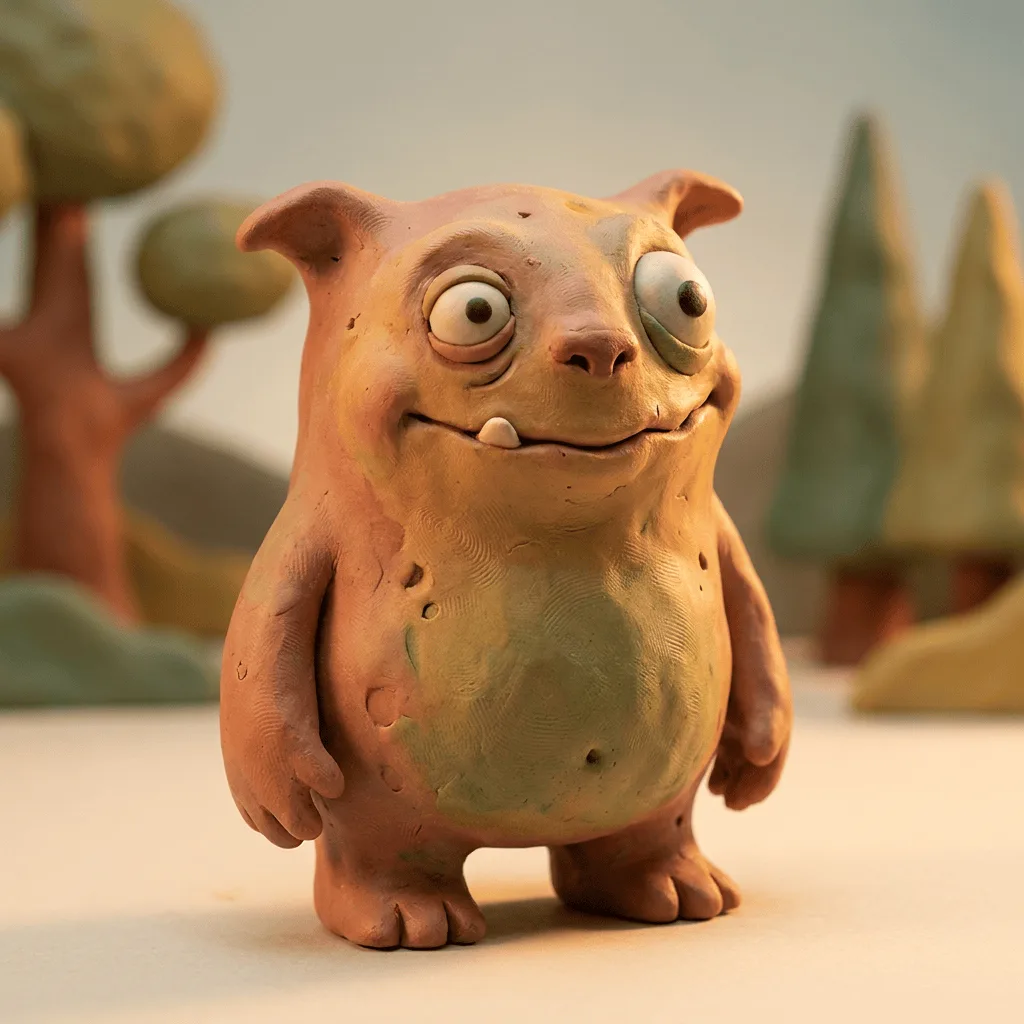
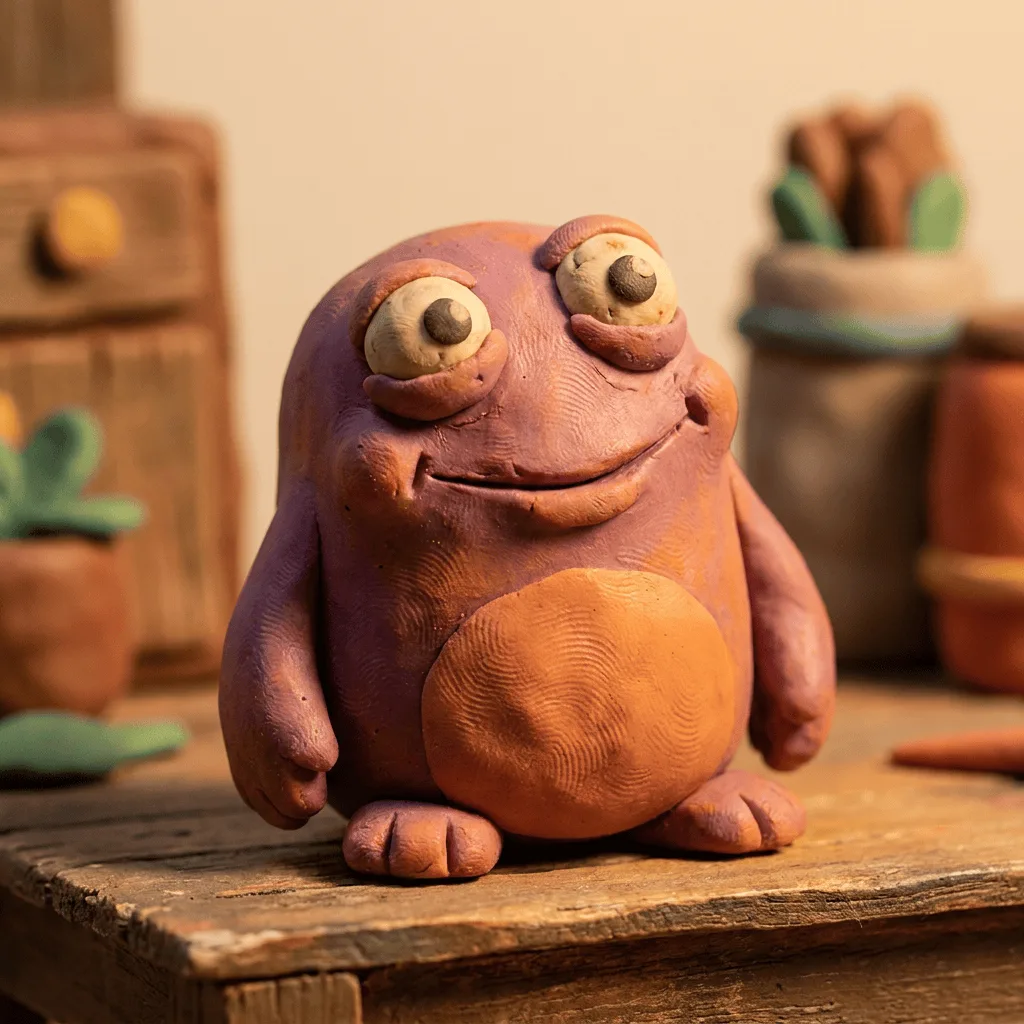
Translating a photo into claymation re-imagines the subject as a hand-sculpted clay figure — surfaces gain fingerprint texture, edges soften, palette warms, and lighting becomes the three-point studio setup of a stop-motion shoot. Our editor reads your photo and reconstructs the subject through that vocabulary. Use it for animated-style profile portraits, themed birthday and event posters, family-friendly campaign art, custom gifts, and brand visuals with a handmade warmth.
How to Convert a Photo to Claymation
Upload Your Photo
Choose a photo with a clear subject — portraits, pets, single characters, and themed group photos translate most reliably into clay form.
Apply & Review
Apply the conversion and check the clay texture, fingerprint imperfection, and warm studio lighting. The subject should feel sculpted.
Refine & Download
Re-prompt for more visible texture or a different palette warmth until the claymation lands. Download for personal gifts, brand visuals, or social.