Create Collage
Generate visually rich collages — combine photos, patterns, and graphics into balanced, share-ready compositions.
Running a quick security check…
Inspiration Gallery
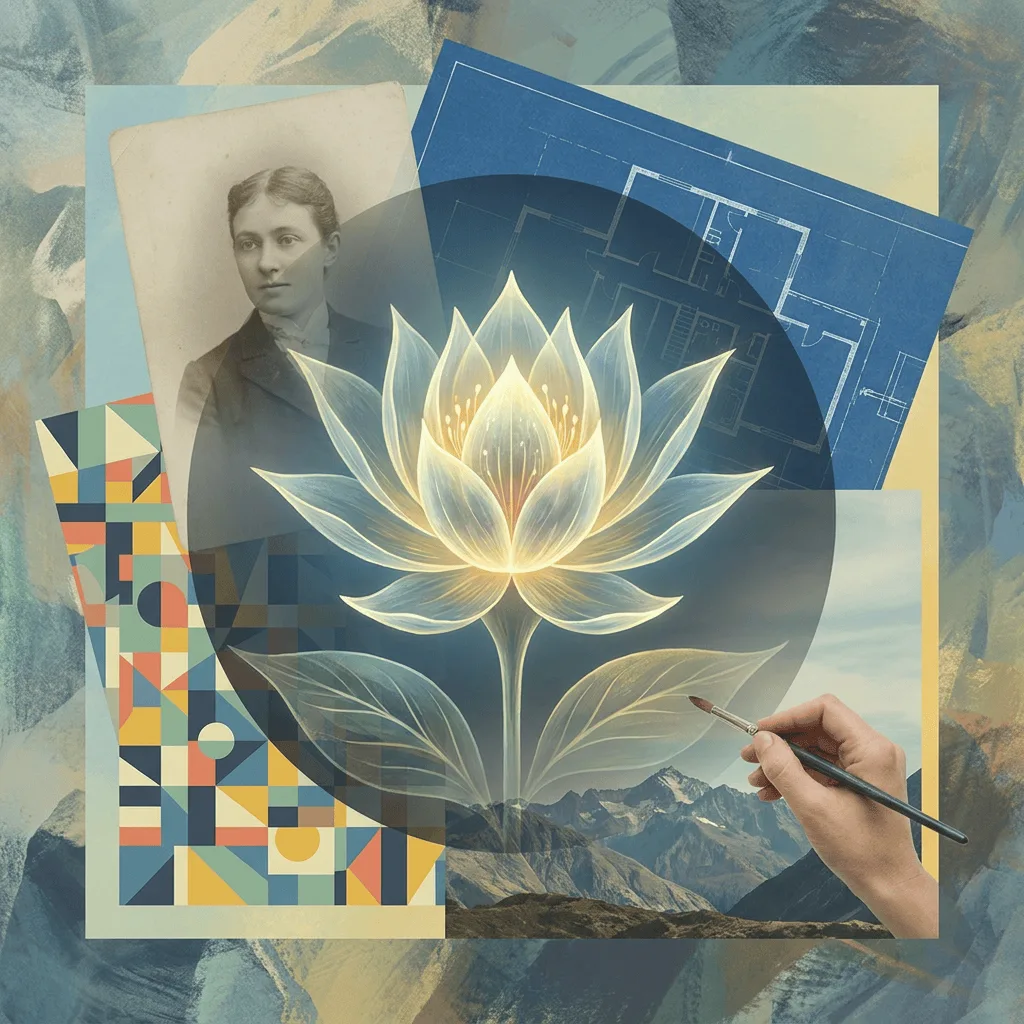
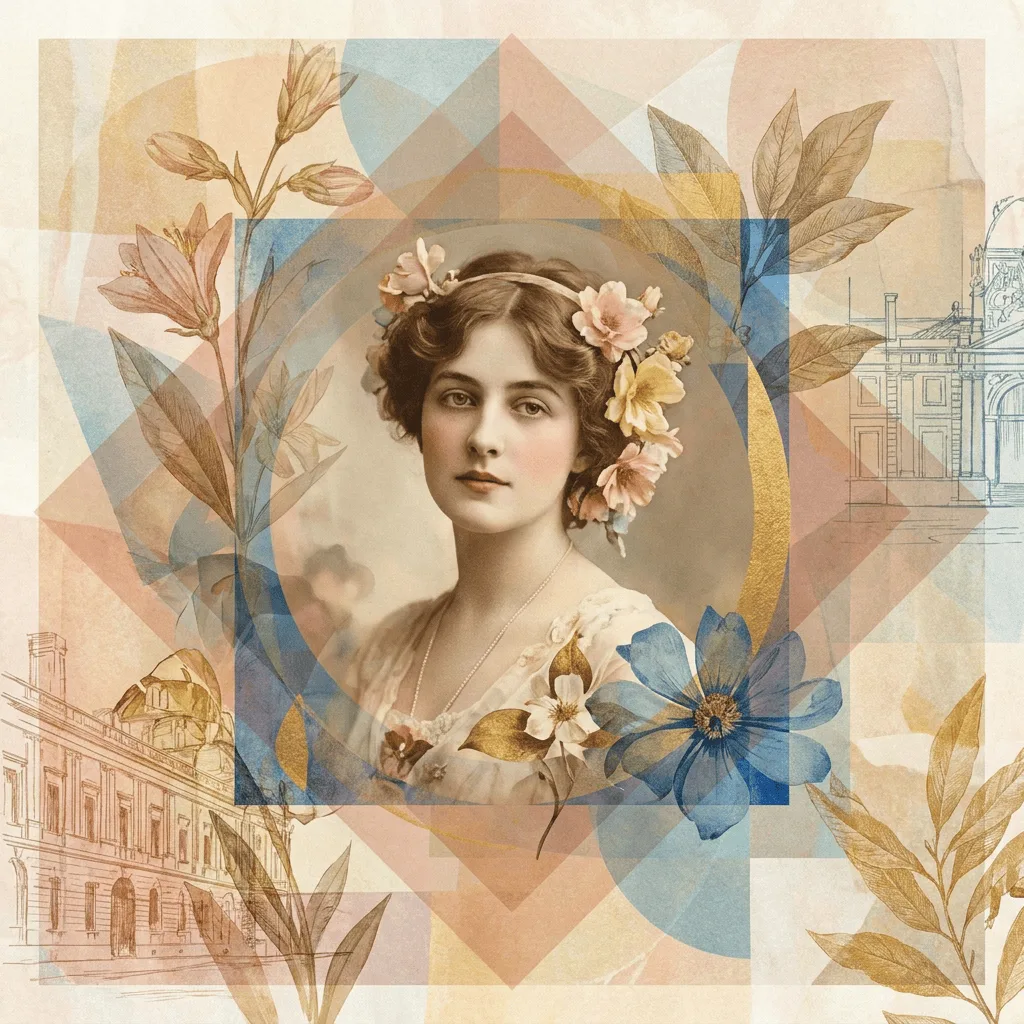
See what you can create with our AI image generator
About Creating Collages
Collage began as a fine-art practice in the early 20th century — Picasso and Braque cutting newsprint into their canvases — and has since become the everyday visual grammar of mood boards, magazine layouts, and social posts. Our AI assembles the composition with deliberate design choices: visual hierarchy, color harmony, considered overlap, and a clear focal point so the result reads as a single image, not a pile of pictures. Use it for mood boards, photo memorials, Instagram and Pinterest content, scrapbook spreads, brand visuals, and editorial layouts.
How to Create a Collage
Describe Your Collage
Tell the AI the theme, the kinds of elements, and the look — 'travel mood board, polaroids and stamps, scrapbook arrangement' or 'minimalist grid of fashion editorial photos, white margins'. Mention any palette or layout preference.
Generate & Review
Generate the collage and check the composition: does the eye know where to land first? Is color holding the layout together? Are elements overlapping with intent, not chaos?
Refine & Save
Re-prompt to change the layout (grid vs. organic), tighten the palette, or swap element types. Save the final composition for sharing, printing, or further editing in design tools.