AI Color Changer
Change the color of any object in your photos with precision. Instantly recolor clothing, cars, furniture, and more.
Click to upload an image
or drag and drop
Running a quick security check…
What It Does
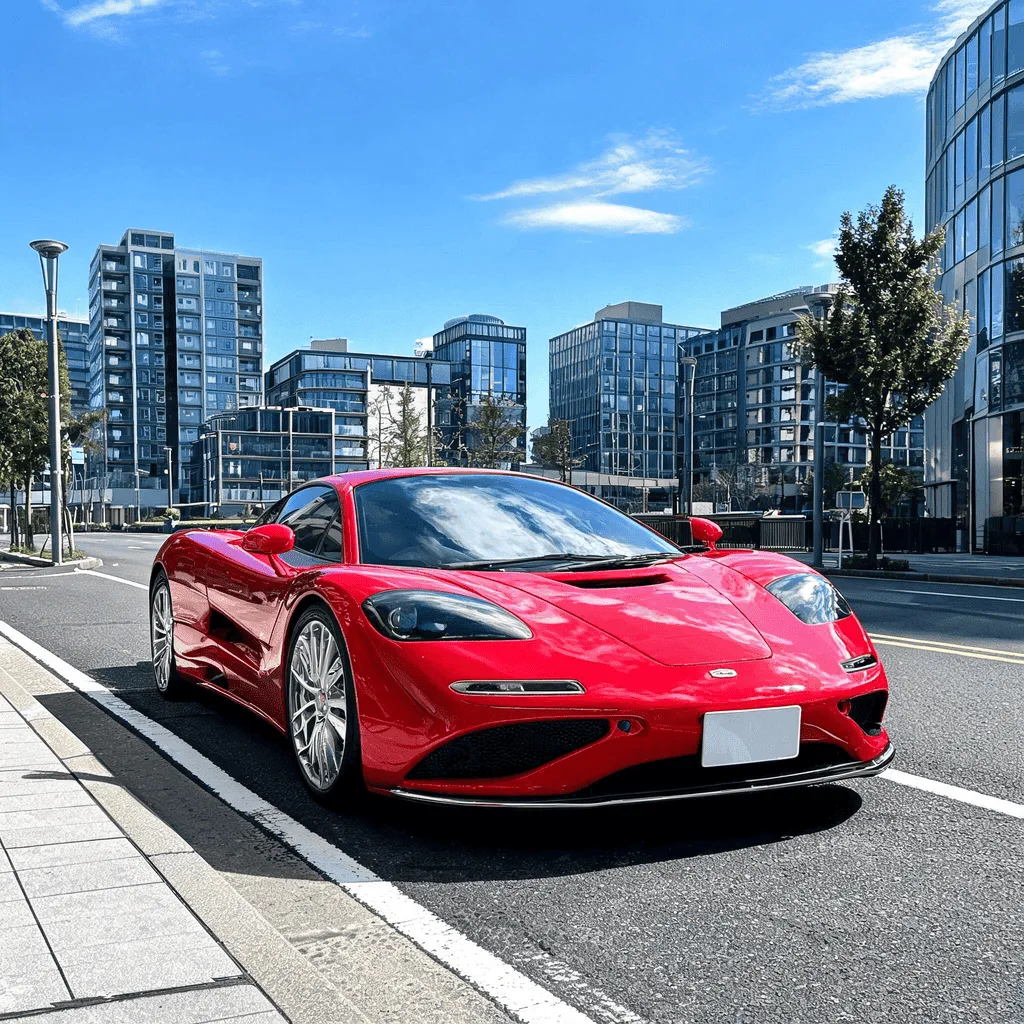
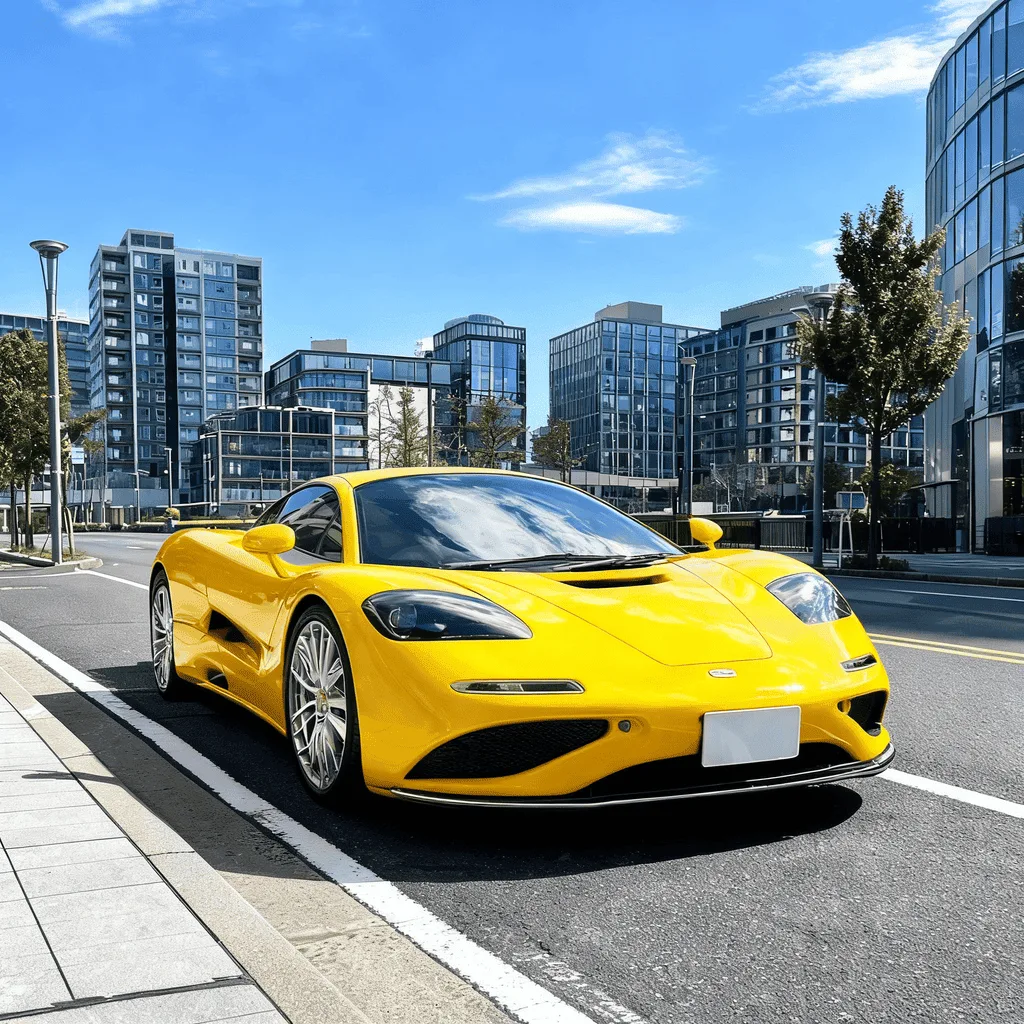
About the AI Color Changer
The AI Color Changer uses object detection and segmentation to isolate specific items in your photo. It then allows you to change the color of that object while preserving its texture, shadows, and highlights for a realistic result. It's an amazing tool for e-commerce (showing products in different colors), interior design visualization, or just for creative photo editing.
How to Change Colors in a Photo with the AI Color Changer
1. Upload Your Photo
Upload the image in which you want to change a specific color. The AI Color Changer can target objects, clothing, and more.
2. Instruct and Refine
Use a prompt to specify the change, like "change the red car to blue" or "make the dress green." Refine the prompt to adjust the shade and selection.
3. Download the New Colors
Once the colors have been perfectly swapped, download the high-resolution photo with its new look.