Apply Color Splash Effect
Apply a color splash effect — convert most of the photo to black-and-white while keeping a chosen color or subject in full color.
Click to upload an image
or drag and drop
Running a quick security check…
What It Does
About Color Splash Effects
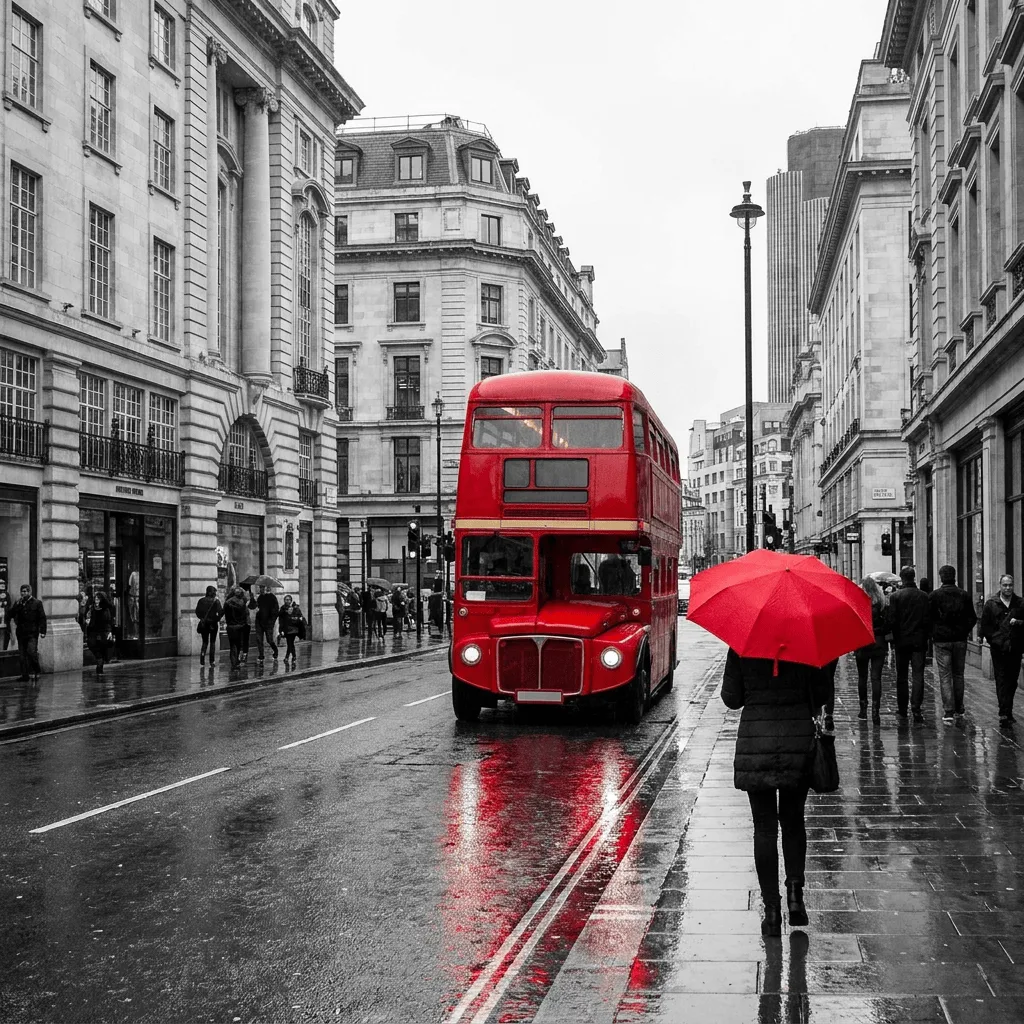
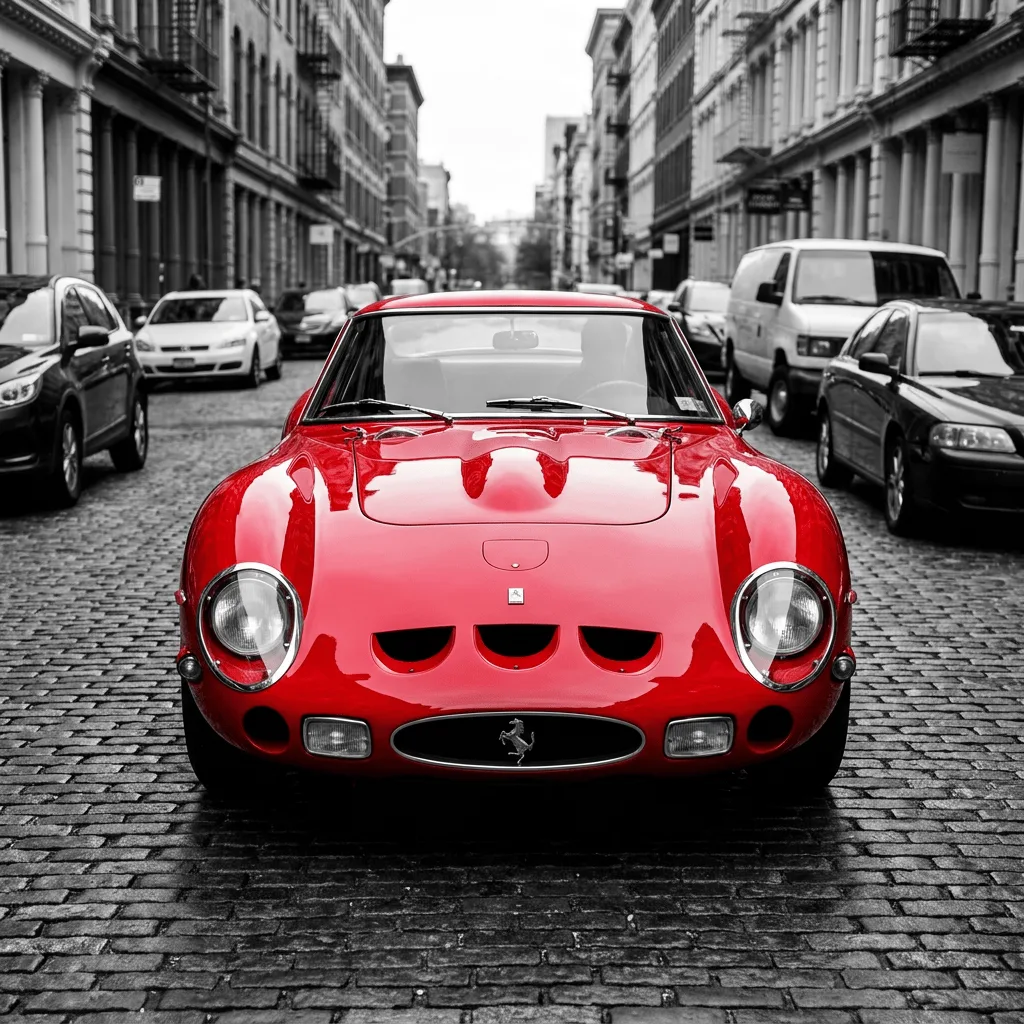
Color splash — also called selective color — keeps one element in full saturation while desaturating the rest of the image. The technique became famous through Sin City and a generation of wedding photography, and it remains one of the most direct ways to point the eye at a single subject. Our AI runs the operation cleanly: it identifies the element the user wants to keep, masks it, and desaturates everything else without leaving a halo around the kept region. Use it for wedding and portrait photography (red bouquet against grey), themed editorial illustration, dramatic social posts, gallery prints, and music-video stills.
How to Apply Color Splash
Upload Your Photo
Choose a photo where one element stands out by color or position. Wedding photos, portraits with a single accent color, and street photos with one bright subject work best.
Pick What to Keep & Apply
Tell the AI what to keep in color — 'keep only the red rose bouquet in color', 'keep only the yellow taxi in color'. Apply and inspect the masking at the boundary of the kept element.
Refine & Download
Re-prompt with a more specific description if the mask isn't clean, or pick a different element. Download for prints, social, or photo books.