Edit into Cross-Stitch Style
Convert any photo into a cross-stitch pattern — pixel-grid X-shaped stitches on canvas, ready as embroidery reference.
Click to upload an image
or drag and drop
Running a quick security check…
What It Does
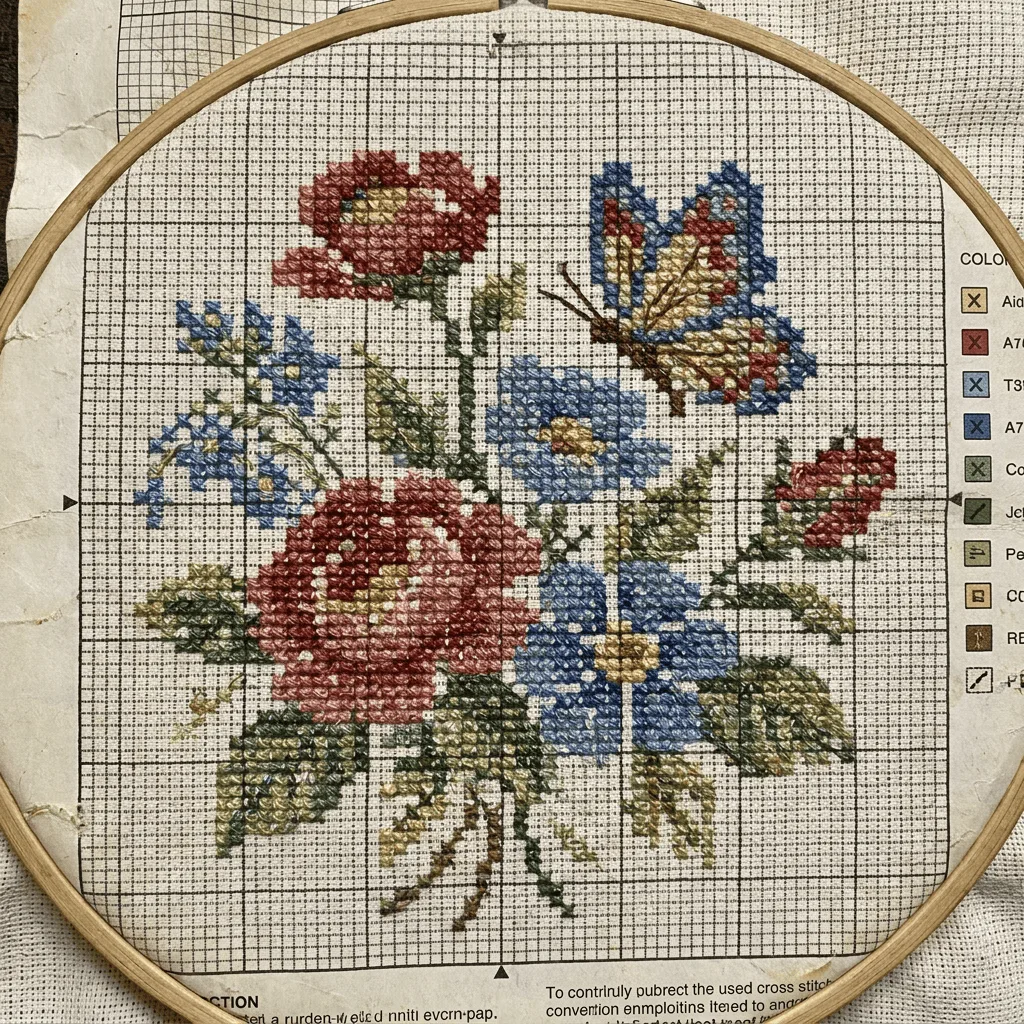
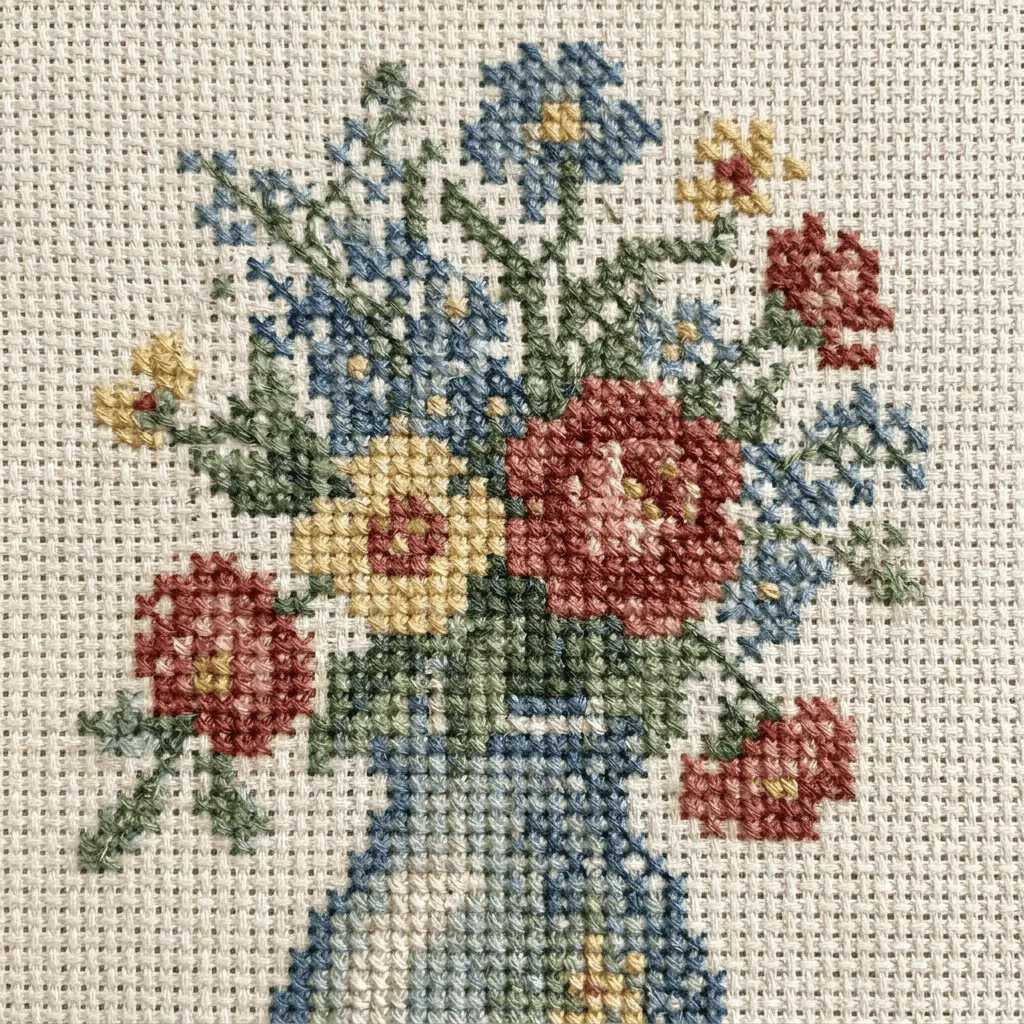
About Converting Photos to Cross-Stitch Patterns
Translating a photo into a cross-stitch pattern resamples the image onto a pixel grid, assigns each grid cell an X-shaped stitch in a quantized thread palette, and adds the canvas texture beneath. Our editor runs that conversion. Use it for personalized embroidery from family photos, Etsy pattern shops working from references, gift charts of pets and homes, craft-blog content, and decorative prints with a craft aesthetic.
How to Convert a Photo to Cross-Stitch
Upload Your Photo
Choose a photo with strong shapes and good color separation — portraits, pets, single objects, and landscape silhouettes convert most reliably.
Apply & Review
Apply the conversion and check the grid count, palette quantization, and stitch visibility. The result should read as a printable chart.
Refine & Download
Re-prompt for finer grid, fewer thread colors, or a different palette until the pattern is chart-ready. Download for embroidery work.