Create Cubist Image
Generate Cubist art that fragments subjects into geometric forms and assembles multiple viewpoints into one image.
Running a quick security check…
Inspiration Gallery
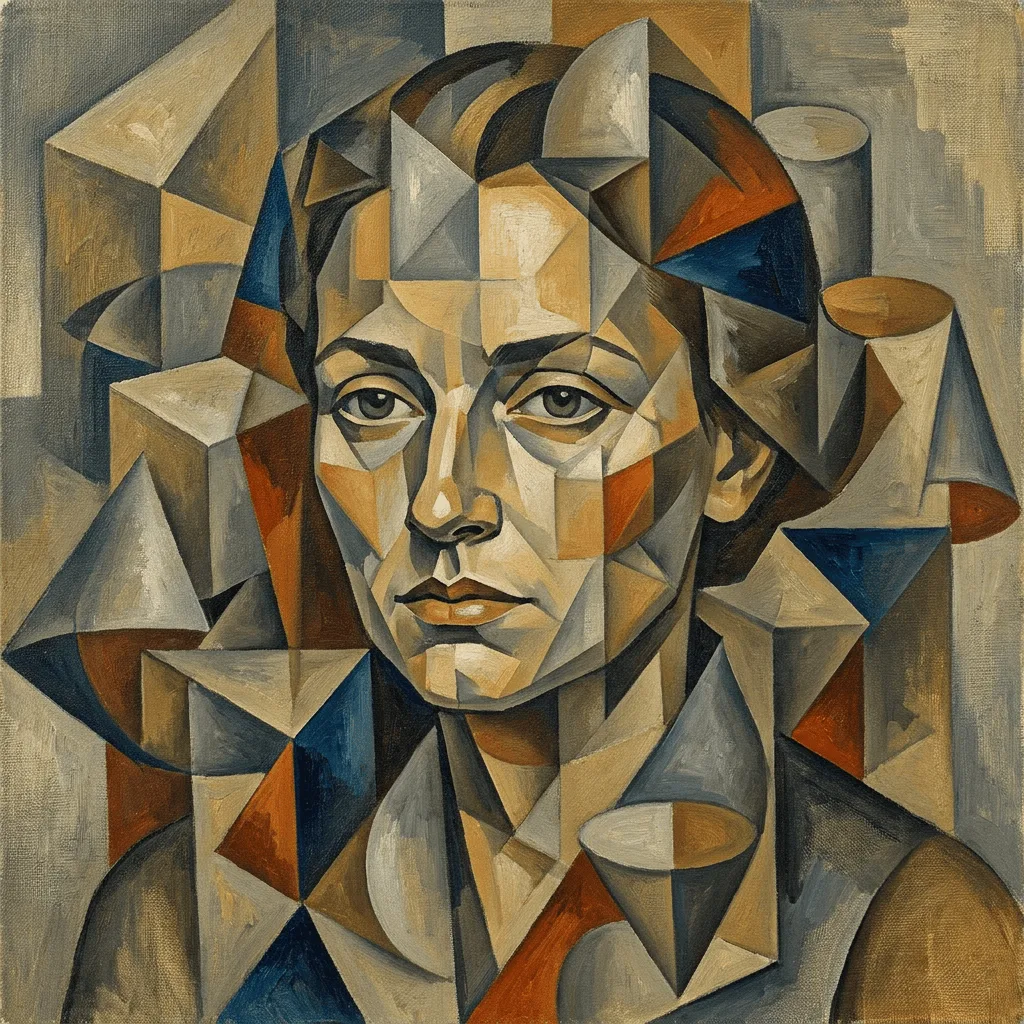
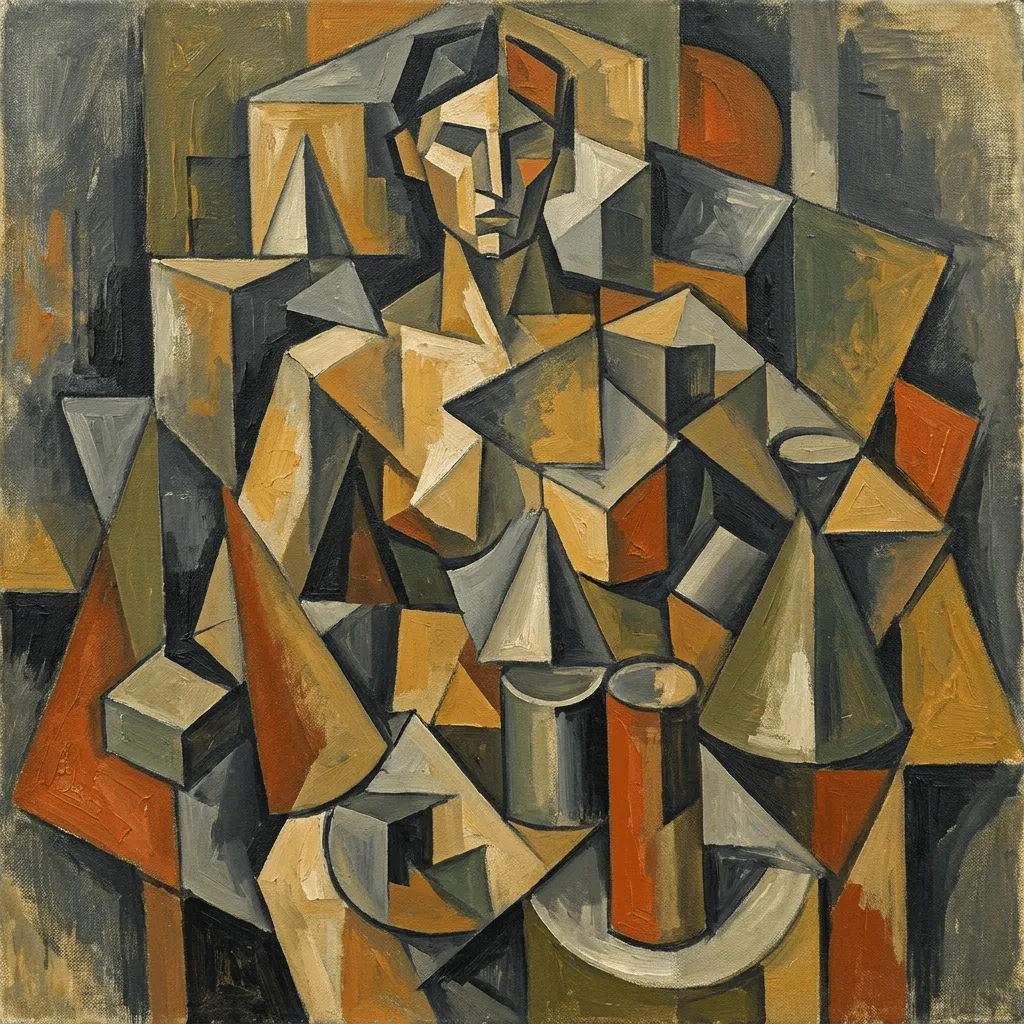
See what you can create with our AI image generator
About Creating Cubist Images
Cubism, pioneered by Picasso and Braque in 1907–1914 Paris, broke from single-viewpoint perspective by fracturing subjects into geometric planes and showing several angles at once — analytical Cubism stripped to ochre and grey, synthetic Cubism added bold collage-like color. Our AI works to those structural rules: it deconstructs the subject into facets, layers overlapping planes, and flattens depth onto the picture plane. Use it for modern portraits, avant-garde editorial illustration, gallery prints, or branding when you want a visibly art-historical feel.
How to Create Cubist Art
Describe Your Subject
Tell the AI what to deconstruct — portraits, still lifes, instruments, and figures work classically. Specify analytical Cubism (fragmented, muted) or synthetic Cubism (more color, collage-feel) if you have a preference.
Generate & Review
Generate the image and watch for actual fracture and multiple viewpoints, not just a Picasso-flavored filter. The subject should be visibly broken into planes.
Refine & Export
Re-prompt to push the abstraction harder (more facets, fewer recognizable cues) or softer (clearer subject, lighter fracture). Regenerate until the balance reads right.