Enhance Details
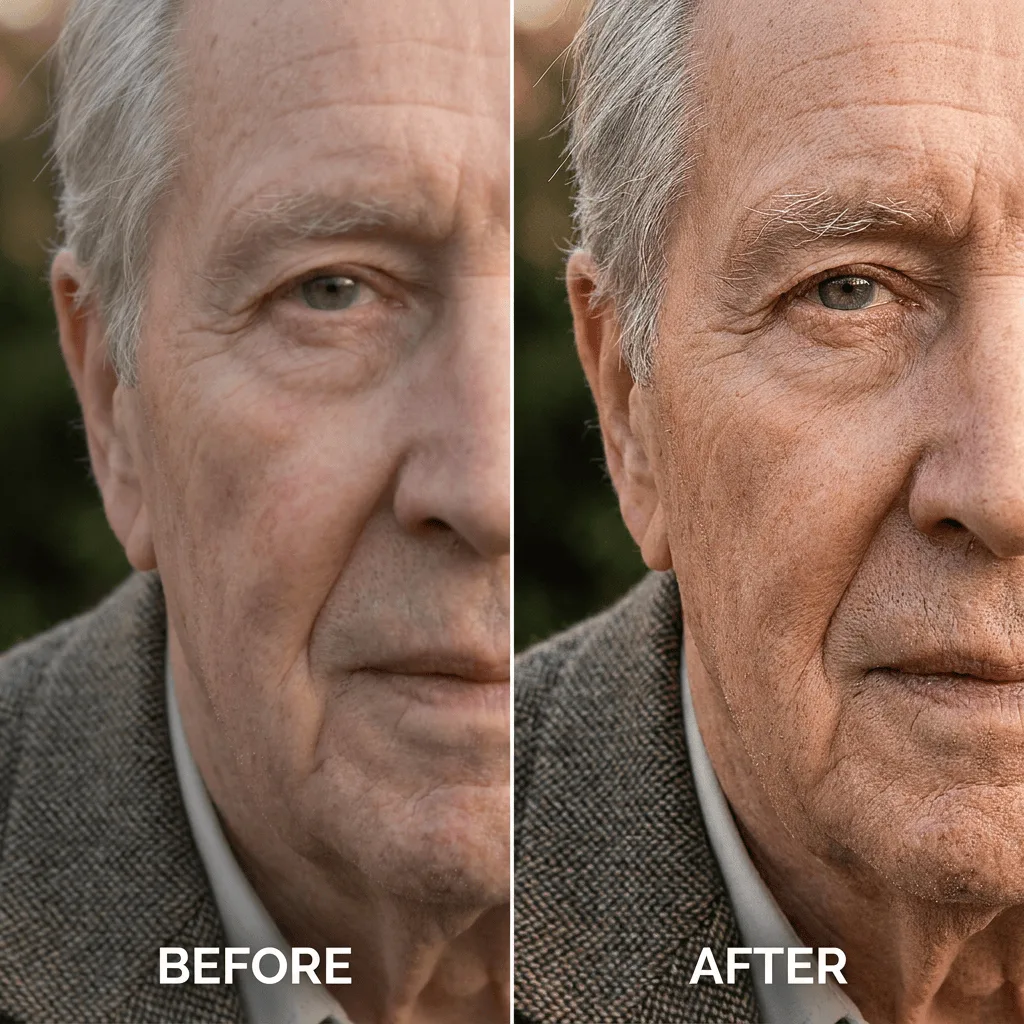
Enhance the fine detail of any photo — pull texture, fabric weave, hair, and surface character forward without sharpening artifacts.
Click to upload an image
or drag and drop
Running a quick security check…
What It Does
About Enhancing Photo Details
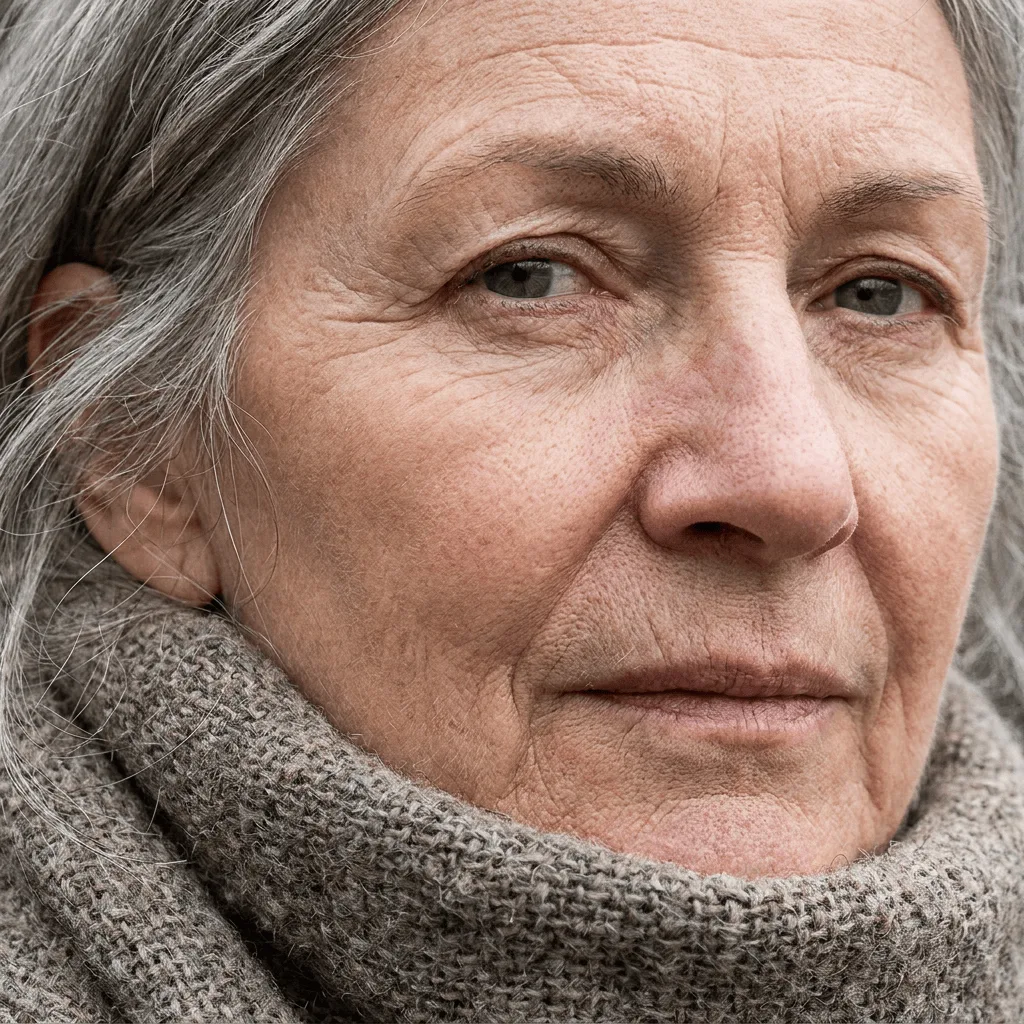
Detail enhancement is what professional retouchers do after sharpening — it pulls textural micro-detail forward while leaving smooth surfaces alone, so eyes have catchlights, hair has strand-level definition, and fabrics have weave. Our AI runs that operation with care: it amplifies high-frequency detail across the image, holds back on flat regions to avoid noise, and preserves the photo's overall color and exposure. Use it for portrait retouching for print and gallery, restoring soft scans or older digital photos, prepping product images for e-commerce zoom, dramatic landscape prints, and any case where the photo should reward closer inspection.
How to Enhance Photo Details
Upload Your Photo
Choose a photo where you want texture and detail to come forward. Portraits, product photos, and detailed landscapes benefit the most.
Enhance & Inspect
Run the enhancement and inspect at 100%. Texture should crisp up where it should, smooth areas (skin, sky) should stay clean, and there should be no halo artifacts at edges.
Refine & Download
Re-run with stronger or gentler detail enhancement as needed. Download for print, web, or further editing.