Apply Doodle Style
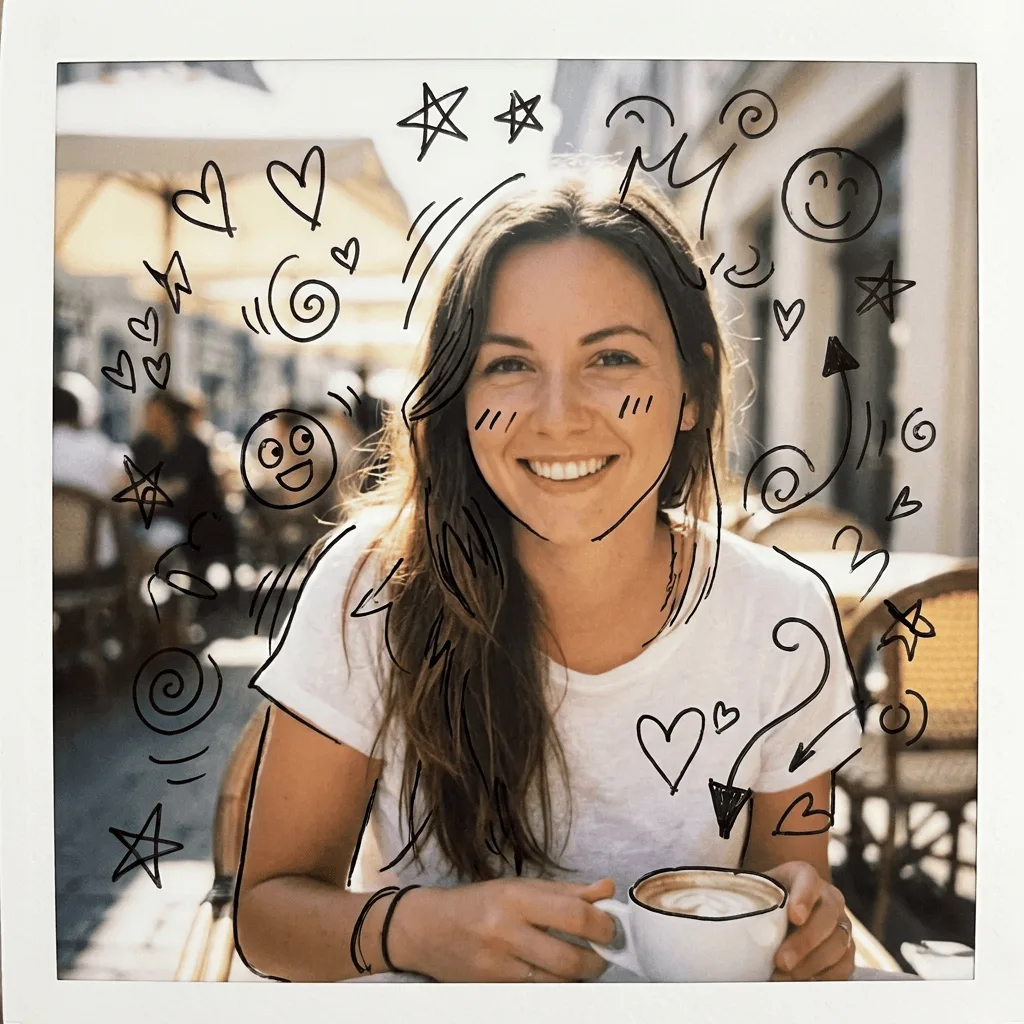
Add doodle elements to any photo — playful hand-drawn ink marks layered over the subject in the casual notebook-margin style.
Click to upload an image
or drag and drop
Running a quick security check…
What It Does

About Adding Doodle Style to Photos
Layering doodles onto a photo is a signature look of personal stationery, music-video editing, and social-media content that wants to feel personal and hand-touched — loose ink marks, repeated motifs, and slight imperfection added over the photographic image. Our editor places those marks intelligently around the subject. Use it for personal stationery and journals, gift card art, social posts with a hand-touched feel, music video stills, and packaging visuals with a playful brand voice.
How to Add Doodle Style
Upload Your Photo
Choose a photo with breathing room around the subject — doodles need space to land. Portraits and product photos work well; busy scenes get cluttered.
Apply & Review
Apply the doodle overlay and check that the marks feel hand-drawn, the motifs feel playful, and the photo beneath is still readable.
Refine & Download
Re-prompt for more doodles, looser lines, or a specific motif set until the overlay lands. Download for stationery, social, or packaging.