Apply Double Exposure Effect
Blend any photo with another image or concept — double-exposure layering in the classic film-photography editorial style.
Click to upload an image
or drag and drop
Running a quick security check…
What It Does
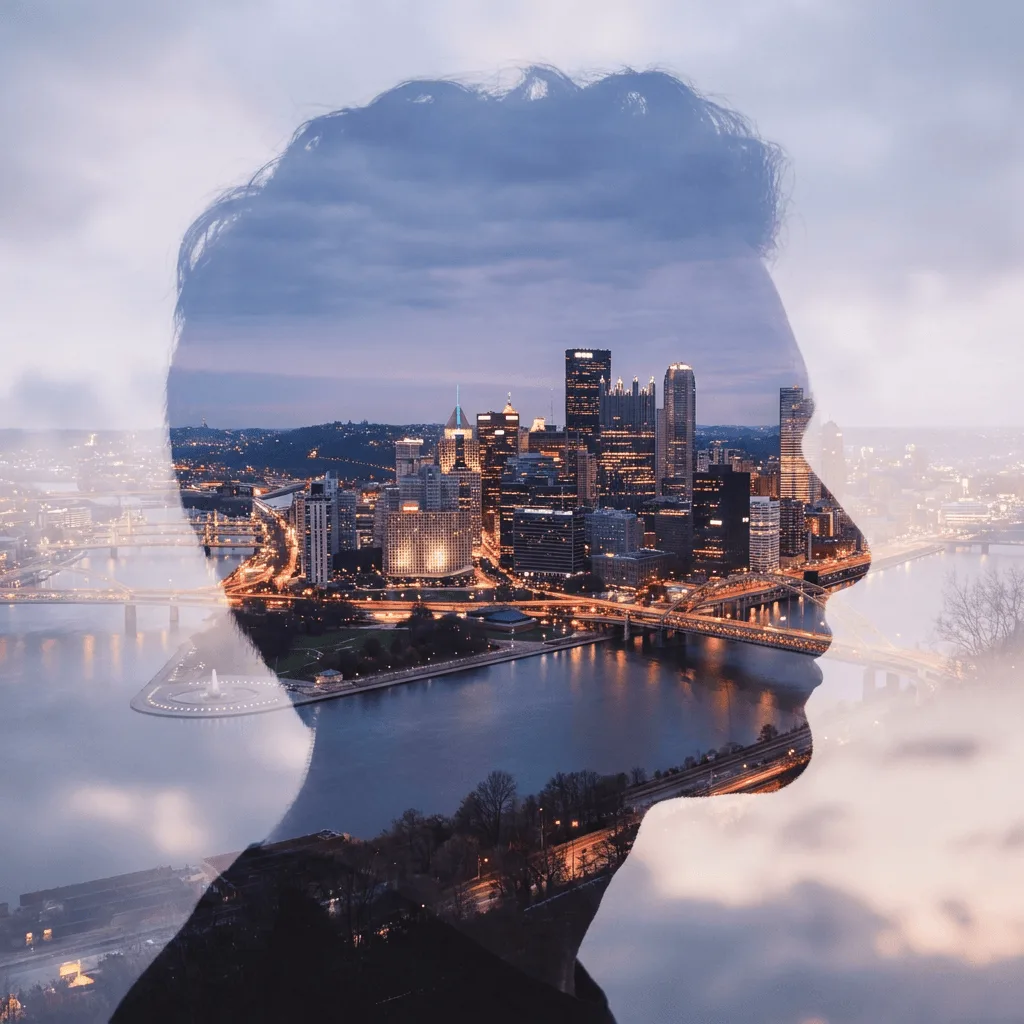
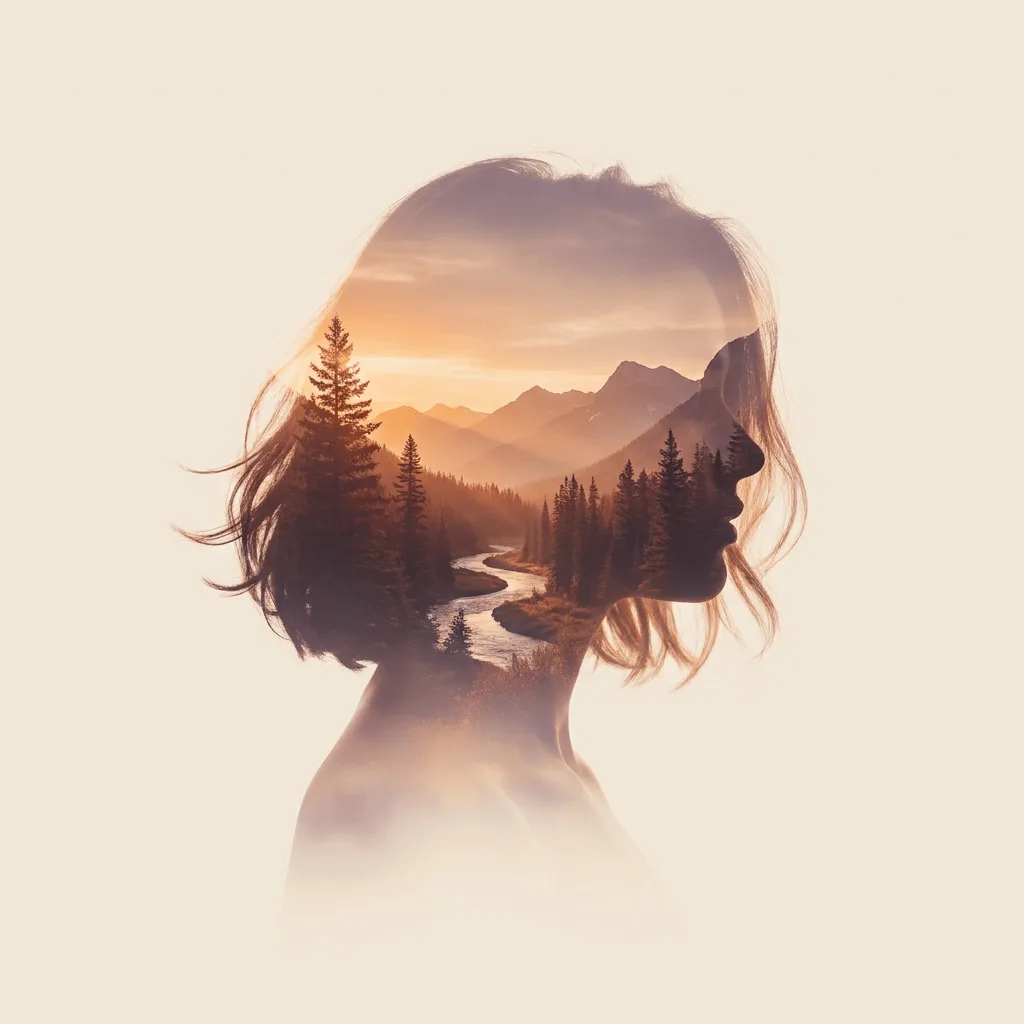
About Applying Double Exposure to Photos
Double exposure as a technique began on film — expose a single frame twice, two scenes blend into one — and became a signature look of editorial portraiture. Our editor applies that effect to your photo: it takes the silhouette of your subject and fills it with the second scene you describe, blending soft transitional edges between them. Use it for editorial commissions from client portraits, magazine and book covers, music album art, branded storytelling visuals, themed wedding photos, and gallery prints.
How to Apply Double Exposure
Upload Your Photo
Choose a photo with a strong silhouette — portraits with clean profiles, single figures against simple backgrounds, and architectural shots work best as the base.
Describe the Blend & Apply
Tell the AI the second subject — 'fill the silhouette with a misty forest at dawn', 'fill the profile with a city skyline at night'. Apply and inspect the blend transitions.
Refine & Download
Re-prompt for a different second subject, stronger or softer blend, or a different mood until the composite reads as deliberate double exposure. Download for editorial or gallery use.