Edit into Etching Style
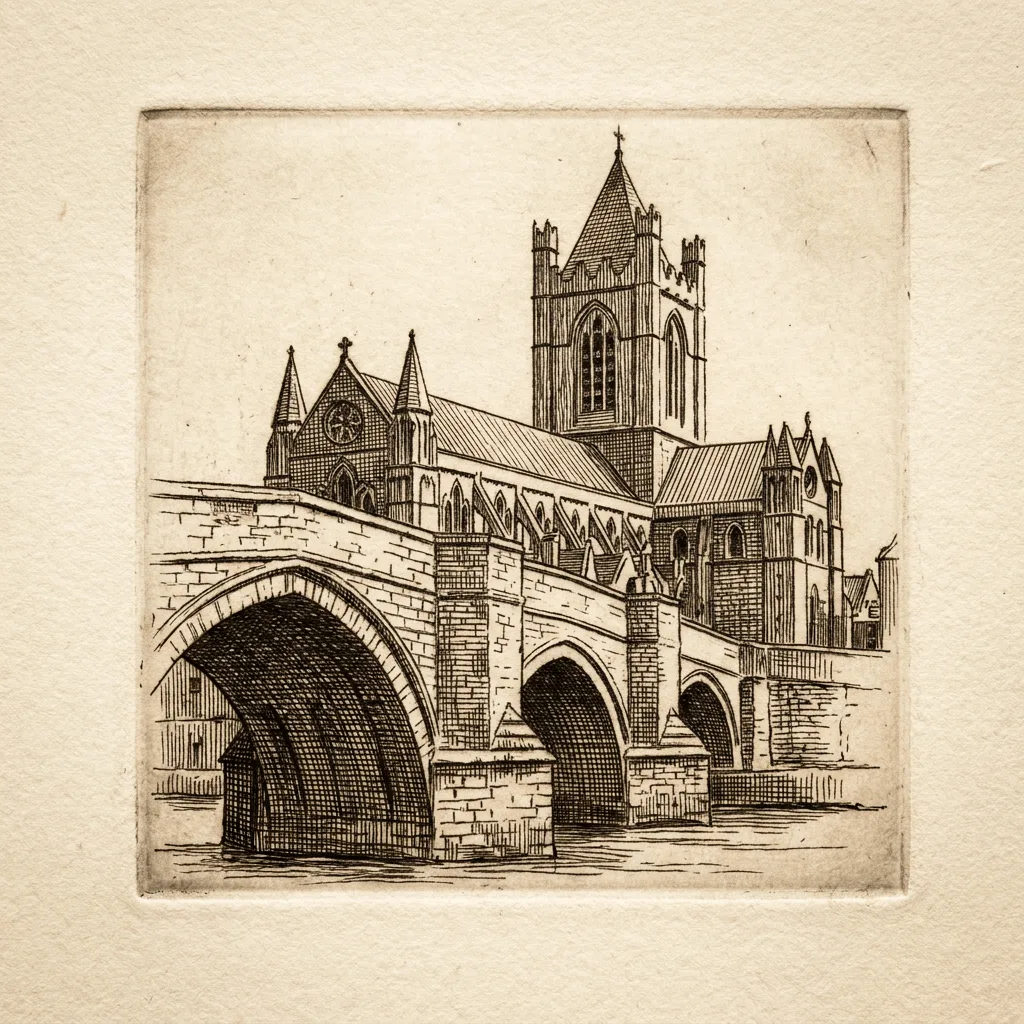
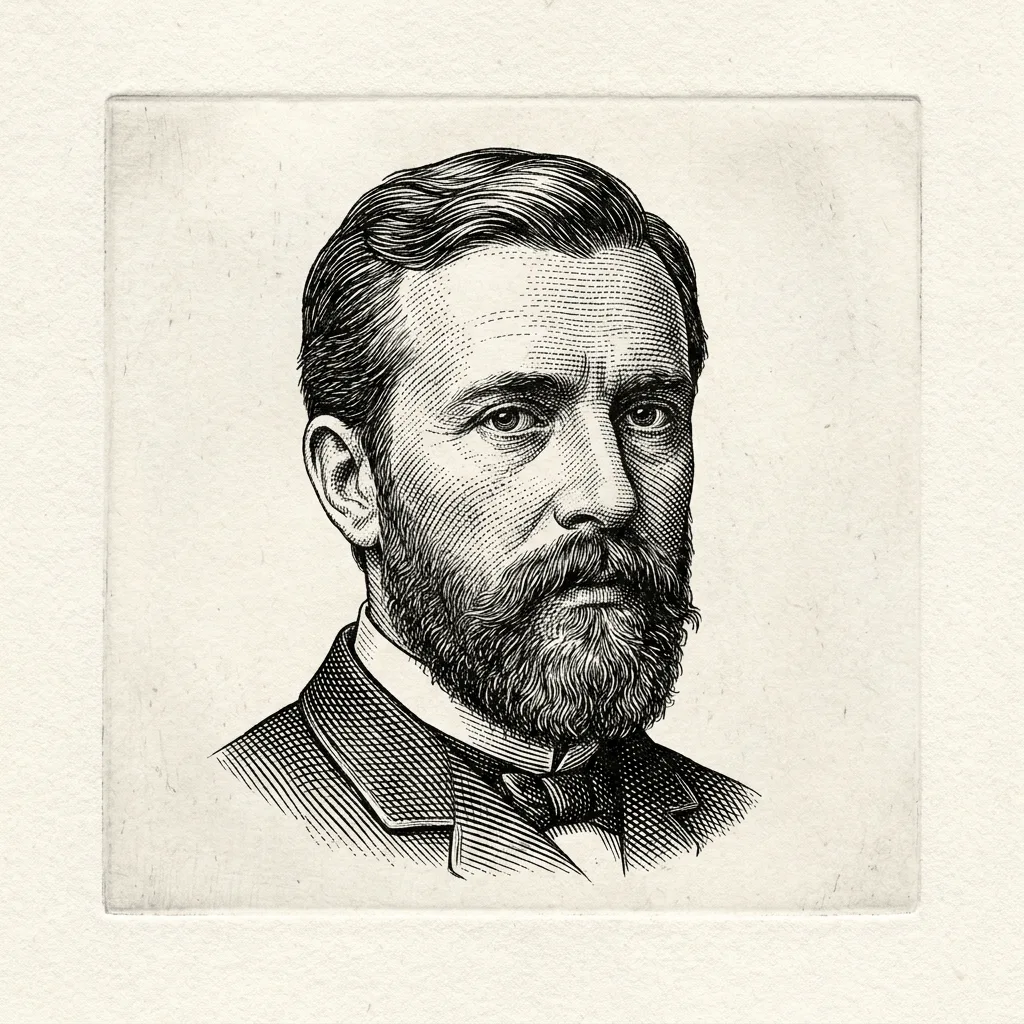
Convert any photo into an etching — fine crosshatched intaglio look with the antique feel of Rembrandt-era printmaking.
Click to upload an image
or drag and drop
Running a quick security check…
What It Does
About Converting Photos to Etching Style
Translating a photo into an etching is a deliberate reduction — color goes, modern photographic shading goes, and a centuries-old printmaking vocabulary of crosshatching and parallel-line tone takes over. Our editor reads your image and rebuilds it from those lines. Use it for gallery prints from portraits, themed book covers, historical-fiction marketing visuals, custom anniversary or commemorative gifts, and editorial illustration with depth.
How to Convert a Photo to Etching
Upload Your Photo
Choose a photo with rich tone and clear subject — portraits, landscapes with weather, and architectural scenes translate most reliably.
Apply & Review
Apply the conversion and check the crosshatching and paper tone. The result should feel like a 17th-century print, not a filtered photo.
Refine & Download
Re-prompt for finer or denser hatching, a different paper tone, or a different master's reference until the etching lands. Download for gallery or print.