Edit into Family Guy Style
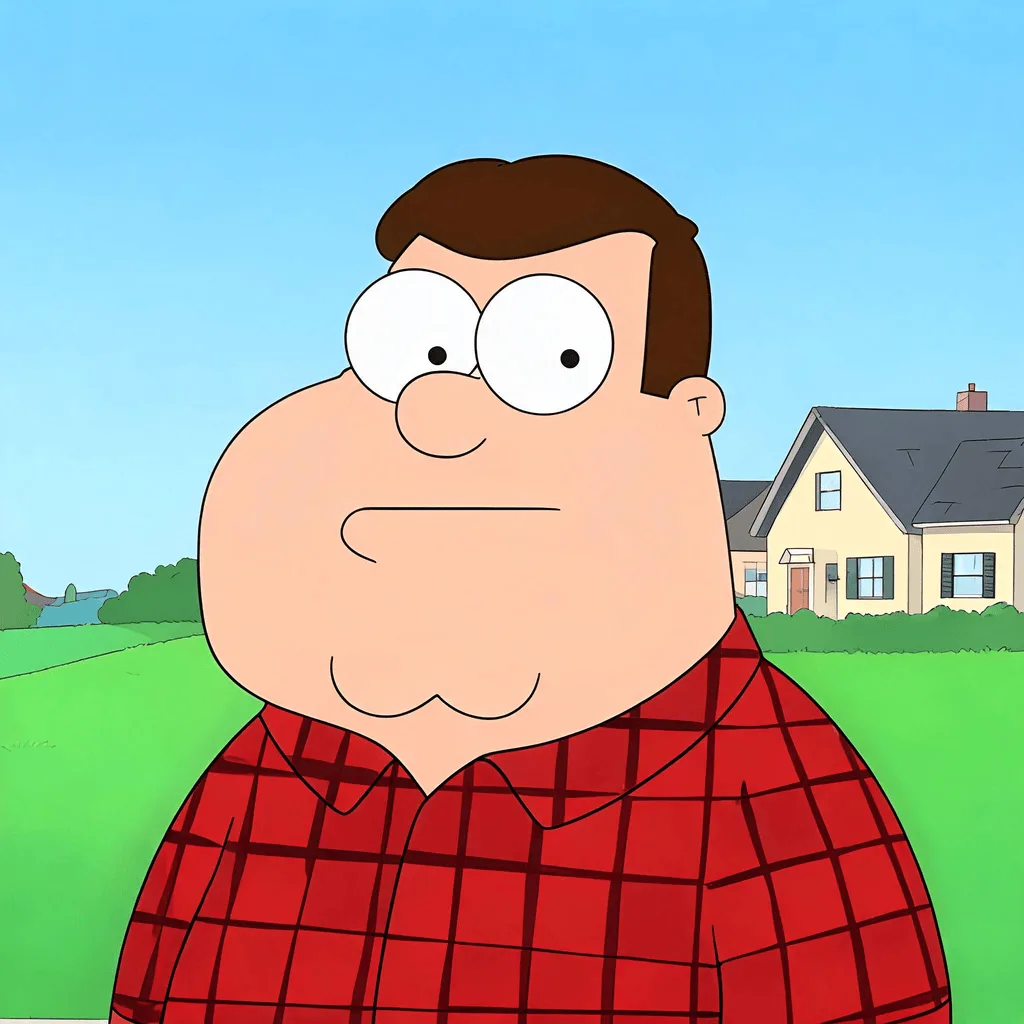
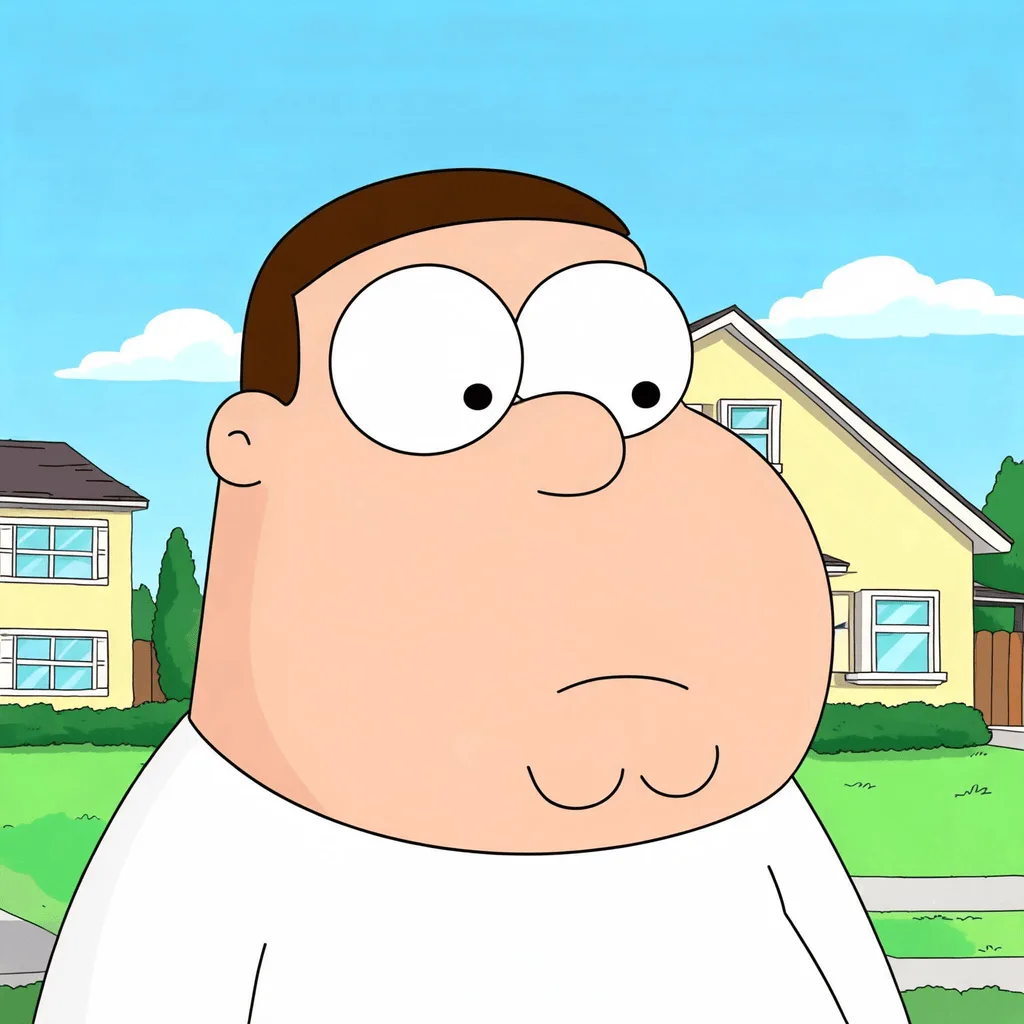
Transform any photo into the Family Guy animation style — flat color, simplified faces with the show's signature bean-shaped jaw, and Quahog-suburb energy.
Click to upload an image
or drag and drop
Running a quick security check…
What It Does
About Converting Photos to Family Guy Style
The Family Guy animation style has been recognizable since 1999 — flat saturated color, simplified bean-shaped jaws and ear silhouettes, large round eyes, thick black outlines, and the flat suburban backgrounds of fictional Quahog, Rhode Island. Our editor reads your photo and translates each face and object into that vocabulary while preserving recognizability. Use it for fan art, parody social posts, animated-style profile portraits, and personal projects — within the bounds of fair use and your own legal review.
How to Convert a Photo to Family Guy Style
Upload Your Photo
Choose a photo with clear faces — portraits, group shots, and family photos translate most convincingly into the show's flat character design.
Apply & Review
Apply the conversion and inspect the character-design cues — jaw silhouette, round eyes, flat color, thick outlines, suburban environment.
Refine & Download
Re-prompt with stricter style cues if the result drifts toward generic cartoon. Download for fan art or personal use.