Edit into Fauvist Style
Convert any photo into Fauvist art — non-naturalistic color, visible brushwork, and the bold expressive palette of Matisse and Derain.
Click to upload an image
or drag and drop
Running a quick security check…
What It Does
About Converting Photos to Fauvist Style
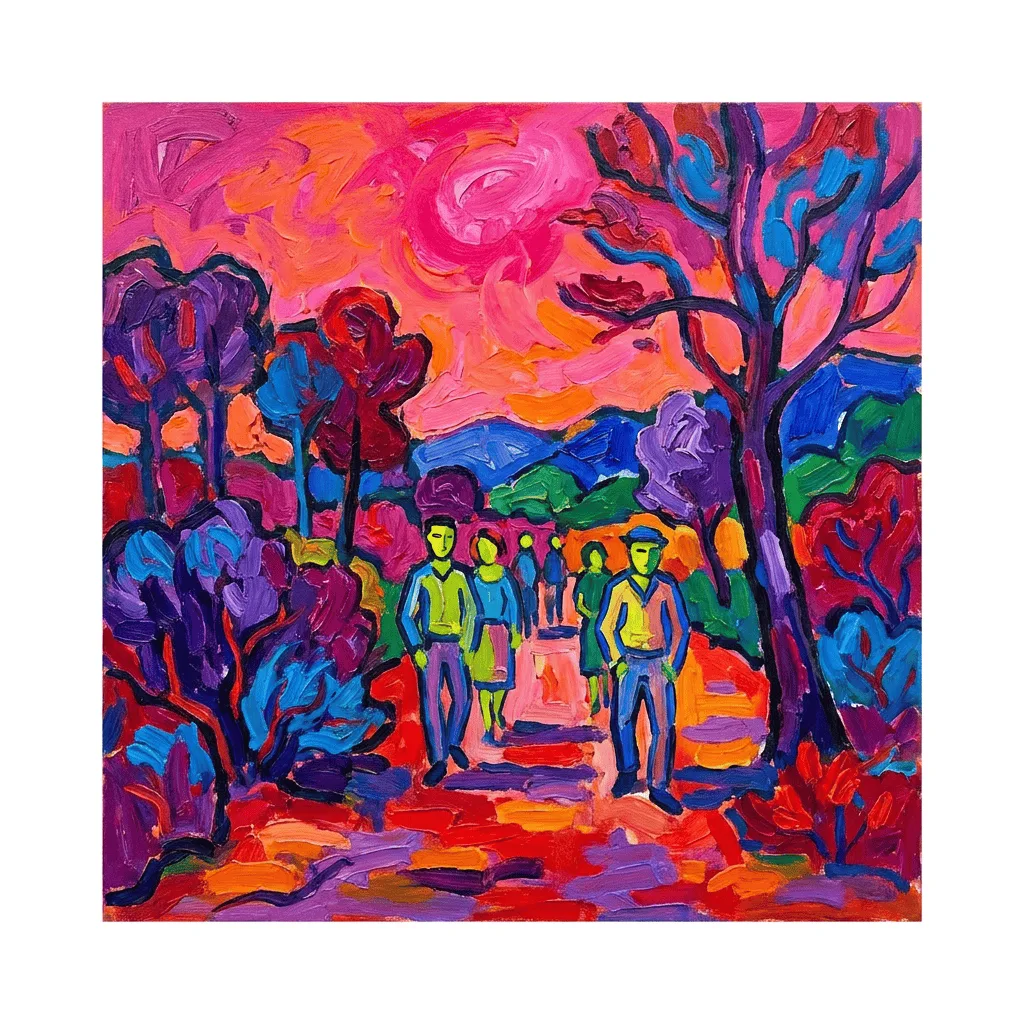
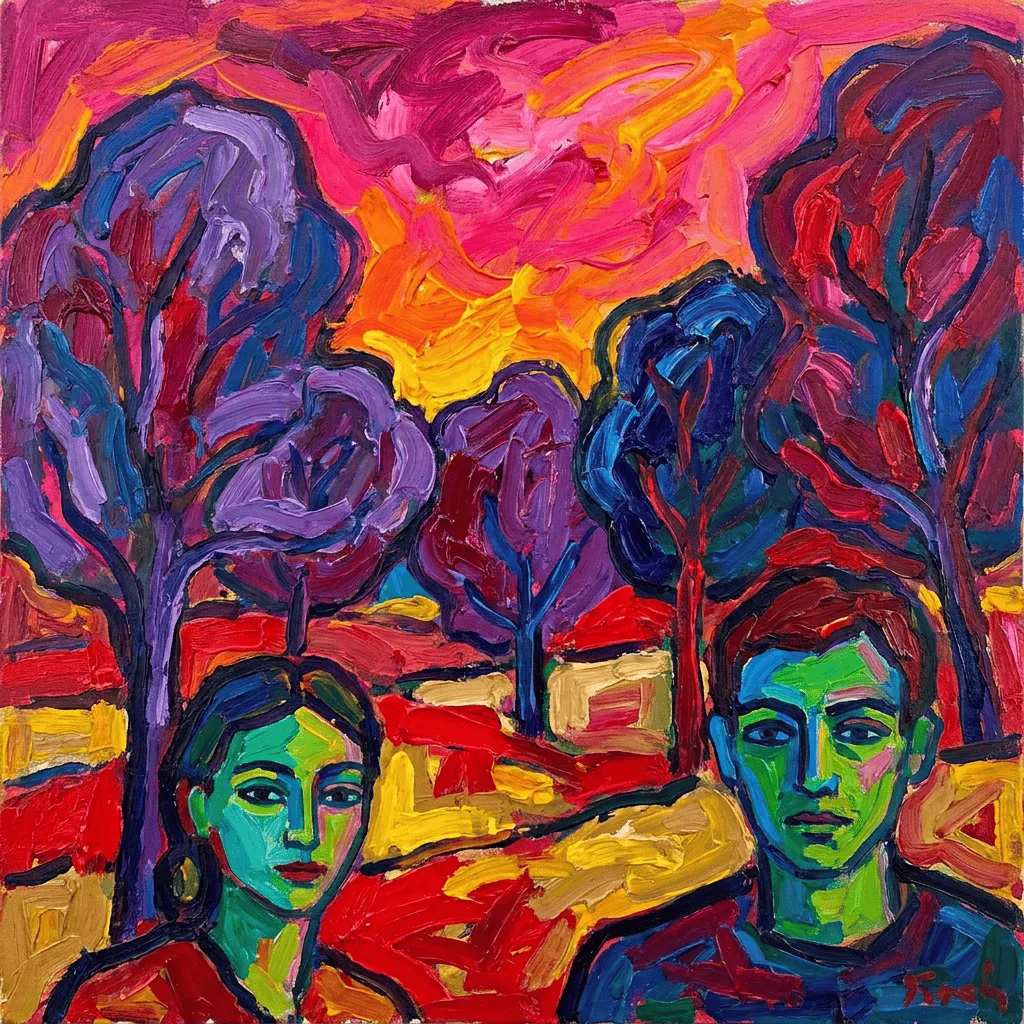
Translating a photo into Fauvist art means remapping color away from natural — a portrait's skin becomes green, the sky becomes magenta, the trees flame red — while the form simplifies into bold brushed shapes. Our editor reads your photo and reconstructs it through that handling. Use it for modernist gallery prints from portraits or landscapes, themed event posters, branded editorial illustration, and bold gifts.
How to Convert a Photo to Fauvist
Upload Your Photo
Choose a photo with a clear subject — portraits, landscapes, and still lifes translate most convincingly into the Fauve palette.
Apply & Review
Apply the conversion and check the palette wildness and brushwork. The result should feel deliberately painted, not photo-with-filter.
Refine & Download
Re-prompt for wilder color, simpler form, or a specific painter's handling until the work lands. Download for prints or branding.