Edit into Gaming Poster Style
Transform any photo into a AAA-game poster — dramatic key art lighting, layered hero composition, and esports-grade color grading.
Click to upload an image
or drag and drop
Running a quick security check…
What It Does
About Creating Gaming Poster Art
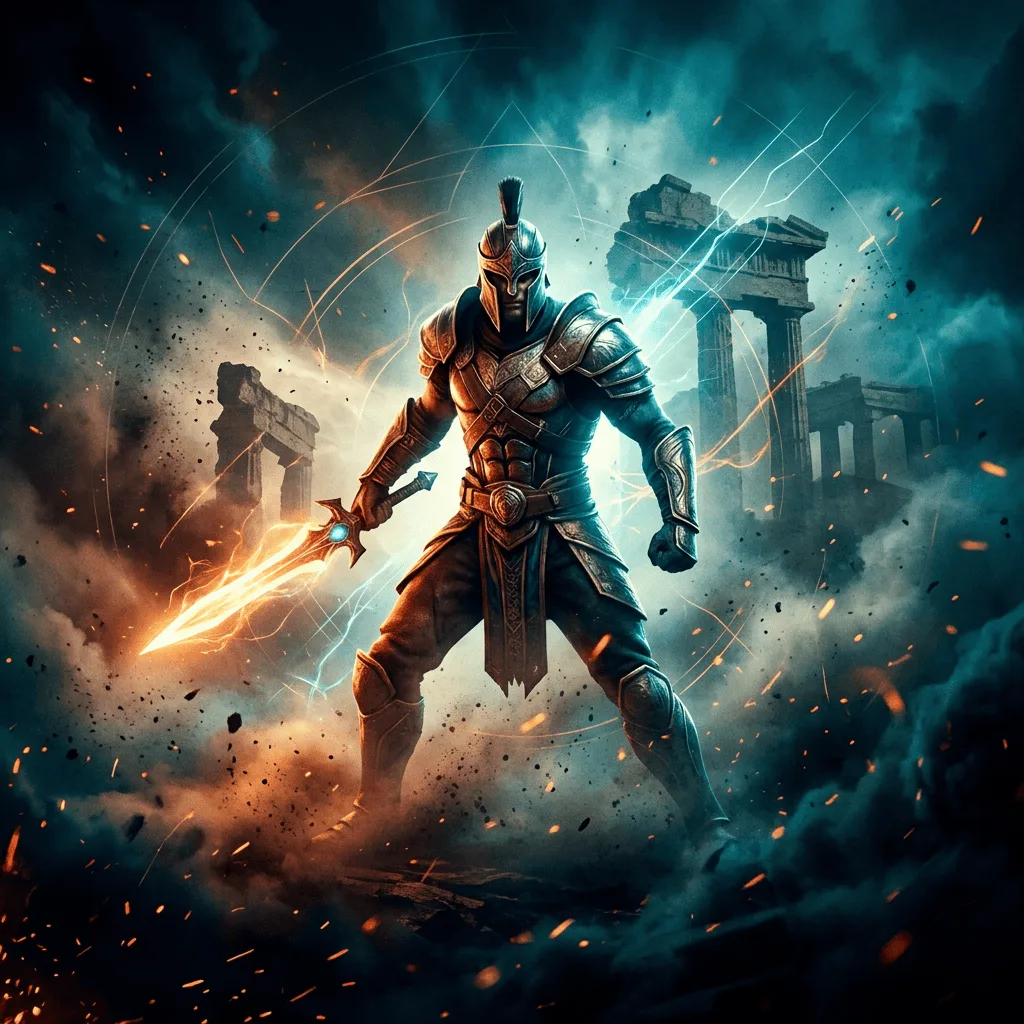
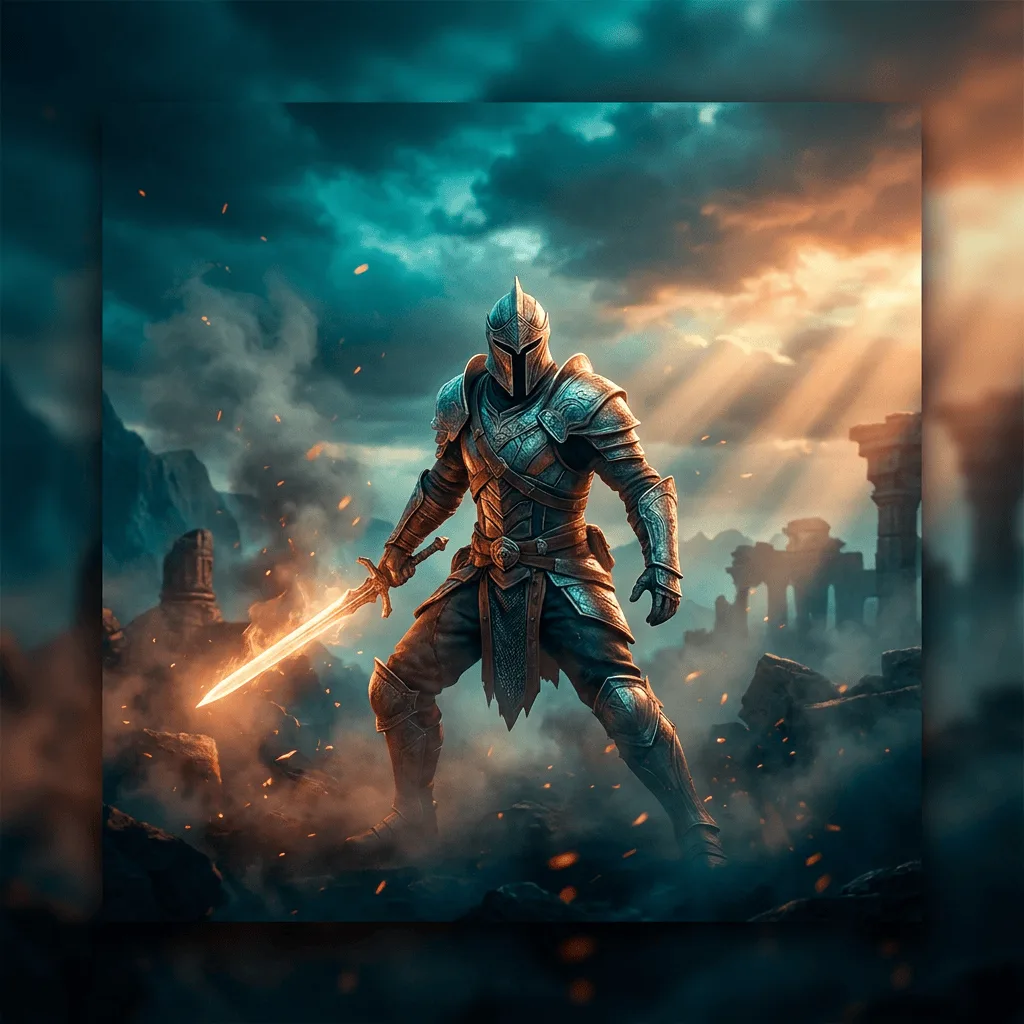
AAA game key art is a visual language unto itself — a hero subject framed center-stage, atmospheric background elements (smoke, sparks, distant skyline, logo glyphs) layered behind, dramatic single-source lighting, and the teal-orange color grading that modern esports and AAA marketing locked in around 2015. Our editor reads your photo and reframes it through that vocabulary: composition, color grade, light, and atmosphere all push the subject into hero placement. Use it for gaming social posts, Twitch panels, esports team graphics, mock cover art, fan posters for upcoming releases, and personal portfolios that want a marketing-art feel.
How to Create a Gaming Poster
Upload Your Photo
Choose a strong-subject photo — a character pose, a vehicle, a player headshot. The hero needs to be clear so the poster framing can lift it.
Apply & Review
Apply the conversion and check the lighting, color grade, and background atmosphere. The image should read as cover-quality marketing art, not a photo with a filter.
Refine & Download
Re-prompt for stronger atmosphere, more pronounced color grade, or a different background element until the poster lands. Download at high resolution for print or social.