Create Glitch Art
Generate glitch art — pixel sorts, RGB splits, datamoshing artifacts, and the deliberate digital errors aesthetic.
Running a quick security check…
Inspiration Gallery
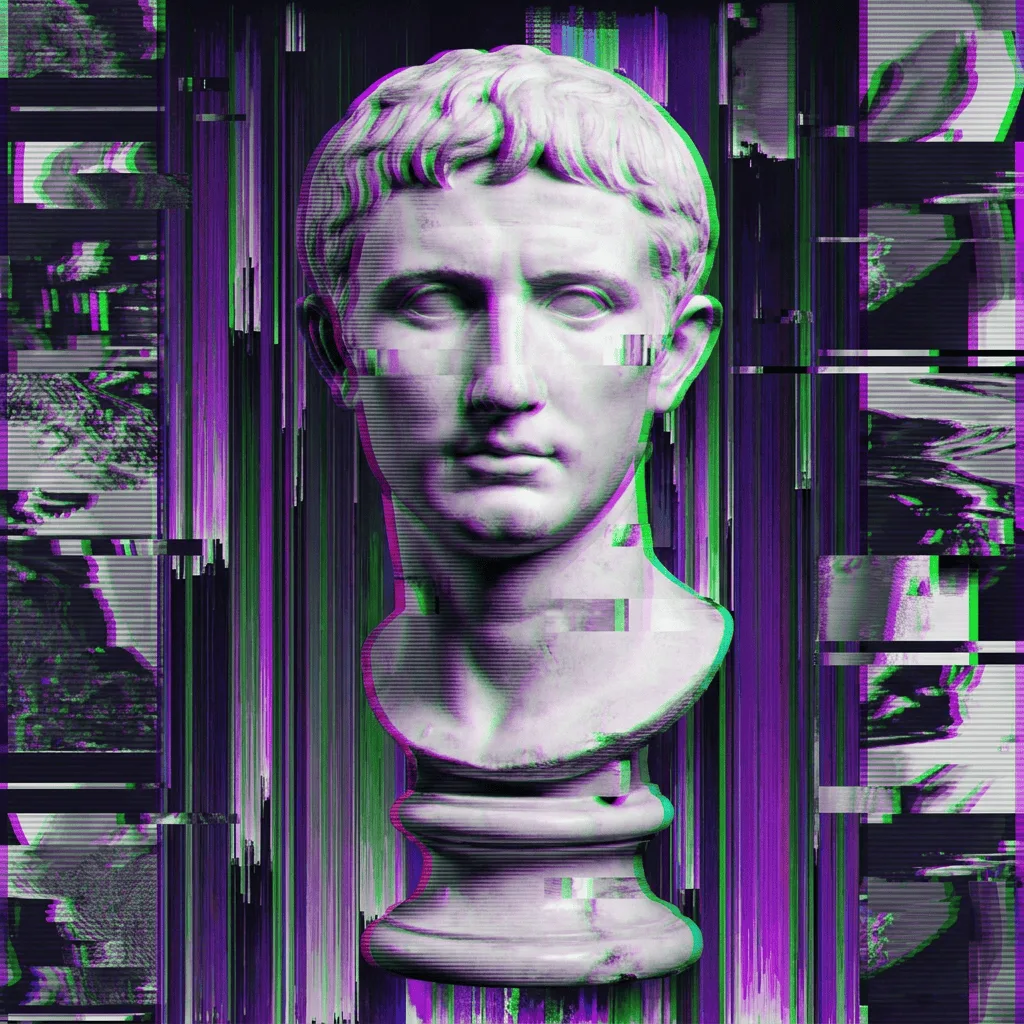
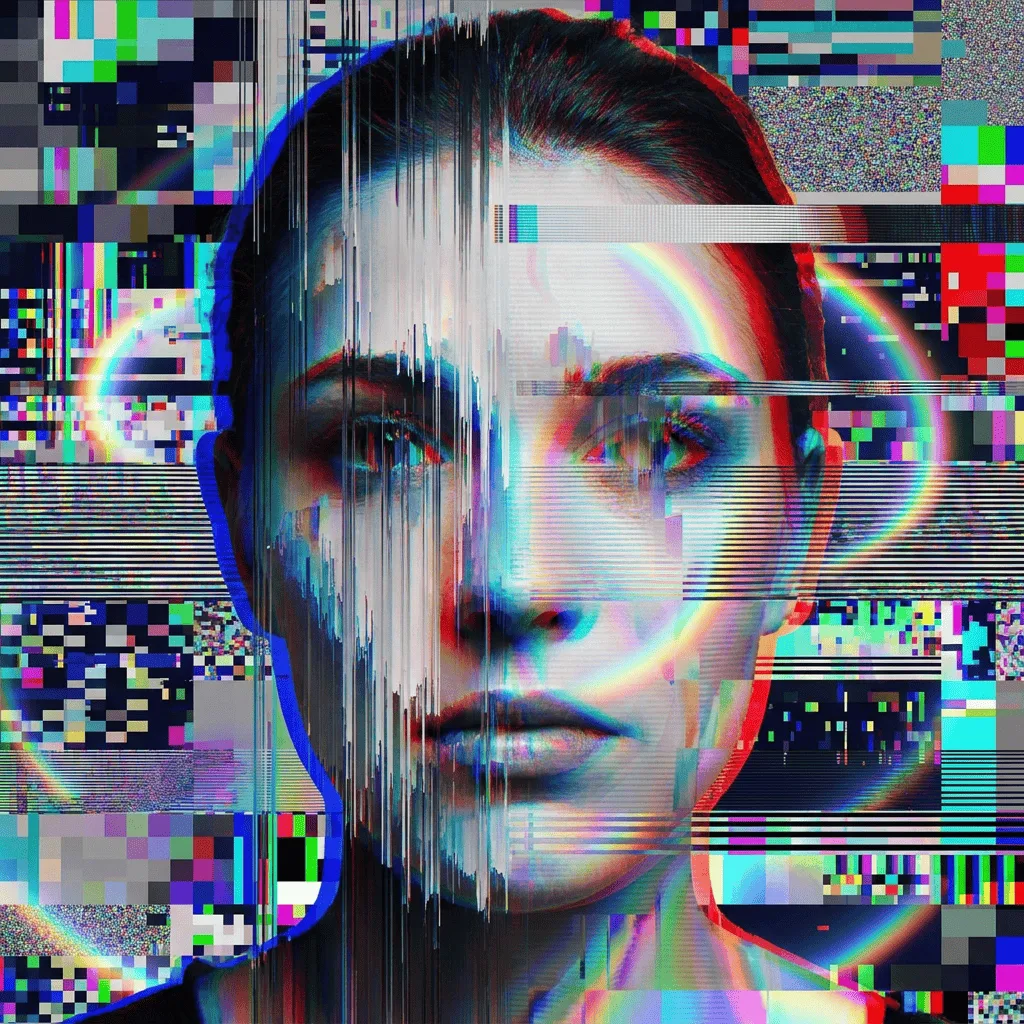
See what you can create with our AI image generator
About Creating Glitch Art
Glitch art treats data corruption as a medium. The aesthetic — pixel sorting, RGB splits, scanline tearing, datamoshing, broken JPEG blocks — emerged in the early 2000s as artists started intentionally damaging files and capturing the result. Our AI synthesizes those artifacts on top of a clean subject, so you get controlled corruption rather than truly broken output. Use it for album and EP covers, vaporwave or cyberpunk visuals, video-game promotional art, music-video stills, and editorial illustration that wants a digital-age edge.
How to Create Glitch Art
Describe the Base Image
Tell the AI the subject the glitches will land on — 'a 90s computer monitor face', 'a self-portrait', 'a city skyline at night'. Then specify glitch intensity, from subtle artifacts to extreme corruption.
Generate & Review
Generate the image and check whether the subject still reads through the distortion. Strong glitch art keeps recognizable structure under the noise.
Refine & Save
Re-prompt for more channel separation, larger pixel sort blocks, or a different distortion family until the image lands. Save for use as art, cover, or social asset.