Edit into Glitch Art Style
Glitch any photo — pixel sorts, RGB splits, scanline tearing, and datamoshing applied as a deliberate visual effect.
Click to upload an image
or drag and drop
Running a quick security check…
What It Does
About Adding Glitch Effects to Photos
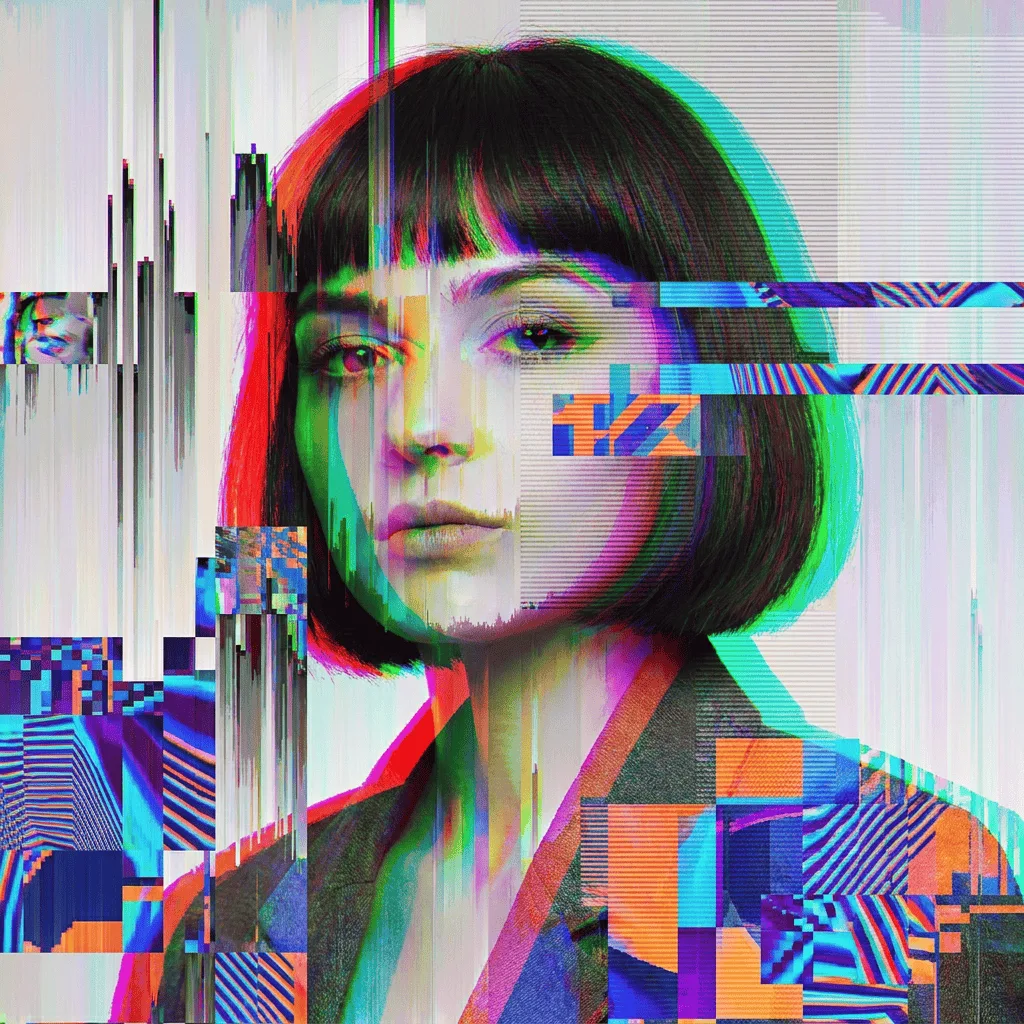
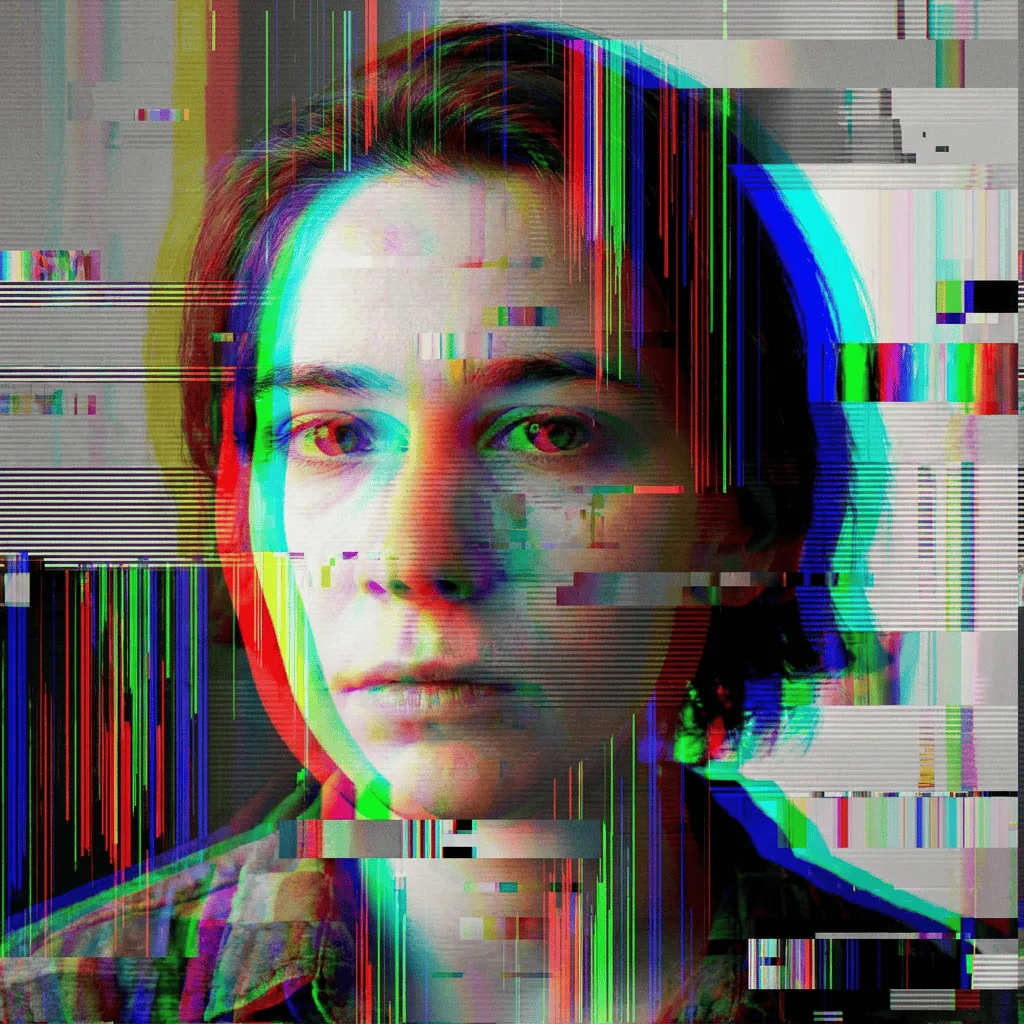
Glitch effects treat your photo like a corrupted file — pixel sorts ribbon across the frame, RGB channels split into the cyan-magenta fringe of broken signal, scanlines tear, and JPEG-compression artifacts bloom. Our editor stages those effects on top of your original so you can dial them up from a hint to a full data-collapse. Use it for music and game cover art, vaporwave and cyberpunk visuals, mood pieces for video projects, social posts that want a digital-age edge, and any case where the picture should look hacked.
How to Add Glitch Effects to a Photo
Upload Your Photo
Choose a photo with a clear subject and good contrast. Portraits, screenshots, and clean product shots all glitch convincingly.
Apply Glitches & Adjust
Apply the effect and use the controls to tune glitch type (pixel sort, RGB split, scanline, datamosh) and intensity. Strong glitch keeps the subject readable through the corruption.
Refine & Download
Re-run with different glitch families or stronger artifacts until the image lands. Download for cover art, social posts, or video stills.