Create Gothic Noir Image
Generate moody Gothic Noir images — deep shadows, sparse color, and architectural drama drawn from Gothic and film noir.
Running a quick security check…
Inspiration Gallery
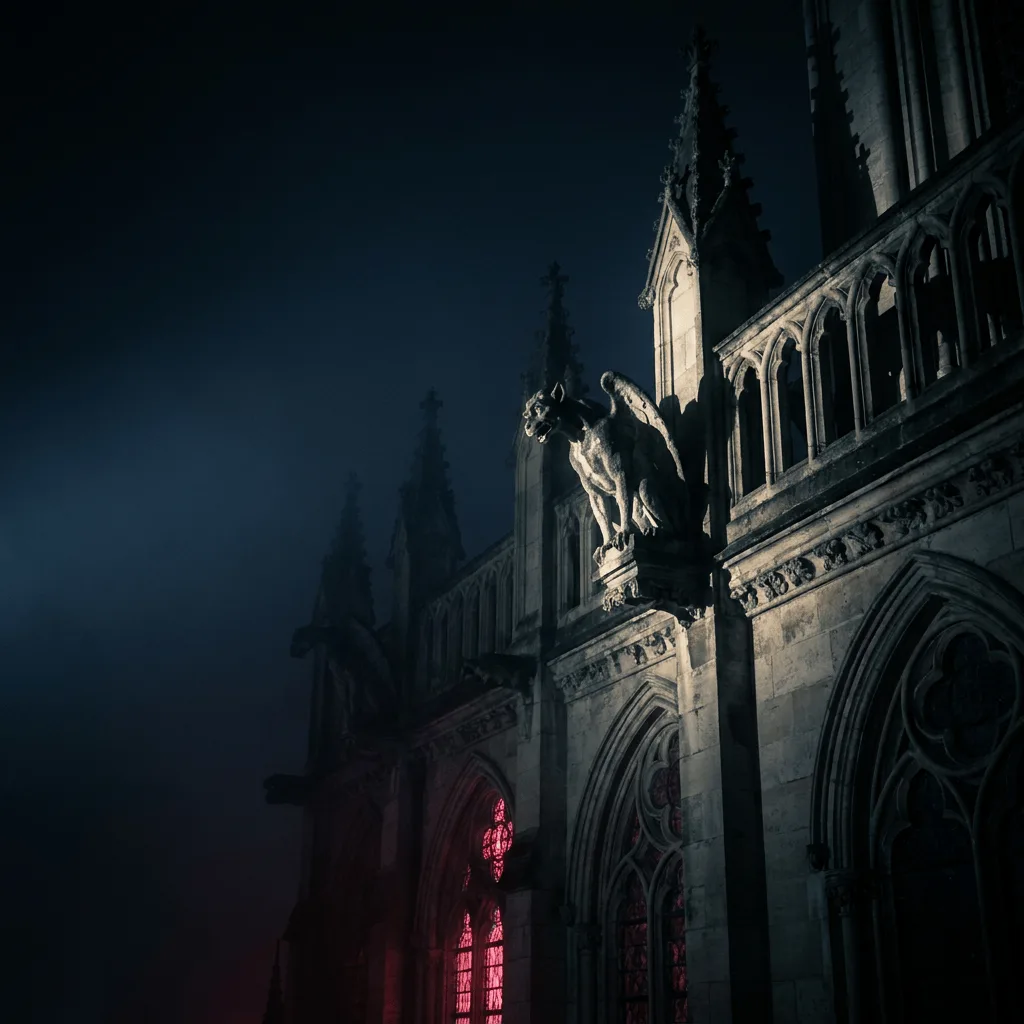
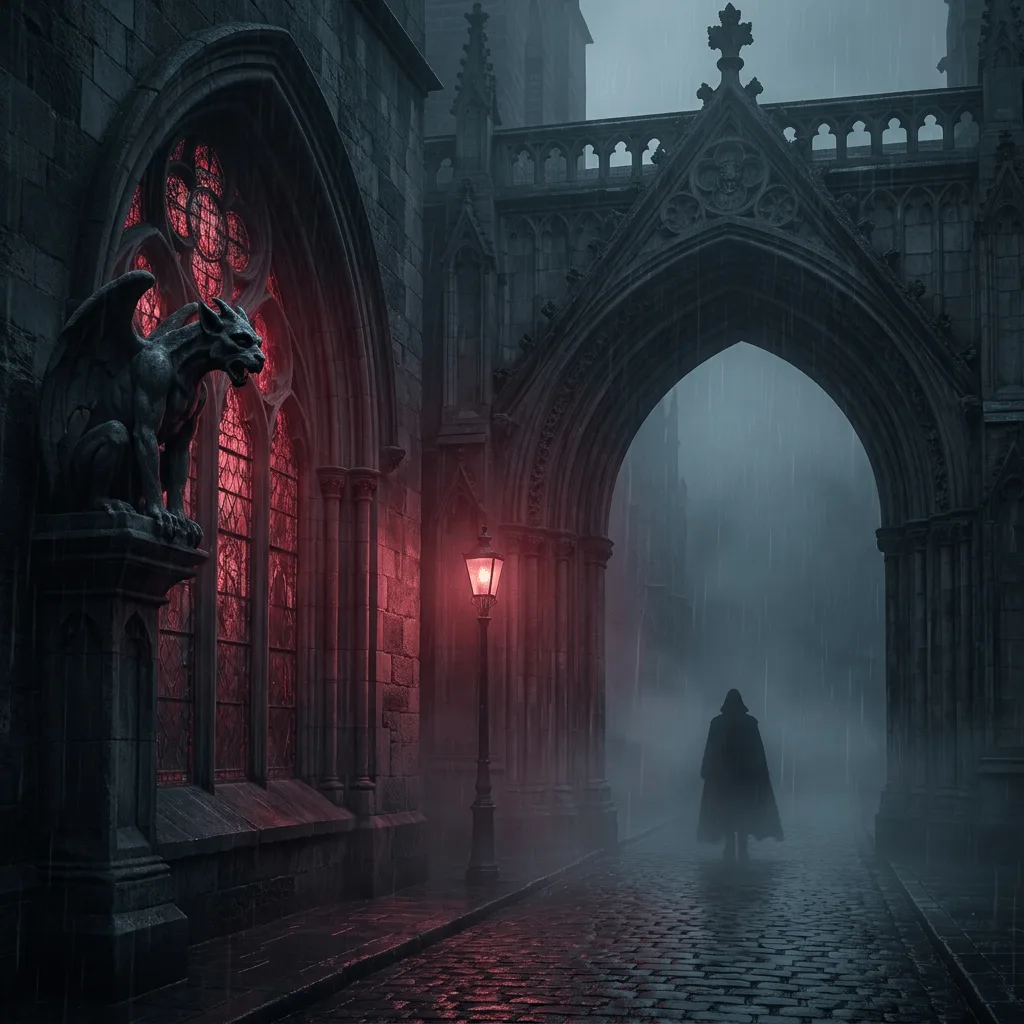
See what you can create with our AI image generator
About Creating Gothic Noir Art
Gothic Noir fuses two visual traditions — the dark romanticism of 19th-century Gothic literature and the hard shadow play of 1940s American film noir. The shared signature is restricted palette, single-source dramatic lighting, atmospheric weather, and a sense of architectural unease. Our AI builds that mood across the frame and steers the style toward specific cues you give it (gas-lit Victorian street, neo-noir rainy city, gothic cathedral interior). Use it for novel and album covers, atmospheric editorial art, role-playing game scenes, and brand visuals that need menace without becoming horror.
How to Create Gothic Noir Art
Set the Scene
Describe the setting and the mood — 'rain-soaked Victorian street, single gas lamp', 'cathedral interior with moonlight through stained glass'. Specify any Gothic or noir hardware (gargoyles, fedoras, ironwork).
Generate & Review
Generate the image and check the atmosphere — palette should be restrained, light should be hard and directional, and the architecture should carry weight.
Refine & Save
Re-prompt with denser fog, sharper shadow, or more architectural detail until the image lands in the mood you want. Save at high resolution for print or atmospheric cover work.