Apply Graffiti Style
Transform any photo into street-art graffiti — spray-paint texture, bold outlines, and the look of paint applied to a wall.
Click to upload an image
or drag and drop
Running a quick security check…
What It Does
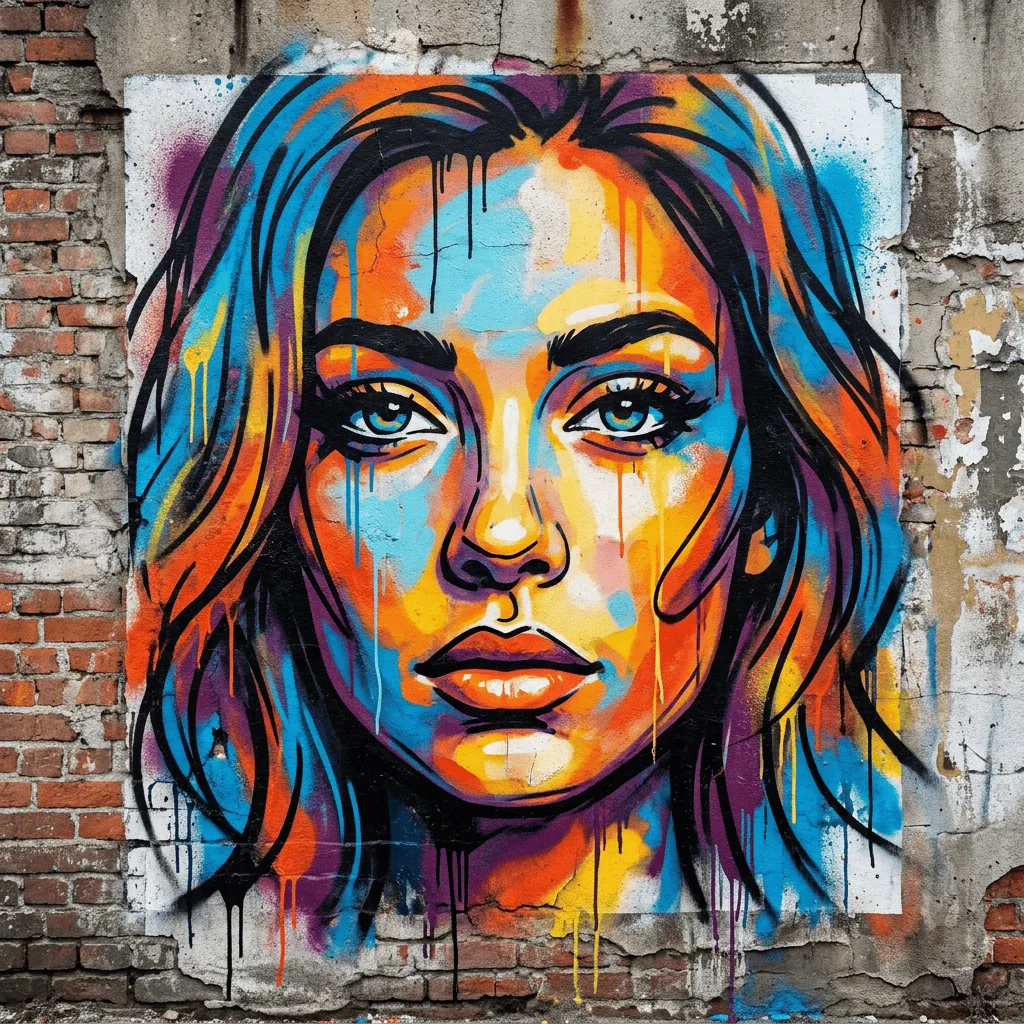
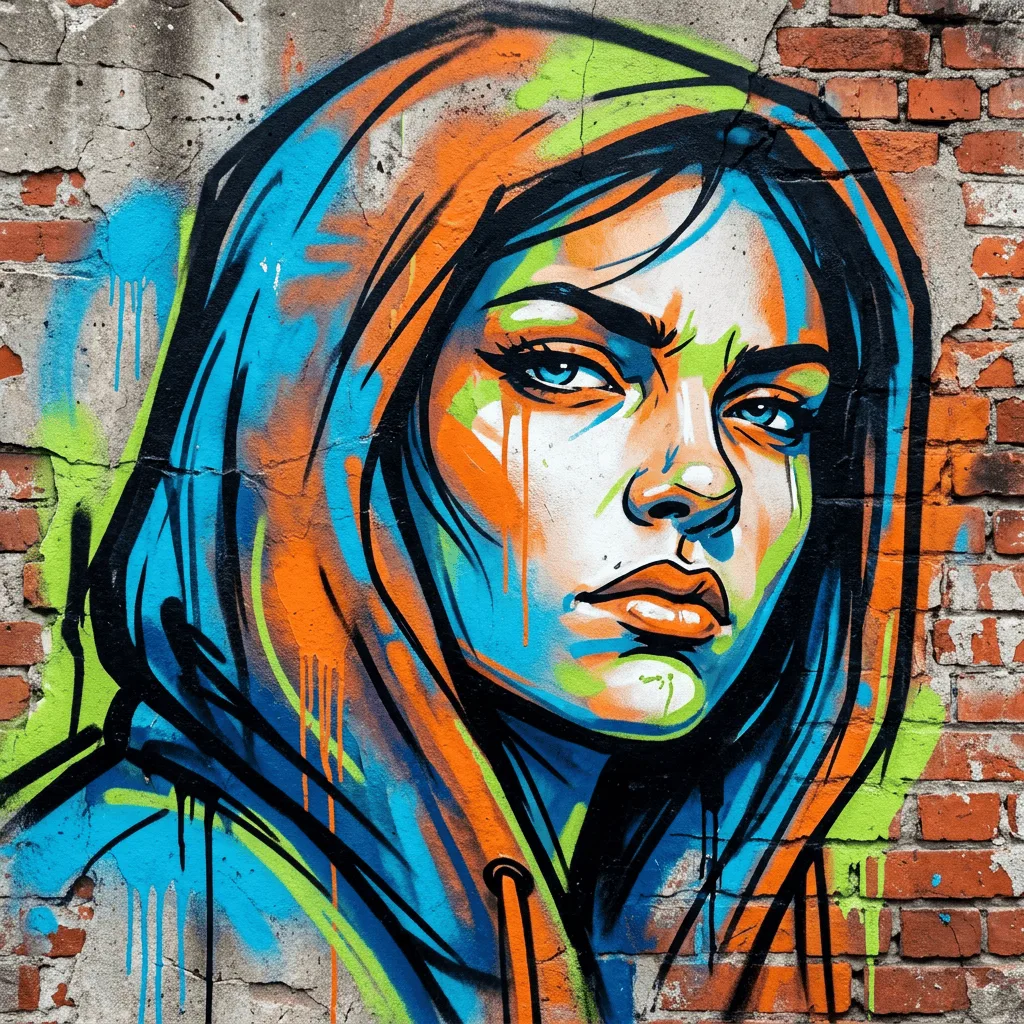
About Converting Photos to Graffiti
Translating a photo into graffiti is a deliberate act of editing — the subject gets bolder, the palette gets louder, and the surface stops being smooth paper. Our editor reinterprets your image through that street-art language: spray-paint outlines, drips and overspray, simplified bold forms, and the texture of paint on a real wall. Use it for hip-hop event posters, urban branding, themed editorial illustration, custom merch, and personal photos reimagined as alley murals.
How to Convert a Photo to Graffiti
Upload Your Photo
Pick a photo with a strong subject — portraits, sneakers, sports moments, and bold logos convert most convincingly into graffiti.
Apply & Review
Apply the conversion and check the spray texture, outlines, and surface. The image should feel like it was painted onto a wall, not filtered.
Refine & Download
Re-prompt for stronger drips, a different surface (brick, concrete, metal), or bolder palette until the graffiti lands. Download for prints or merch.