Edit into Gravity Falls Style
Transform any photo into the Gravity Falls animation style — round-headed characters and a moody Pacific-Northwest atmosphere.
Click to upload an image
or drag and drop
Running a quick security check…
What It Does
About Converting Photos to Gravity Falls Style
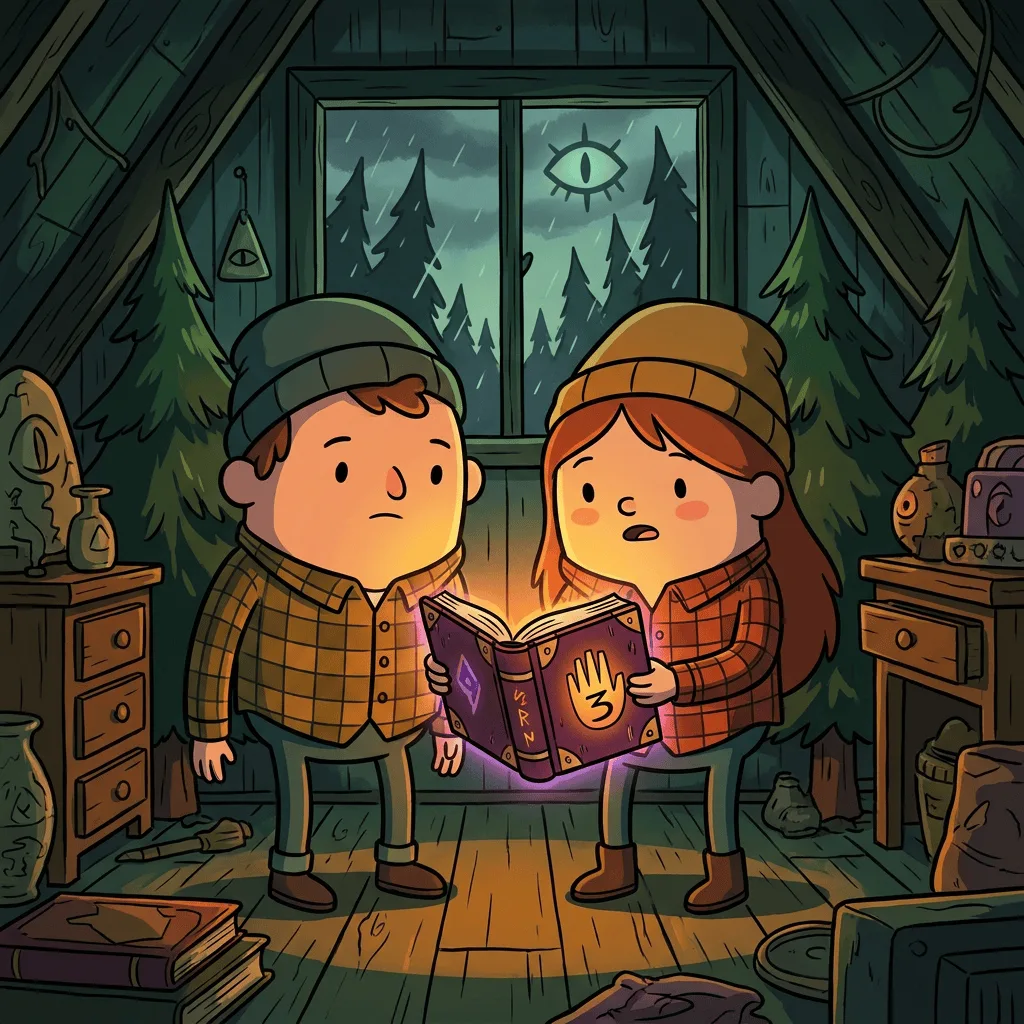
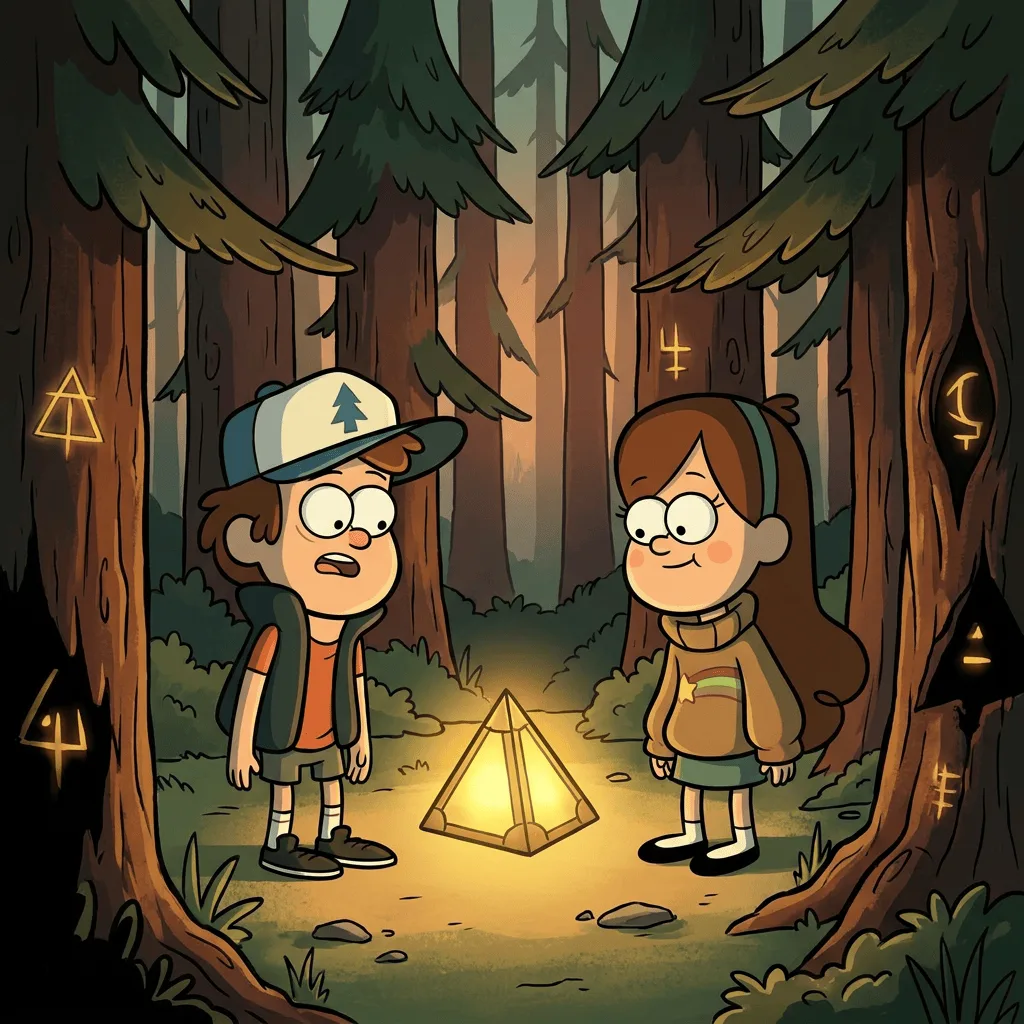
The Gravity Falls style — soft, rounded characters set against atmospheric Pacific-Northwest backgrounds — is one of the most distinctive recent animation looks, balancing cute character design with subtle mood and mystery. Our editor reads your photo and translates it into that vocabulary: rounder forms, simplified faces with large expressive eyes, the show's recognizable palette of forest greens, dusk oranges, and twilight blues. Use it for fan art, mystery-themed editorial illustration, animated-style profile portraits, and personal projects — within the bounds of fair use and your own legal review.
How to Convert a Photo to Gravity Falls Style
Upload Your Photo
Choose a photo with clear faces or strong scenery — portraits, group shots, and forest landscapes convert most convincingly into the show's style.
Apply & Review
Apply the conversion and check character shape, palette, and atmosphere. Faces should round out, the background should feel slightly mysterious, and the color should shift toward dusk-Pacific-Northwest tones.
Refine & Download
Re-prompt with stronger atmosphere or more cartoon simplification until the result lands. Save the final image for fan art or personal use.