Apply Holographic Effect
Apply a holographic effect to any photo — shifting rainbow iridescence, mirror highlights, and the Y2K trading-card sheen.
Click to upload an image
or drag and drop
Running a quick security check…
What It Does
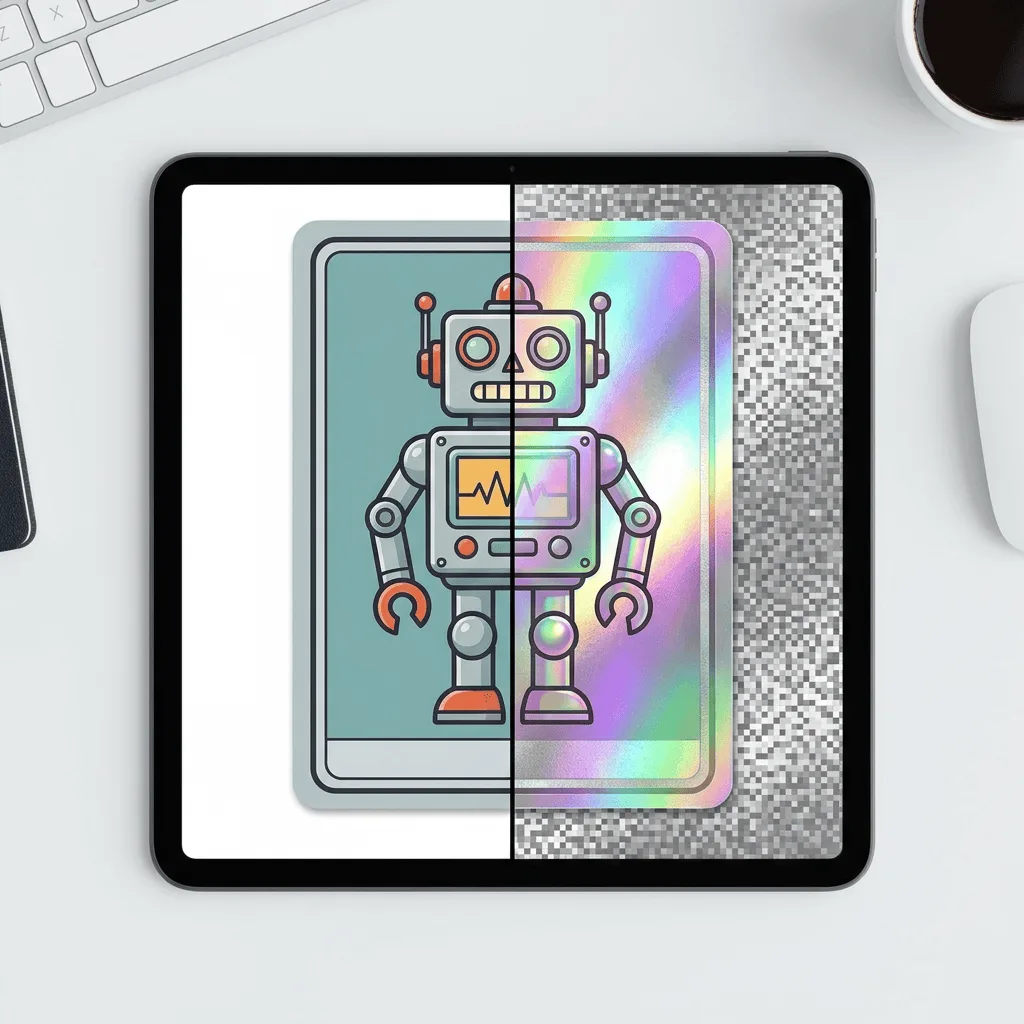
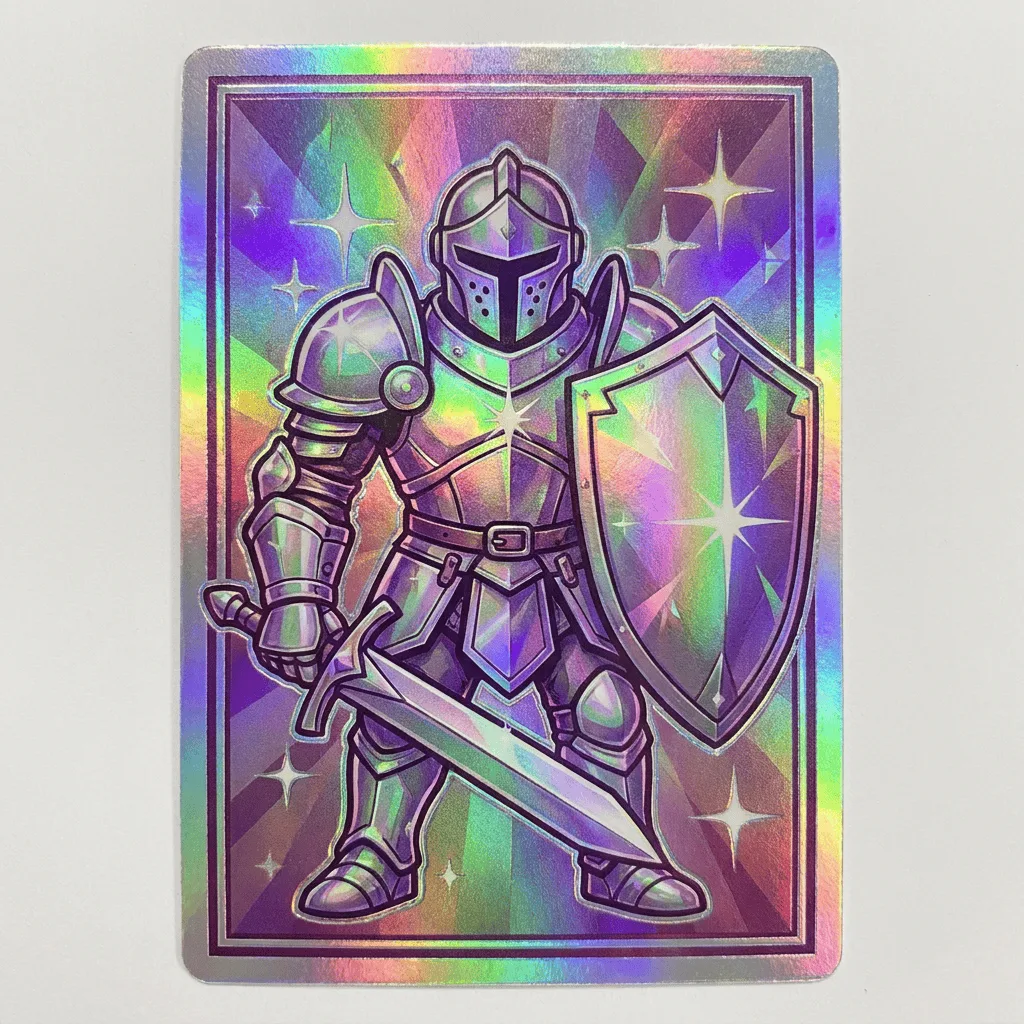
About Applying Holographic Effects
Holographic finishes — Pokémon trading-card holofoil, Y2K and Frutiger Aero design, modern packaging foils, vinyl-record splatter pressings — share one visual rule: the surface color shifts as the viewing angle changes, producing rainbow iridescence and sharp prismatic highlights. Our editor reproduces that behavior on the subject of your photo: the surface refracts into rainbow gradient, highlights become mirror-bright, and the result reads as foil-pressed or laminated rather than colored. Use it for music marketing and EP cover art, Pokémon-inspired branding, Y2K-themed campaigns, trading-card mockups, and packaging visuals that need to feel premium and futuristic.
How to Apply Holographic Effects
Upload Your Photo
Pick a photo with a clear single subject — text, logos, sneakers, packaging, characters, and trading cards holograph convincingly. Smooth surfaces show the rainbow shift best.
Apply & Review
Apply the holographic finish and check the rainbow shift and highlights. The subject should look foil-pressed; harsh prismatic flashes should land naturally on curves.
Refine & Download
Re-prompt for stronger rainbow shift, brighter highlights, or a different angle of refraction until the surface lands. Download for packaging, music, or social art.