Create Hyperrealistic Image
Generate images so detailed they read as more-real-than-real — every pore, fiber, and reflection rendered.
Running a quick security check…
Inspiration Gallery
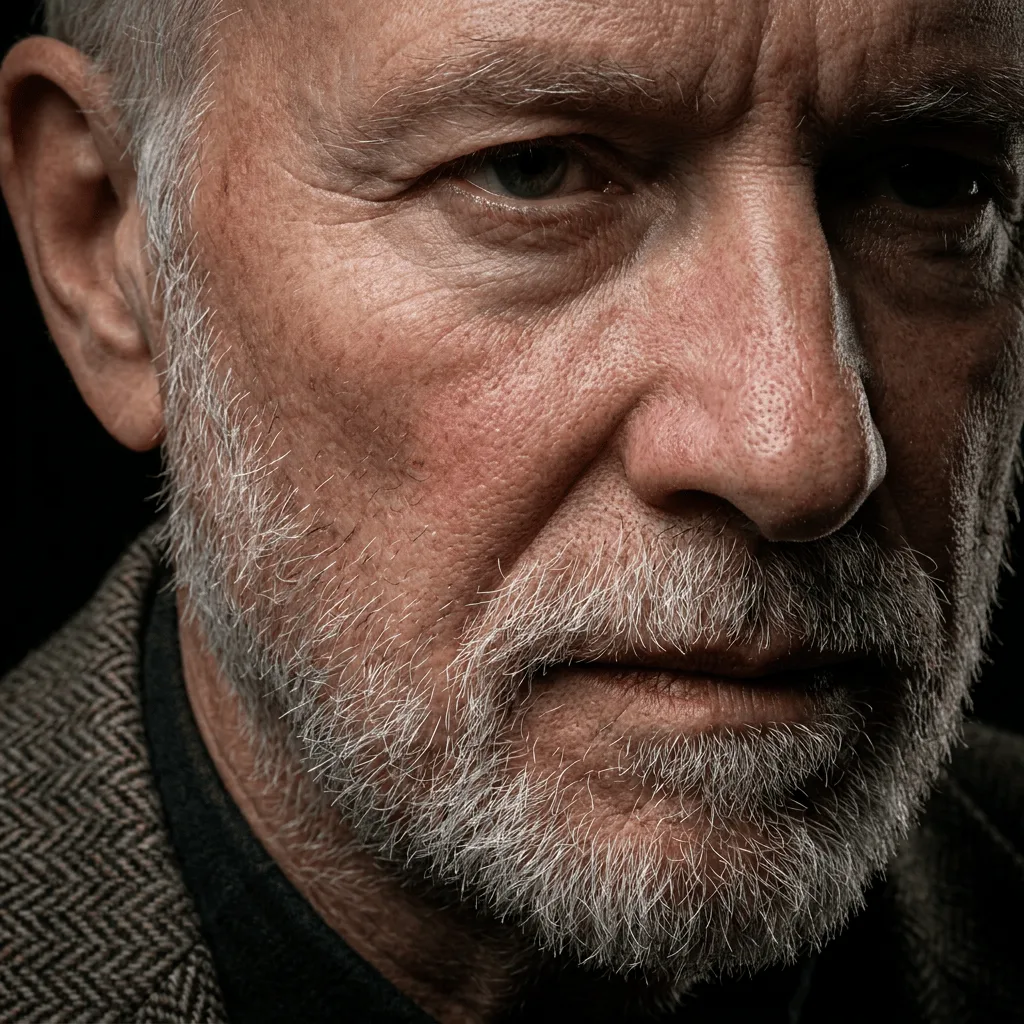
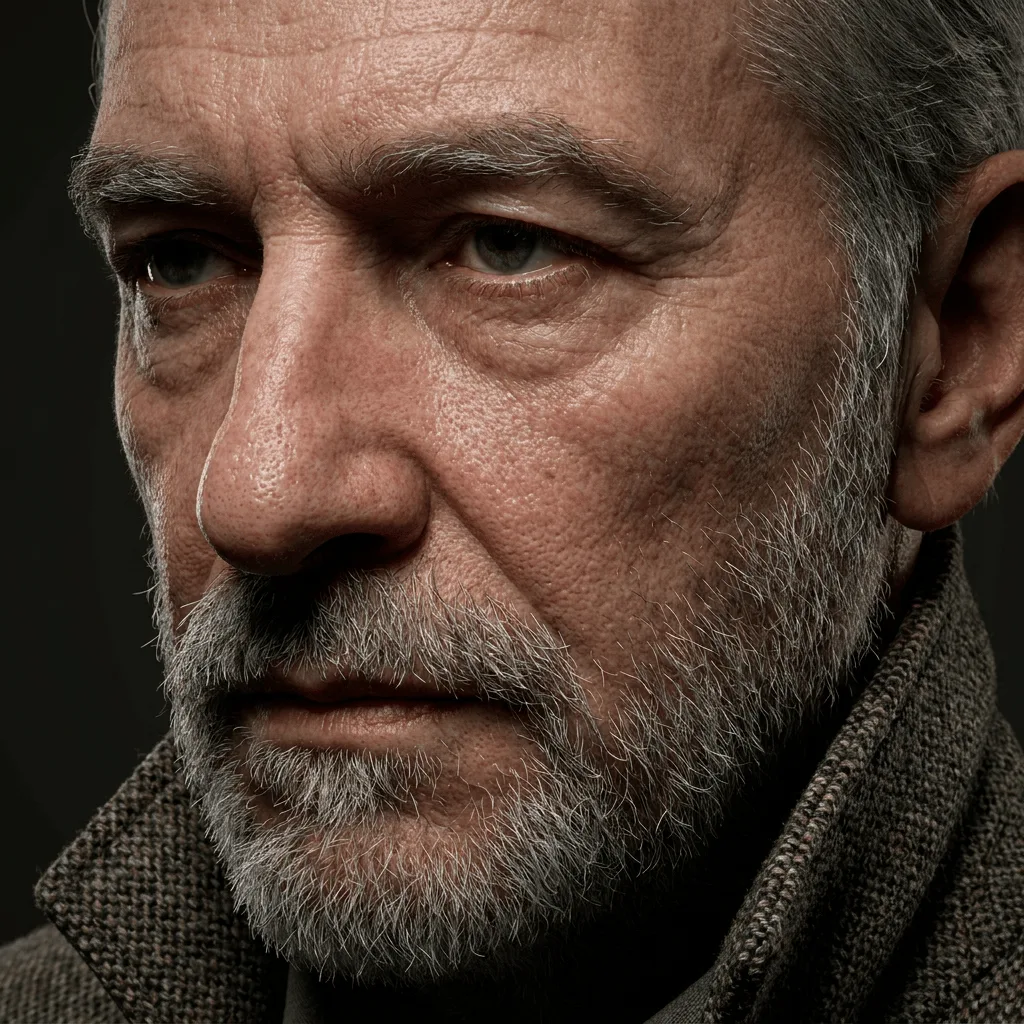
See what you can create with our AI image generator
About Creating Hyperrealistic Images
Hyperrealism emerged in the 1970s as a deliberate step past photorealism — instead of matching a photograph, the artist amplifies every detail until the result feels more present than reality. Our AI follows the same intent: it pushes micro-textures (pores, fabric weave, individual hairs), enhances clarity across the frame, and uses lighting that emphasizes surface rather than mood. If you want a clean photographic look, the Photorealistic Image Generator is the better tool — hyperreal is for cases where you want the image to feel almost uncomfortably present: product hero shots, editorial portraits, high-end art prints.
How to Create Hyperrealistic Images
Detail Your Subject
Describe the subject and call out the textures you want to see — 'individual eyelashes', 'visible fabric weave', 'water droplets with refractions'. The more specific you are, the more the AI has to commit to.
Generate & Inspect
Generate and zoom in. Hyperrealism is judged at 100% — pores, edges, and reflections should hold up.
Refine & Save
Re-prompt with even tighter detail cues, change lighting direction, or push surface contrast until the result reads more-real-than-real. Save at maximum resolution.