AI Image Blender
Blend two images together to create stunning double exposures and unique artistic effects.
First imageRequired
The base image to blendSecond imageRequired
The image to blend inVariations
Resolution
0 credits leftThis run: 1 credits
What It Does
Before
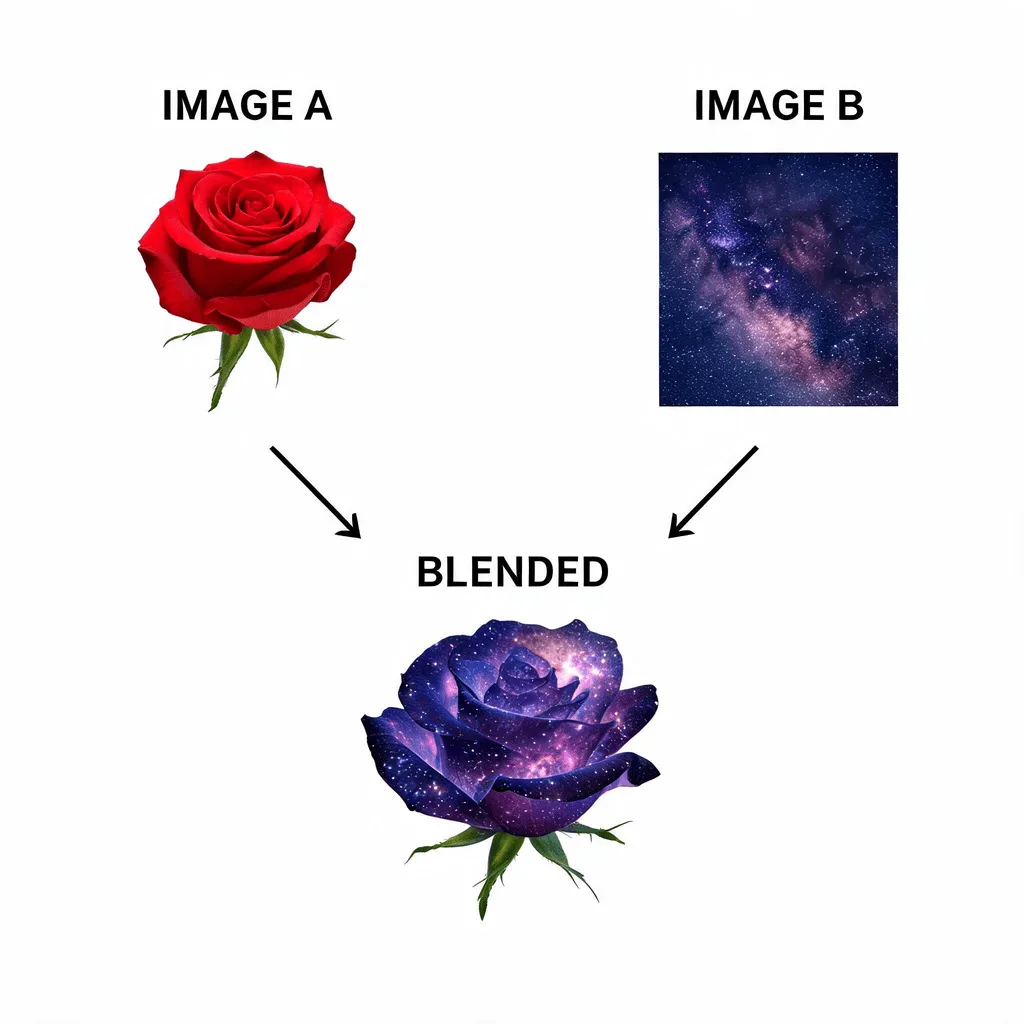
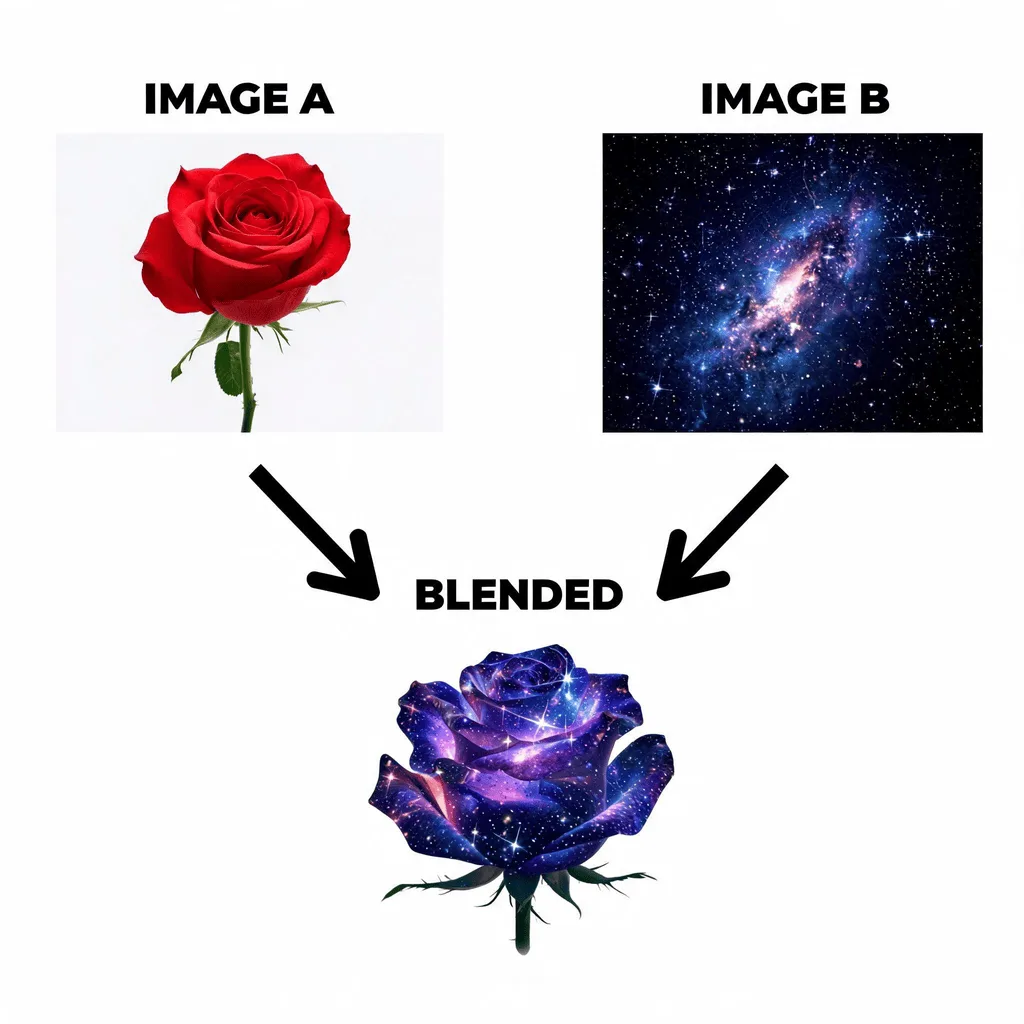
After
About the AI Image Blender
The AI Image Blender intelligently combines two photos to create a seamless and artistic composition. It uses different blending modes to merge the images in a visually interesting way, perfect for creating double exposure portraits, surreal landscapes, or abstract art. It's a powerful tool for photographers and artists looking to create unique and evocative images.
How to Blend Images with the AI Image Blender
1. Upload Two or More Images
Upload the images you want to combine. The Image Blender AI will merge them into a single, artistic composition.
2. Choose Style and Refine
Describe how you want the images to be blended (e.g., "double exposure effect," "seamlessly merge the landscapes"). Refine the prompt to adjust the blend.
3. Download Your Creation
Once the images are beautifully blended, download the unique, high-resolution artwork.