AI Image Extender (Outpainting)
Extend your images beyond their original borders with AI. Create wider landscapes and uncrop photos.
Click to upload an image
or drag and drop
What It Does
Before
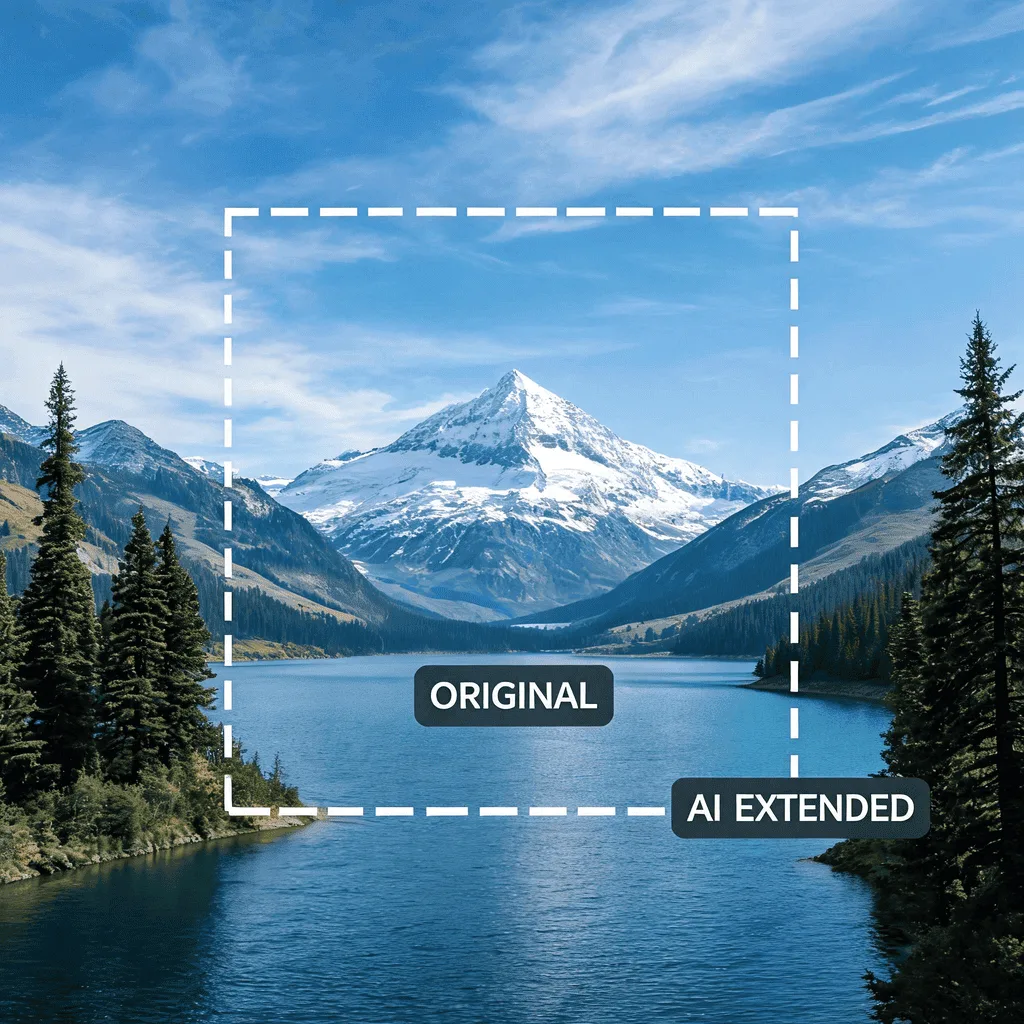
After
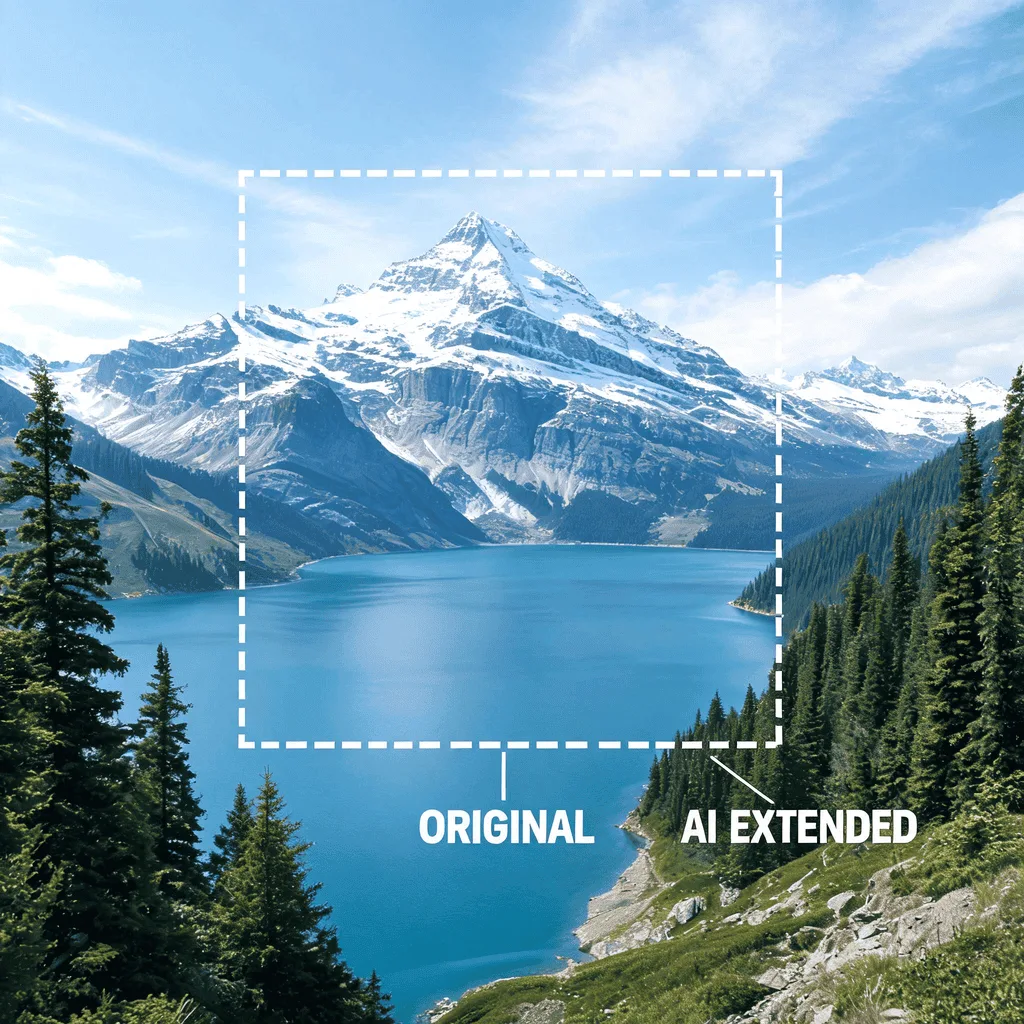
About the AI Image Extender
The AI Image Extender, also known as 'outpainting', uses generative AI to imagine and create content beyond the edges of your original photo. It analyzes the context of the image and seamlessly extends it, creating a larger, wider, or taller version. It's a magical tool for fixing poorly cropped photos, creating panoramic views, or generating wider backgrounds for design projects.
How to Extend an Image with the AI Image Extender
1. Upload Your Image
Upload the image you want to expand. The Image Extender AI will intelligently fill in the missing areas.
2. Choose Dimensions and Refine
Select the new aspect ratio or size. The AI will generate the extended background. You can refine the result with prompts if the fill isn't perfect.
3. Download the Expanded Image
Once your image has a wider canvas, download the new, larger high-resolution version.