AI Image to Image Generation
Transform one image into another with a text prompt. Redraw your photos in entirely new styles or settings.
Running a quick security check…
Inspiration Gallery
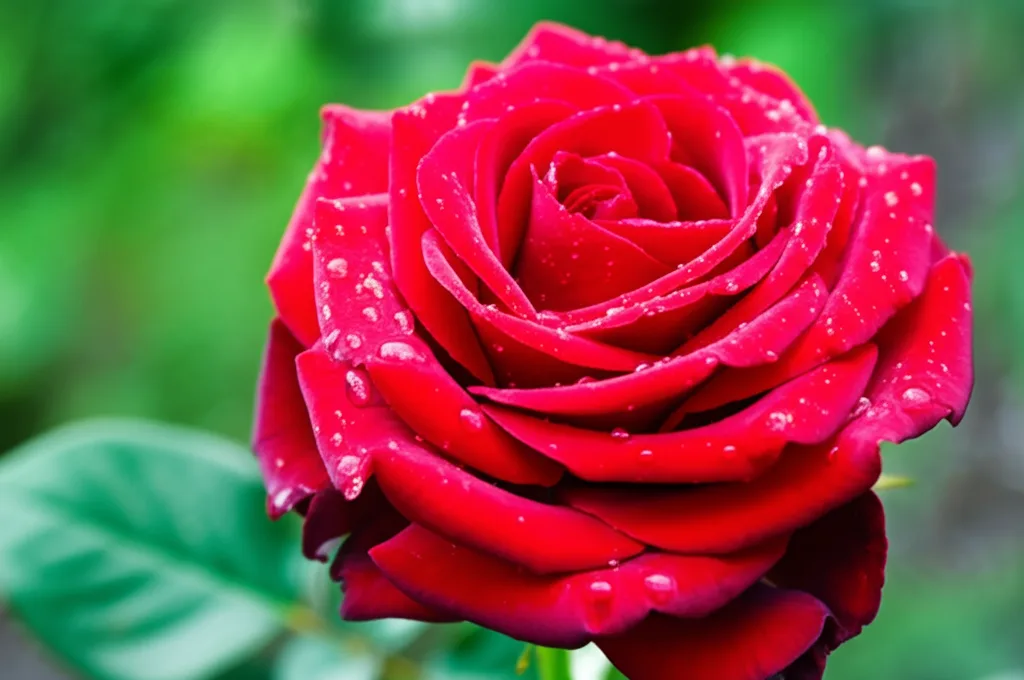
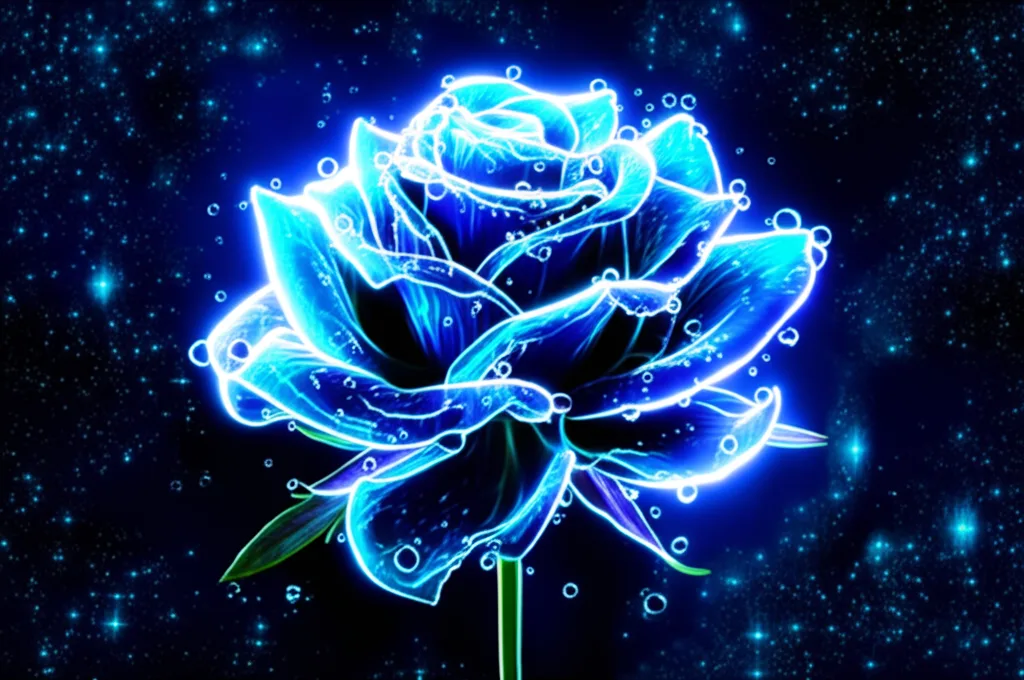
See what you can create with our AI image generator
About AI Image to Image Generation
Image to Image generation uses a source image as a structural or compositional guide and a text prompt to define the content and style of the output. The AI model, like ControlNet or InstructPix2Pix, can preserve the pose of a person, the layout of a scene, or the outlines of an object while completely changing its appearance based on your text command. It's a powerful tool for artists and designers seeking precise control over their creations.
How to Transform an Image with AI Image to Image
1. Upload a Starting Image
Upload a base image that you want to transform. This will serve as the foundation for the Image to Image generation.
2. Describe the Transformation
Provide a text prompt describing the changes you want to see. For example, "turn this photo into a Van Gogh painting." Refine the prompt to guide the AI.
3. Download the New Image
Once the AI has reimagined your original photo based on your instructions, download the creative, high-resolution result.