Apply Infrared Photography Effect
Apply an infrared-photography effect to any photo — turn foliage luminous white, skies deep blue, in the IR film aesthetic.
Click to upload an image
or drag and drop
Running a quick security check…
What It Does
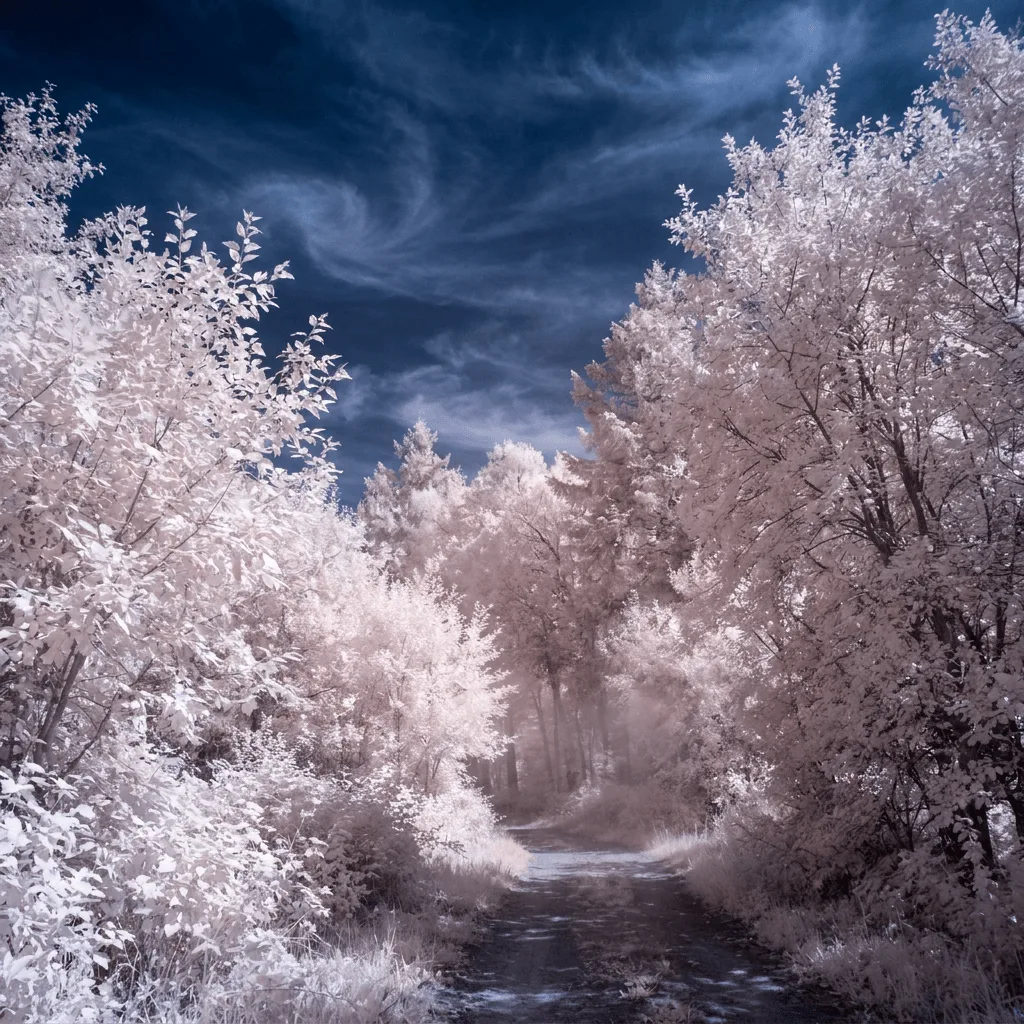
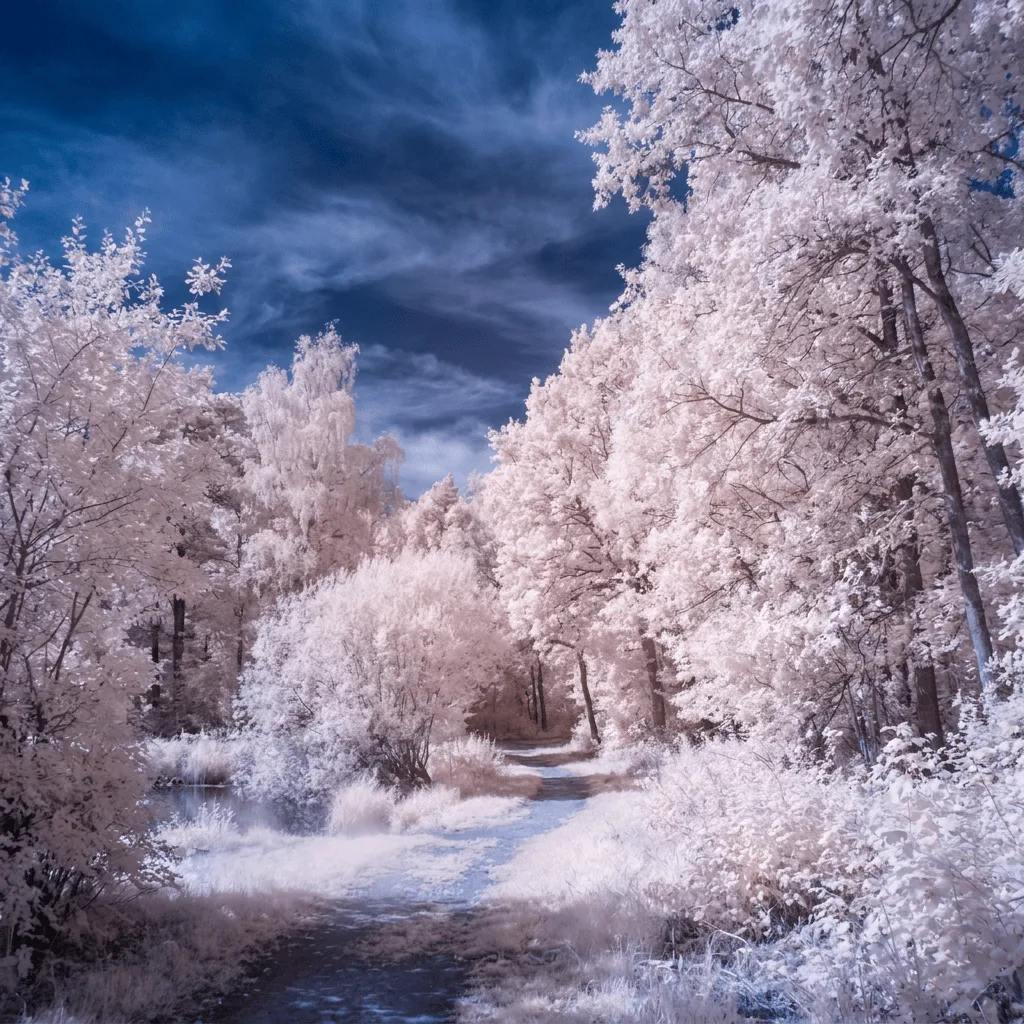
About Applying Infrared Effects to Photos
Translating a real photo through the infrared aesthetic remaps color away from natural — foliage becomes luminous white or pale pink, sky deepens to cobalt, and the overall mood drifts toward surreal. Our editor reads your photo and applies those shifts. Use it for landscape art prints from travel photos, surreal portrait reinterpretation, themed editorial illustration, dreamy social posts, and gallery prints.
How to Apply Infrared Effect
Upload Your Photo
Choose a photo with foliage or natural elements — landscapes, gardens, and outdoor portraits translate most convincingly. Indoor or plantless scenes resist the effect.
Apply & Review
Apply the conversion and check the false-color logic — white foliage, deep blue sky, otherworldly mood. The result should feel surreal, not just tinted.
Refine & Download
Re-prompt for stronger or gentler IR remap, different sky color, or sharper plant detail until the effect lands. Download for prints or social.