Apply Iridescent Effect
Apply an iridescent finish to any photo — pearlescent rainbow gradient, soft shifting color, and the modern pearl-and-soap-bubble aesthetic.
Click to upload an image
or drag and drop
Running a quick security check…
What It Does
About Applying Iridescent Effects
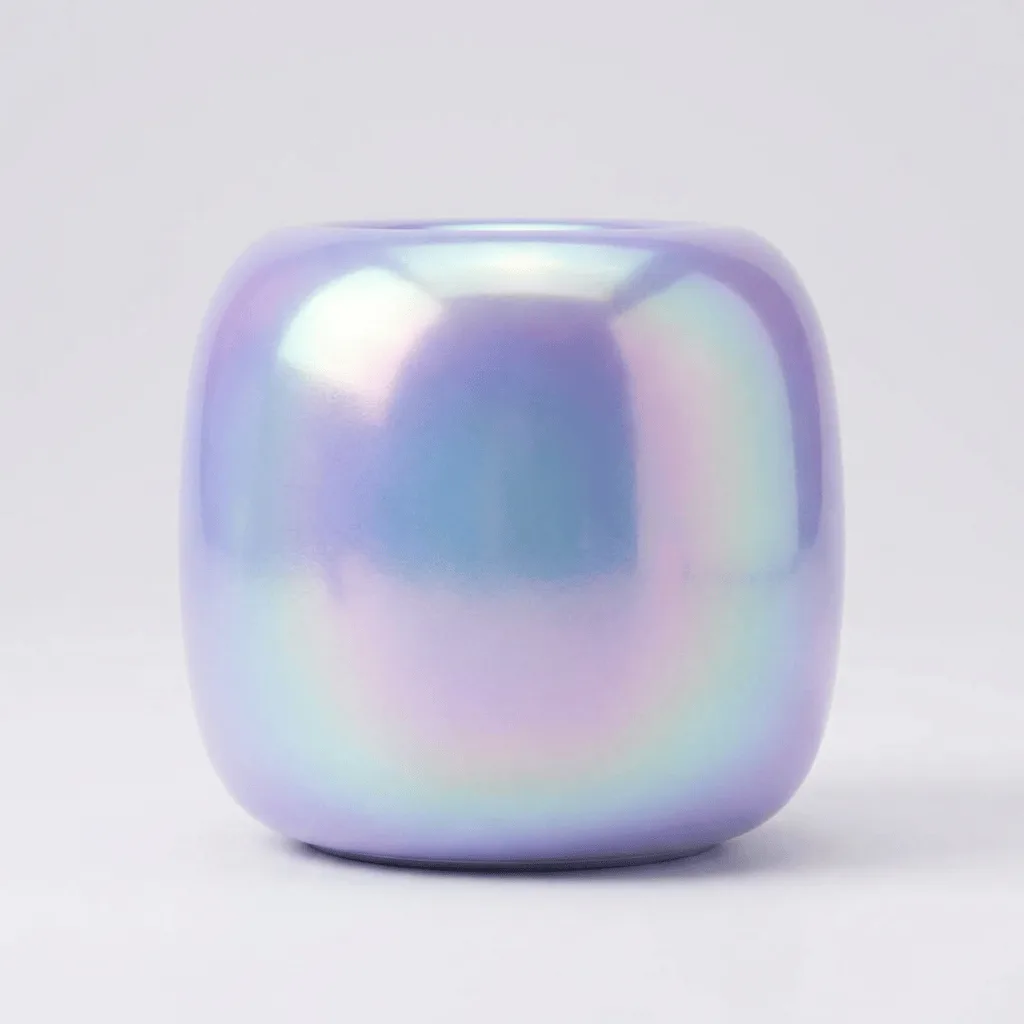
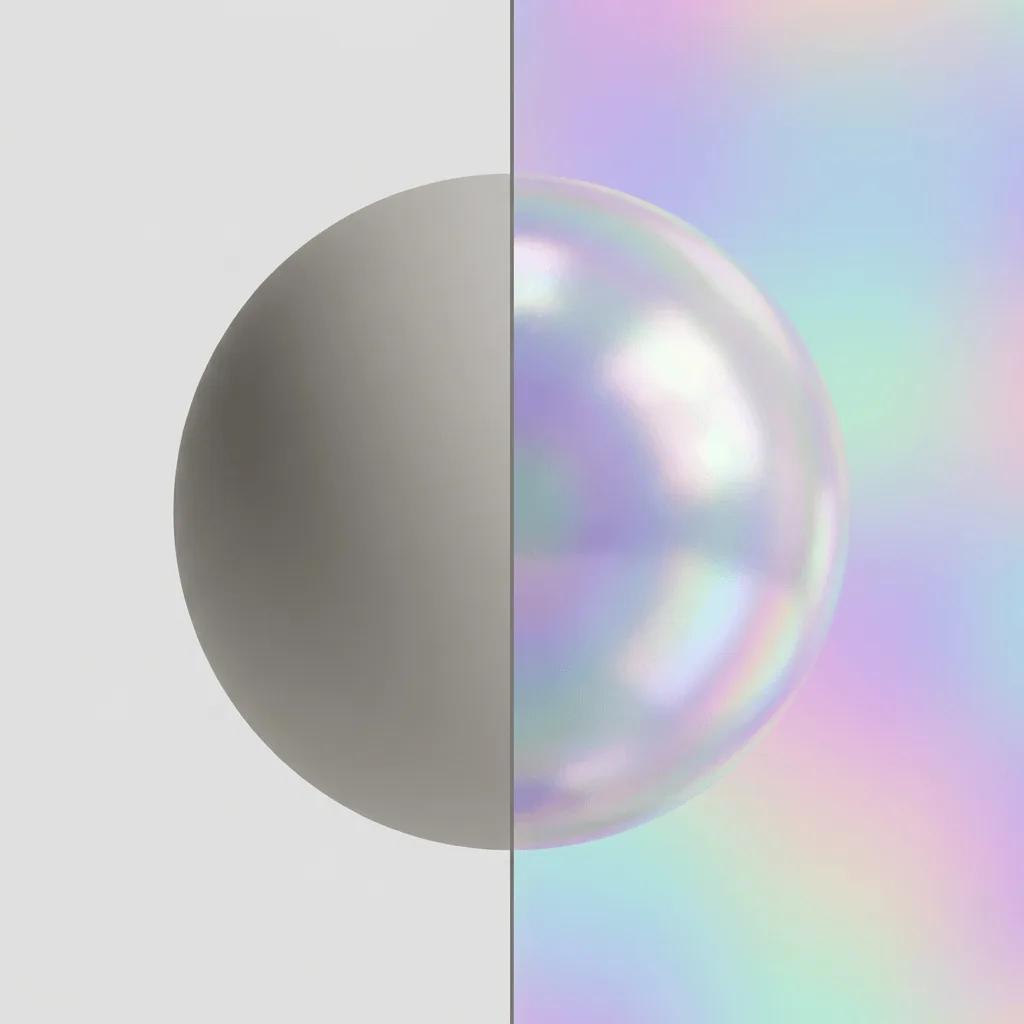
Iridescence is the softer cousin of holographic foil — instead of sharp prismatic flashes and mirror-bright highlights, the surface gains gentle rainbow gradients and the pearlescent shift of soap bubbles, beetle shells, or oil on water. The look reads modern, premium, and a touch organic. Our editor applies that finish to your photo's subject: pearlescent gradient across the surface, soft highlights, and the rainbow shift of natural iridescence. Use it for modern beauty and skincare branding, packaging visuals, tech product hero shots, fashion campaign visuals, jewelry visuals, and album covers with a dreamy modern feel.
How to Apply Iridescent Effects
Upload Your Photo
Pick a photo with a clear single subject — packaging, products, jewelry, characters, and text iridesce most convincingly. Smooth surfaces show the rainbow shift best.
Apply & Review
Apply the iridescent finish and check the gradient and highlights. The shift should feel soft and natural, not as sharp as holographic foil.
Refine & Download
Re-prompt for stronger or gentler iridescence, a different palette of shift, or more pearlescent highlight until the surface lands. Download for branding or social.