Isolate Subject with Styled Background
Isolate the main subject of any photo and place it on a new, styled background — choose from solid colors, lifestyle scenes, or patterns.
Click to upload an image
or drag and drop
Running a quick security check…
What It Does
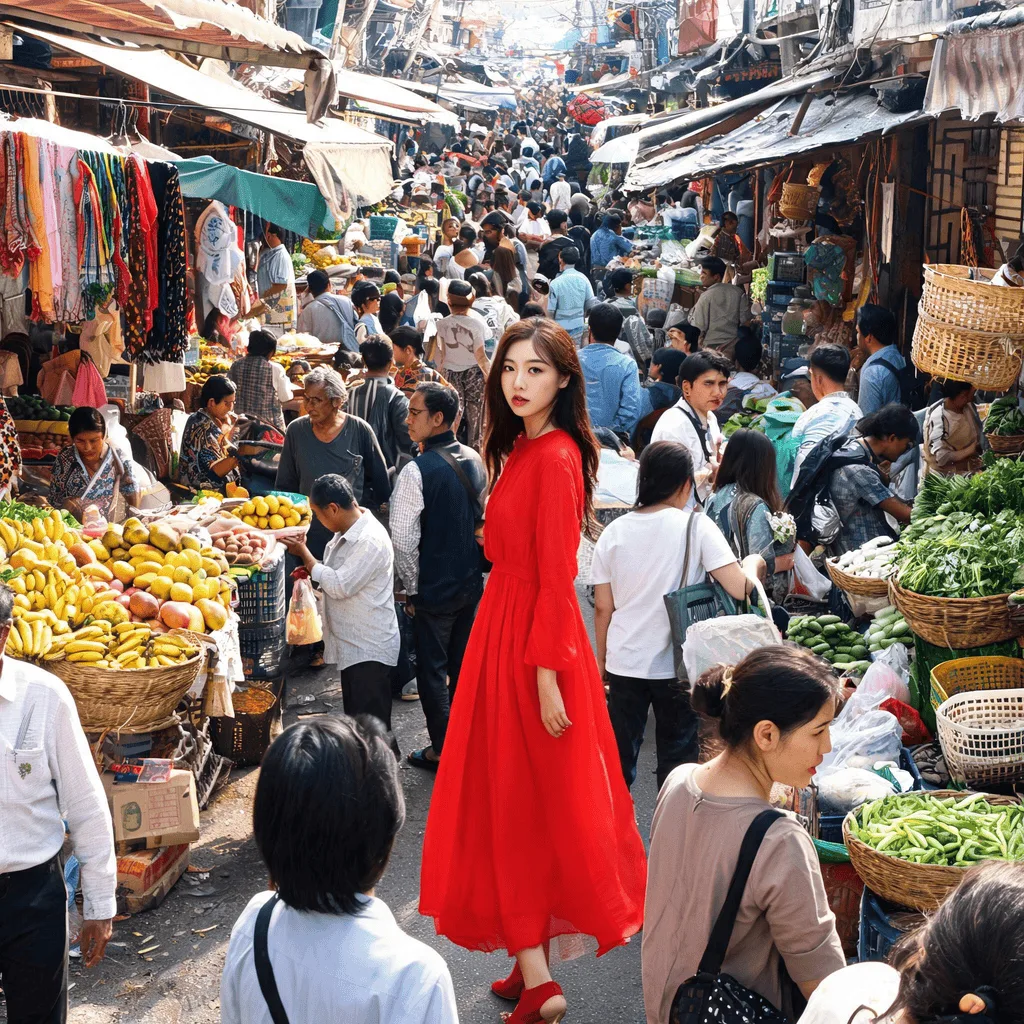
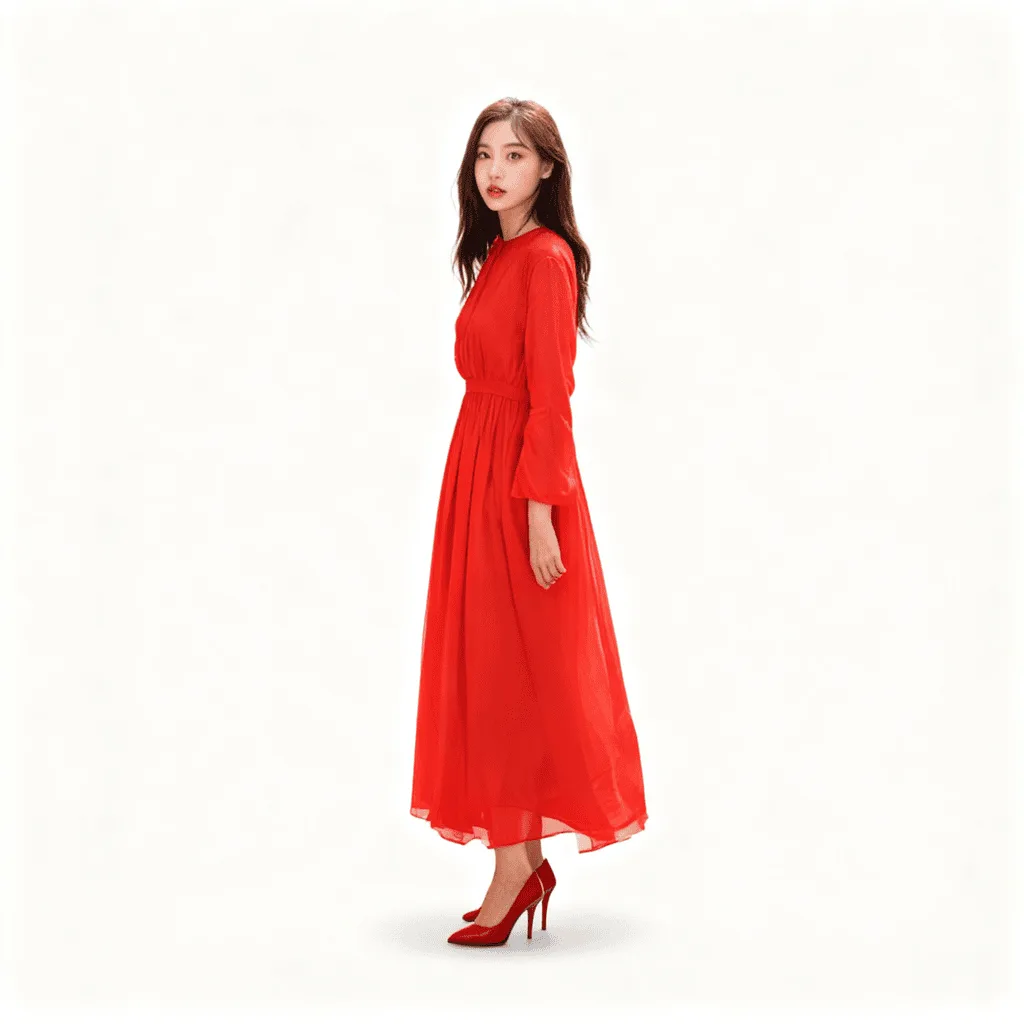
About Isolating Subjects with Styled Backgrounds
Isolating a subject and dropping it onto a new background is one of the most common visual production tasks — needed for e-commerce, marketing, editorial, and personal photo work. Our editor does it in one pass: segment the subject cleanly, generate the new background you describe, and relight the composite so the result reads as a single photo rather than a paste-up. Use it for product photos against branded backdrops, themed lifestyle composites, social posts in seasonal scenes, profile portraits with custom backgrounds, and editorial illustrations.
How to Isolate a Subject with a Styled Background
Upload Your Photo
Choose a photo where the subject is reasonably distinguishable from the background. Portraits, products, and pets work most reliably.
Describe the New Background & Apply
Tell the AI the new background — 'soft pastel pink', 'minimalist white studio', 'sunset beach with palm trees', 'pattern of golden leaves'. Apply and inspect the composite.
Refine & Download
Re-prompt for a different background or relighting until the composite reads as a single image. Download for listings, social, or print.