Edit into Isometric View
Render the subject of any photo from an isometric perspective — 30° axonometric projection with clean parallel lines.
Click to upload an image
or drag and drop
Running a quick security check…
What It Does

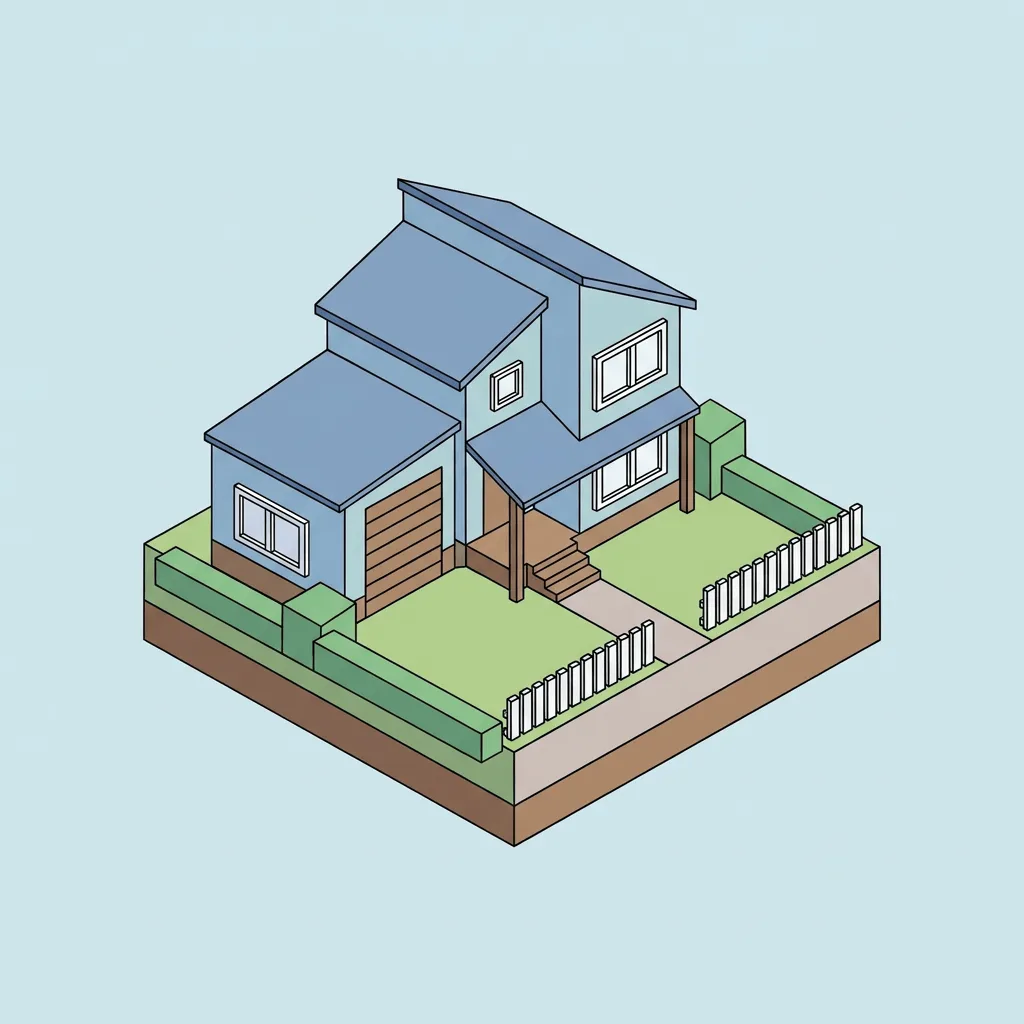
About Converting Photos to Isometric View
Translating a photo into isometric view re-renders the subject from a 30° axonometric angle — every face of the object becomes equally visible, parallel lines stay parallel, and perspective foreshortening disappears. The result reads like a game-art tile or a clean technical illustration. Our editor reads your photo, identifies the subject, and reconstructs it in isometric projection. Use it for game asset previews from product photos, technical infographics from real-world reference, clean modern brand visuals, and app illustrations.
How to Convert a Photo to Isometric
Upload Your Photo
Choose a photo with a clear single subject — buildings, vehicles, furniture, and objects with strong geometry translate most reliably.
Apply & Review
Apply the conversion and check the projection — parallel lines should remain parallel, no foreshortening should appear, and the subject should read from the 30° angle.
Refine & Download
Re-prompt for cleaner projection, different shading, or a different palette until the isometric reads correctly. Download for games, infographics, or apps.