Edit into Kawaii Style
Transform any photo into kawaii style — soft pastel palette, cute round simplification, and the unmistakable Japanese cute aesthetic.
Click to upload an image
or drag and drop
Running a quick security check…
What It Does
About Converting Photos to Kawaii Style
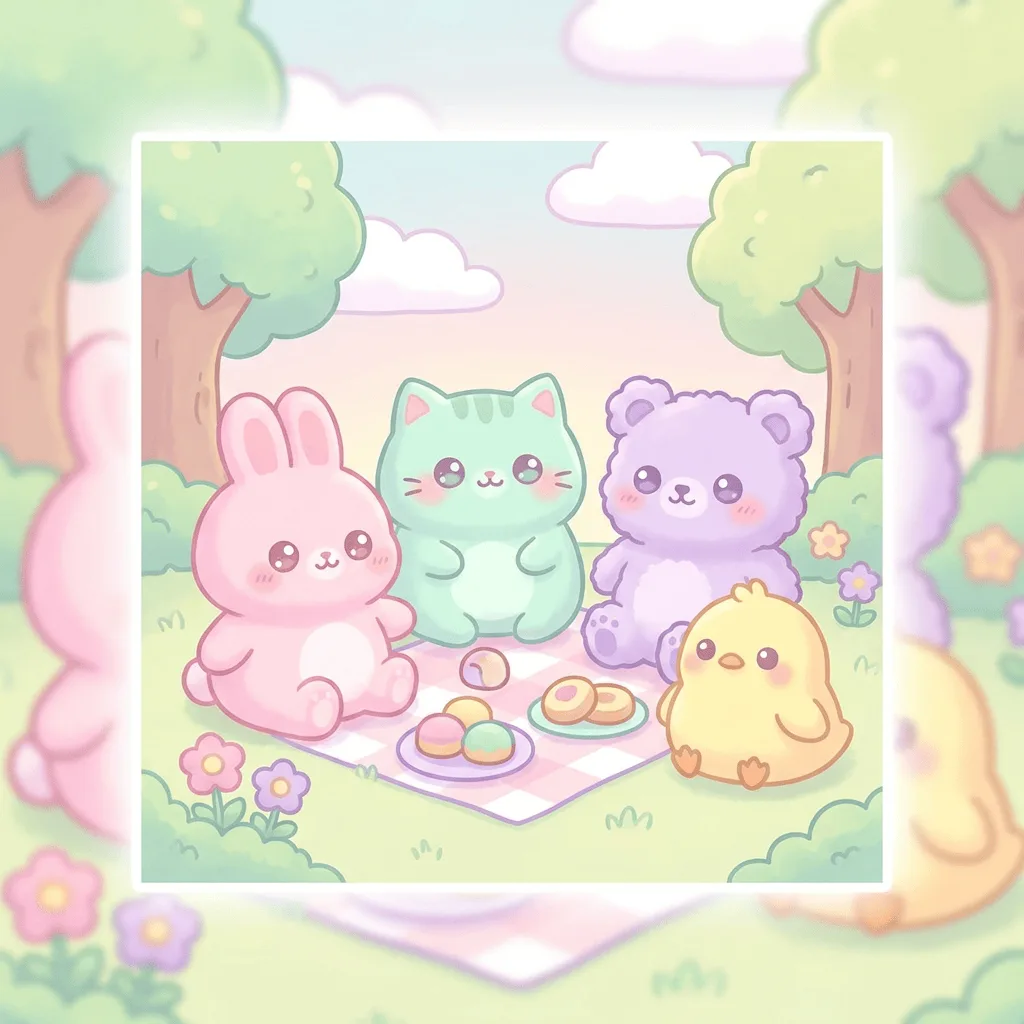
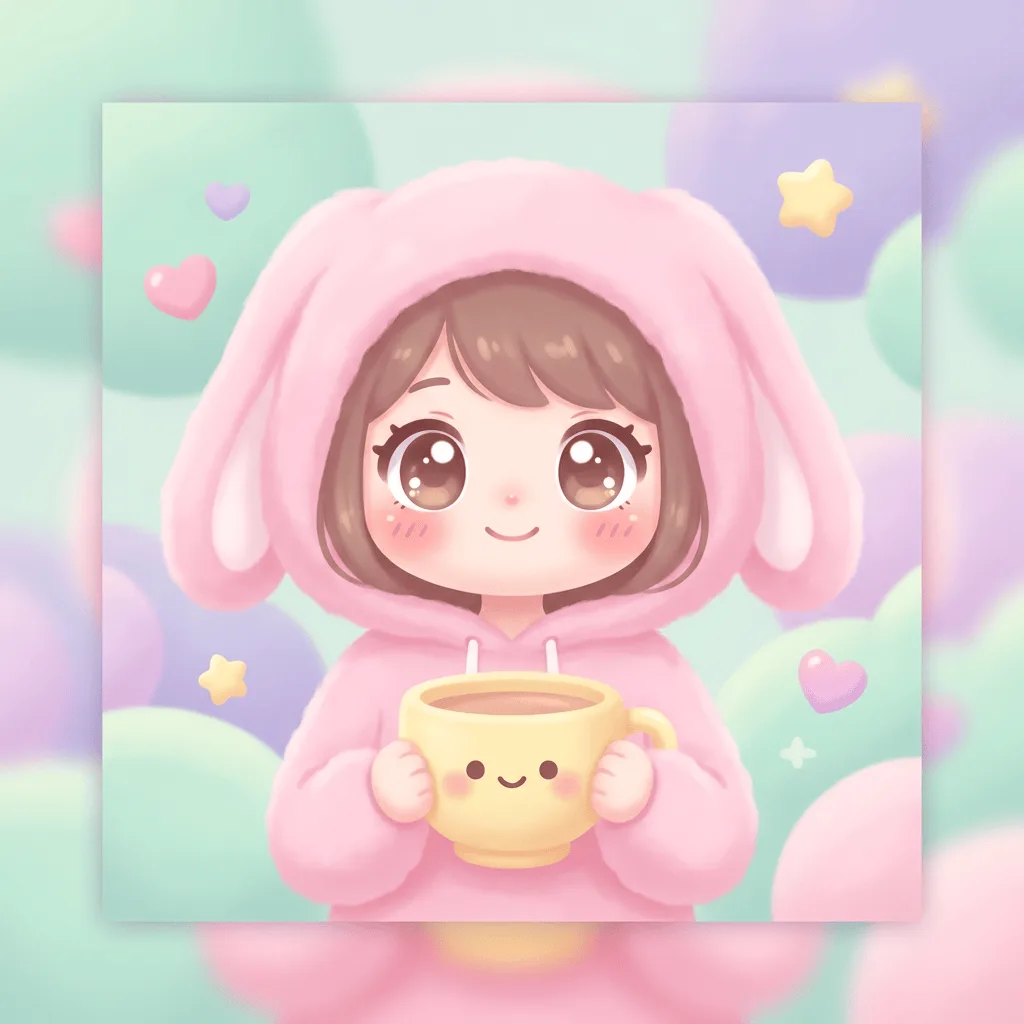
Kawaii — the Japanese aesthetic of cuteness that runs from Sanrio's Hello Kitty to San-X's Rilakkuma and modern pastel TikTok styling — is built on a precise visual recipe: pastel palette, rounded simplified forms, oversized eyes, gentle blush accents, and warm flat composition. Our editor reads your photo and translates the subject into that vocabulary while preserving recognizability. Use it for stationery and stickers, cute social posts, gift card art, plushie-style mockups, dessert and lifestyle product visuals, and bedroom prints.
How to Convert a Photo to Kawaii Style
Upload Your Photo
Pick a photo of a person, pet, food, or object — kawaii translation works on almost any subject as long as it can be simplified to a friendly rounded form.
Apply & Review
Apply the conversion and check the palette, the rounding of shapes, and the eye-and-blush detail. The result should feel cute on first glance, not just pastel-tinted.
Refine & Download
Re-prompt for softer palette, rounder forms, or more characterful eyes until the image earns the kawaii label. Download for stickers, prints, or social posts.