Apply Knitted Texture
Convert any photo's subject into knitted yarn — visible stitches, soft fibers, and the hand-crafted feel of a hand-knit garment.
Click to upload an image
or drag and drop
Running a quick security check…
What It Does
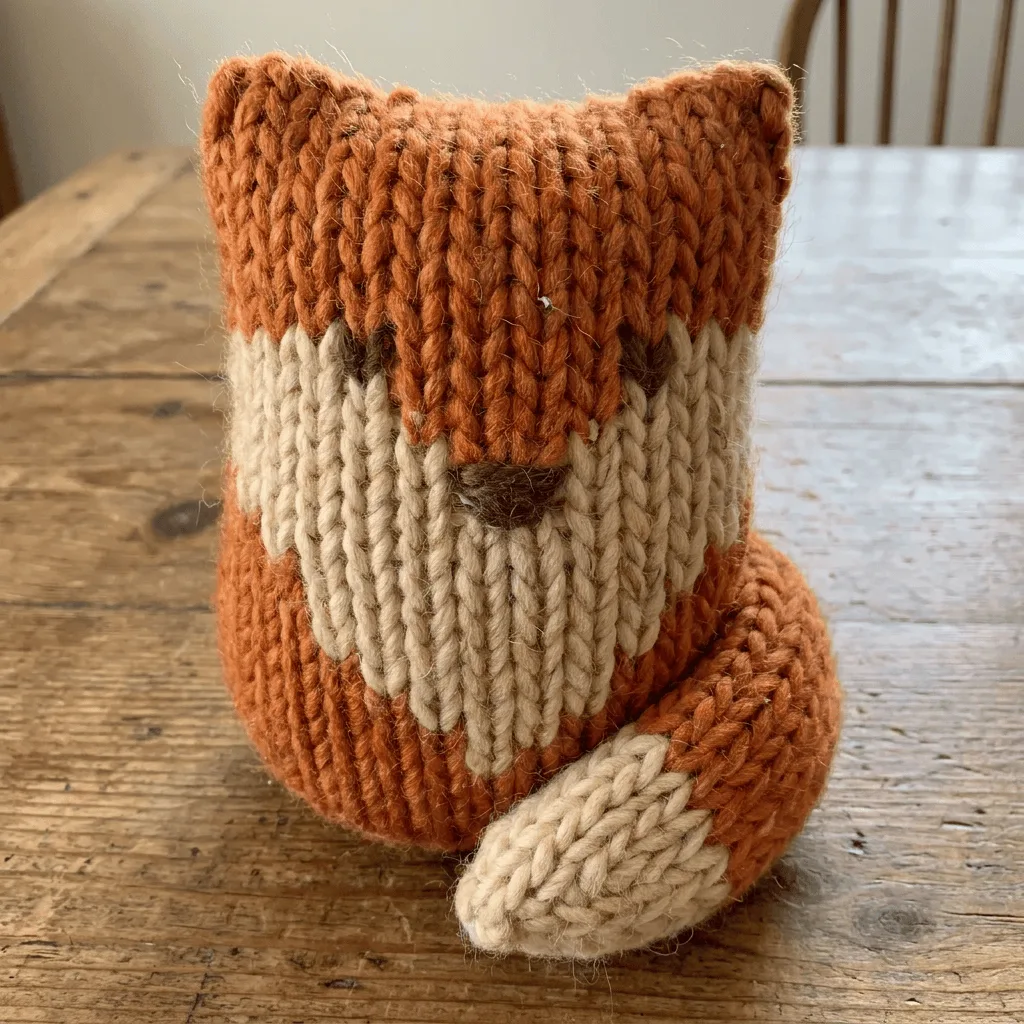
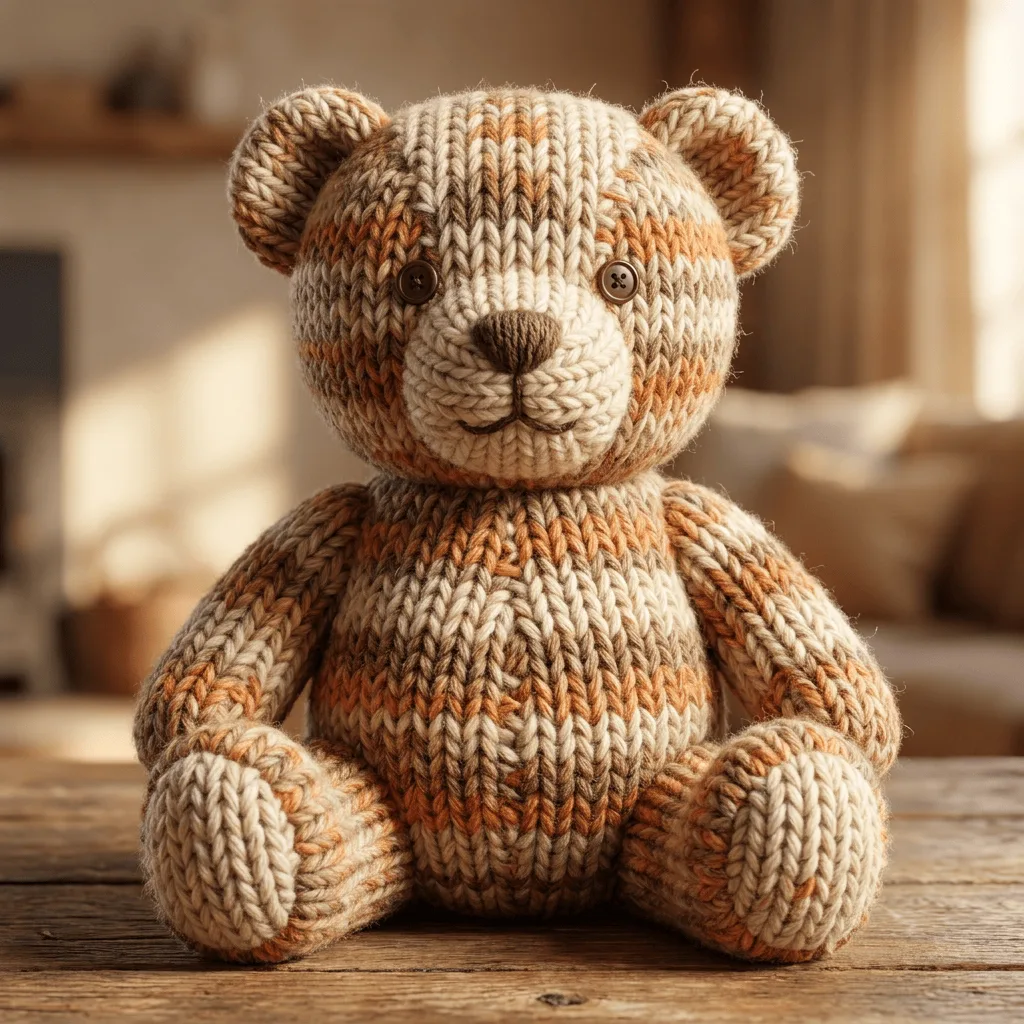
About Applying Knitted Texture to Photos
Translating a photo's subject into knitted yarn re-imagines it as a hand-knit object — surfaces become visible stitches, palette warms toward yarn colors, and the result reads as cozy and craft-made. Our editor reads your photo and rebuilds the subject's surface through that knitting vocabulary. Use it for cozy holiday-themed brand campaigns, themed gift portraits, packaging visuals for natural and craft products, and social posts for knitting communities.
How to Apply Knitted Texture
Upload Your Photo
Choose a photo with a clear single subject — pets, characters, simple objects, and animals translate most convincingly into knit.
Apply & Review
Apply the texture and check the stitch visibility and warmth. The subject should look hand-knit, not just textured.
Refine & Download
Re-prompt for tighter stitches, looser yarn, or a different palette until the knit lands. Download for craft branding or holiday content.