Edit into Linocut Print Style
Convert any photo into a linocut print — bold black-and-white relief look with visible carving marks and hand-pulled texture.
Click to upload an image
or drag and drop
Running a quick security check…
What It Does
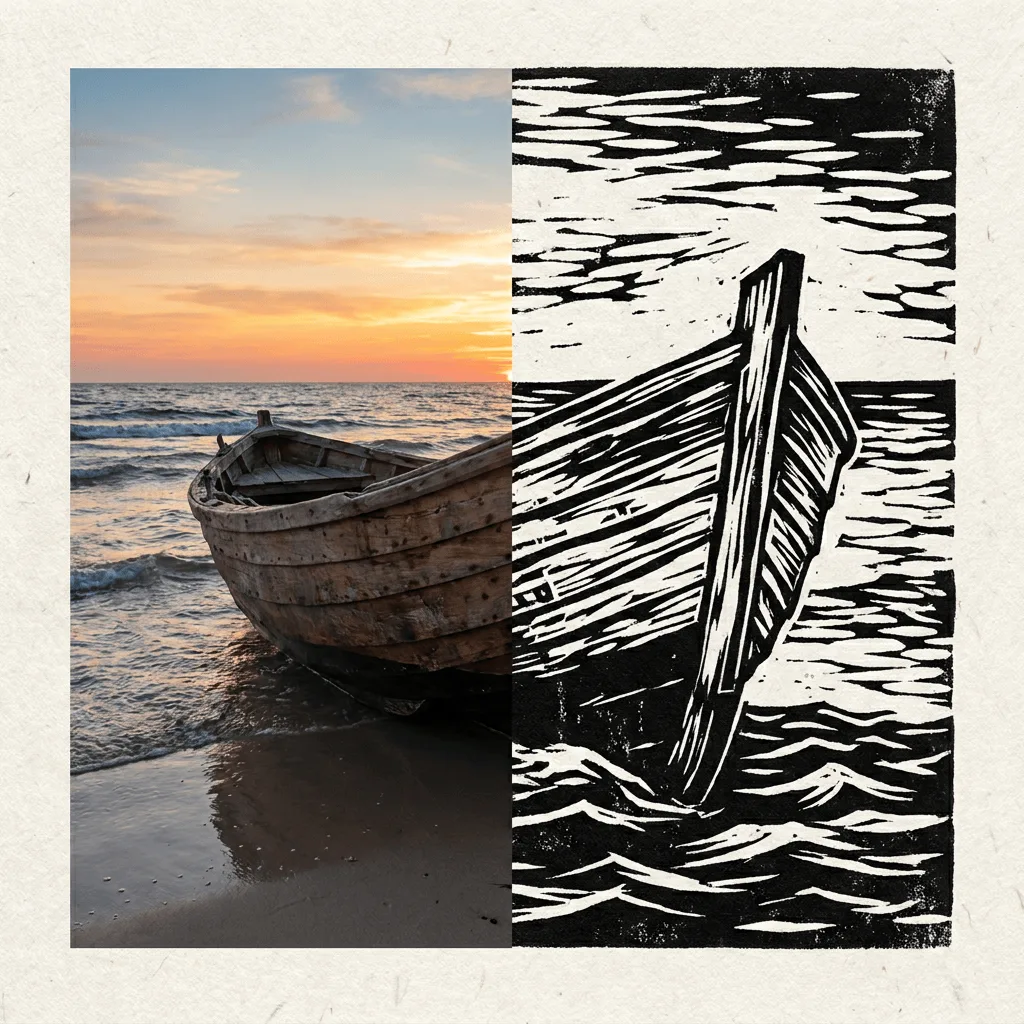
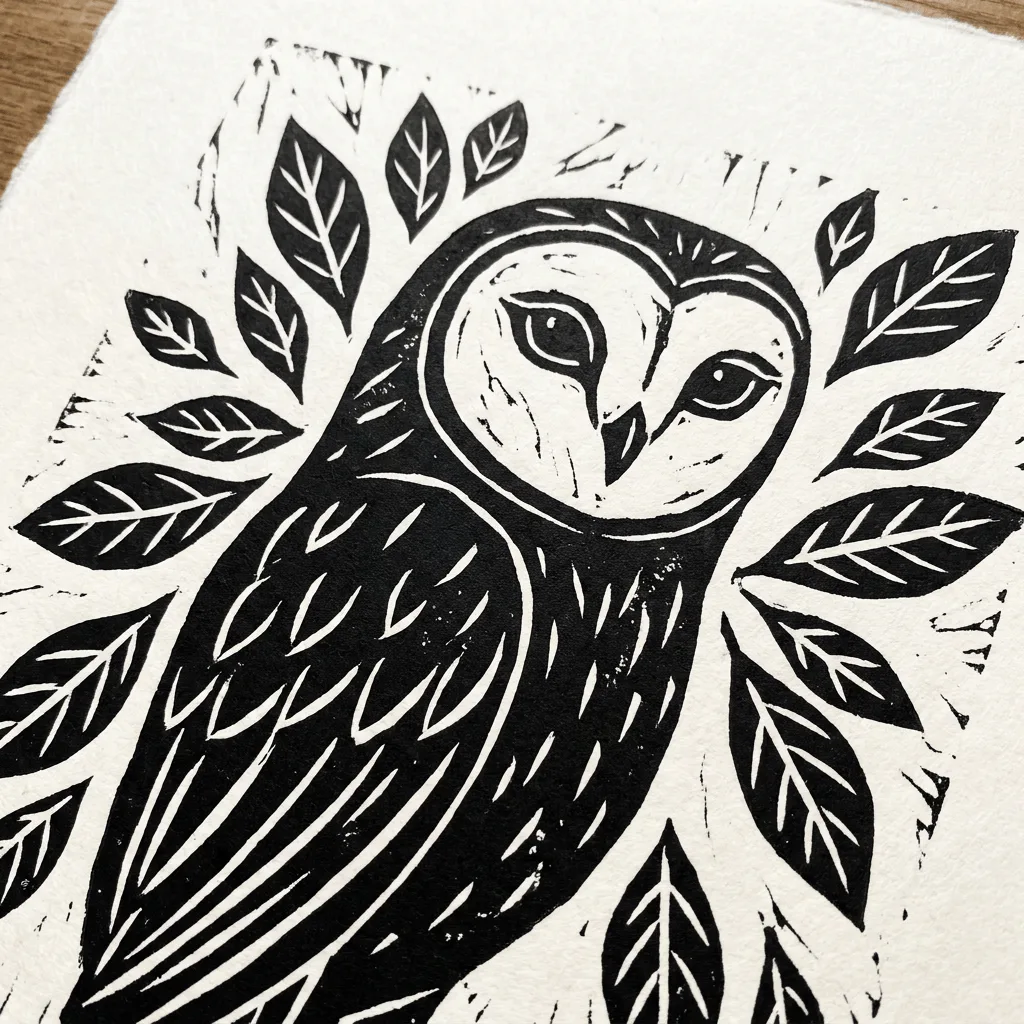
About Converting Photos to Linocut Style
Translating a photo into a linocut print is a deliberate reduction — fine detail drops, mid-tones collapse to black or white, and the gouge marks of a carved block replace photographic texture. Our editor reads your image and reconstructs it through that printmaking vocabulary. Use it for indie book covers from author portraits, themed event posters, branded merch designs, custom gift prints, and editorial illustration with a craft feel.
How to Convert a Photo to Linocut
Upload Your Photo
Choose a photo with strong contrast and a clear subject — portraits, animals, plants, and architectural details translate most reliably.
Apply & Review
Apply the conversion and check the gouge marks and high-contrast reduction. The result should feel hand-carved and printed.
Refine & Download
Re-prompt for more carving texture, simpler shapes, or a different paper tone until the linocut lands. Download for gallery, merch, or stationery.