Create Linocut Print
Generate linocut print art — bold relief-printed black-and-white work with visible carving marks and the texture of linoleum block printmaking.
Running a quick security check…
Inspiration Gallery
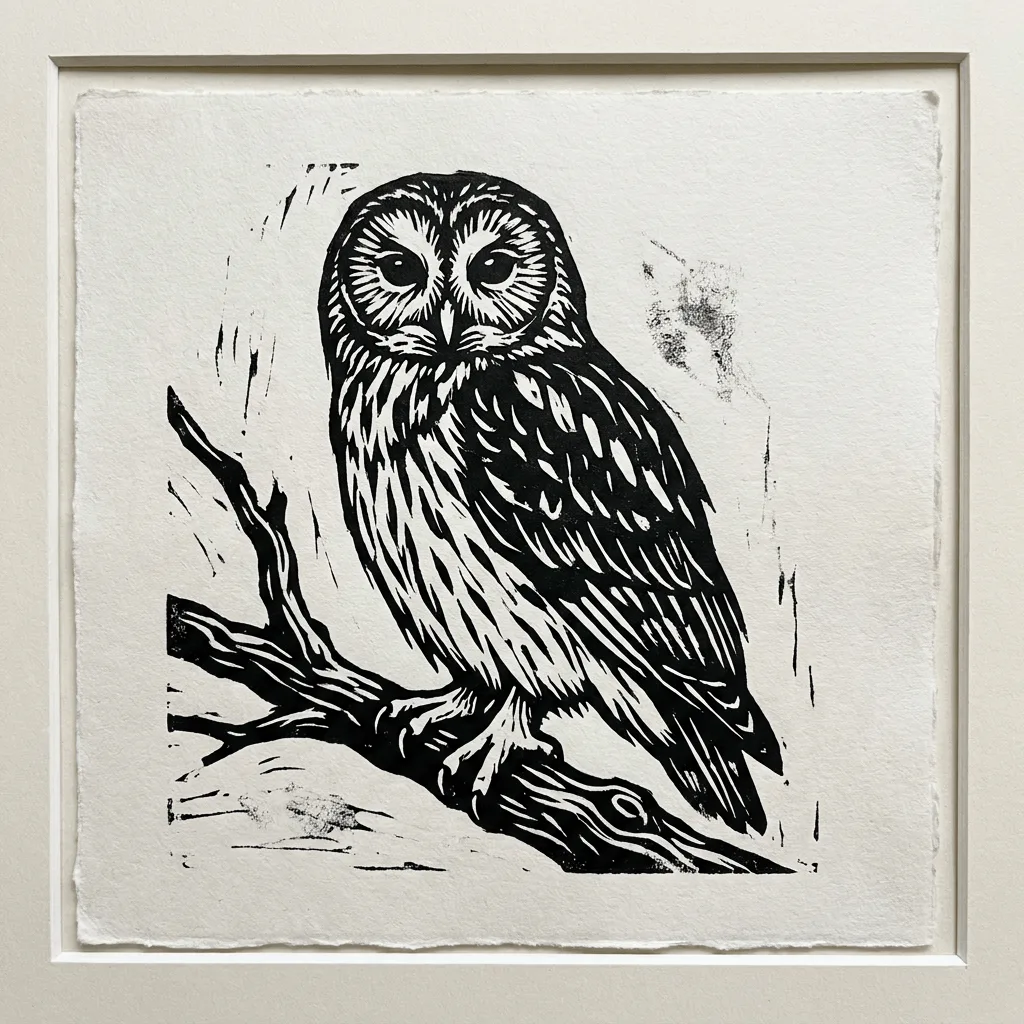
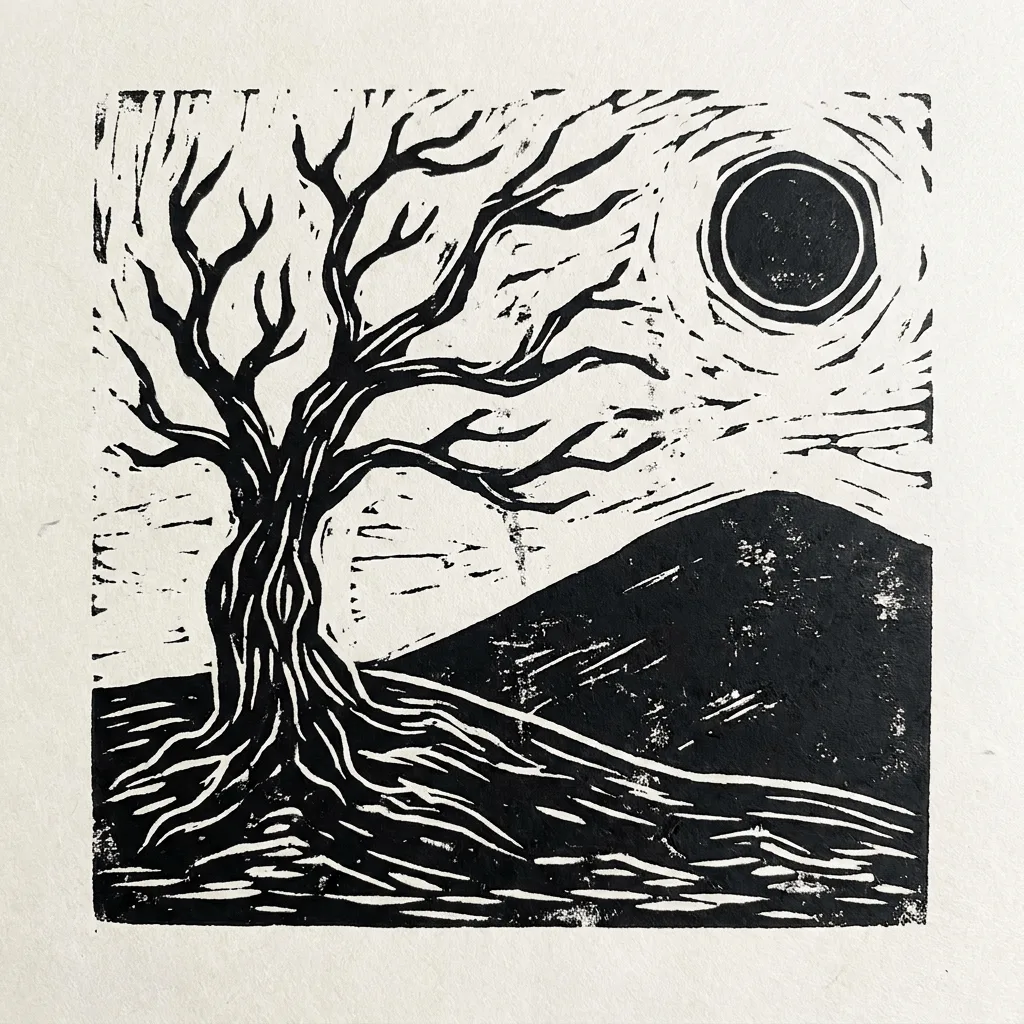
See what you can create with our AI image generator
About Creating Linocut Prints
Linocut printmaking — pioneered in the early 20th century as a more forgiving cousin of woodcut — uses a carved linoleum block to print bold black-and-white relief images, with visible gouge marks and slight ink imperfection that distinguish a hand-pulled print from a digital line drawing. Our AI captures those handling traits. Use it for poster art, gallery prints, indie book covers, branded merch, packaging visuals with a craft feel, and editorial illustration that needs a hand-made texture.
How to Create Linocut Prints
Describe Your Print
Describe the subject and the look — 'linocut of a sparrow on a branch, white background', 'linocut portrait, high-contrast'. Linocut rewards bold subjects, not fine detail.
Generate & Review
Generate the print and check the gouge marks and ink texture. The result should feel hand-carved and hand-pulled, not vector-clean.
Refine & Save
Re-prompt for more visible carving marks, simpler forms, or different paper tone until the print lands. Save for gallery use or print-on-demand.