AI Live Portrait Animator
Bring your portrait photos to life! Animate faces in still images to make them smile, blink, and look around.
Click to upload an image
or drag and drop
What It Does
Before
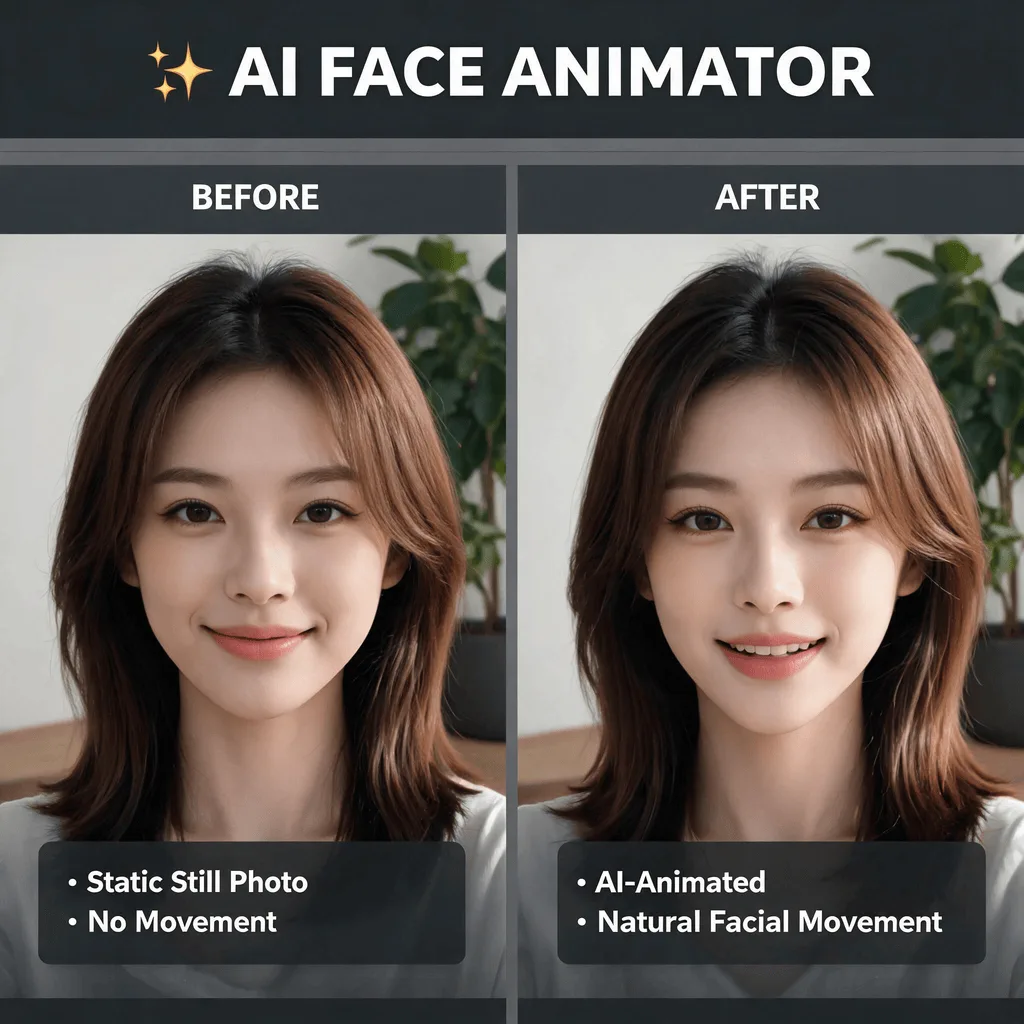
After
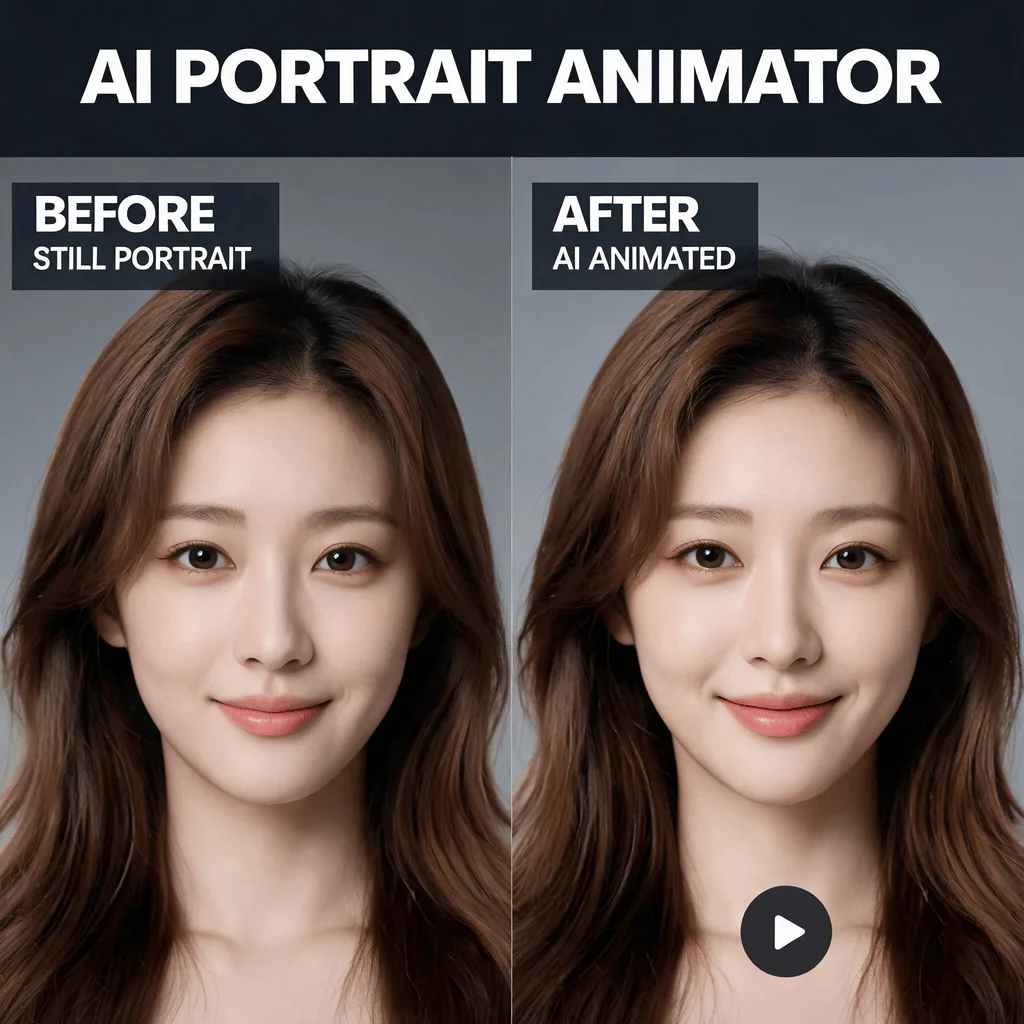
About the AI Live Portrait Animator
This technology, often called 'photo animation' or 'motion portrait', uses AI to apply a pre-recorded motion map to a static face in a photo. The AI identifies facial landmarks (eyes, nose, mouth) and animates them, creating a short, looping video that makes the portrait appear alive. It's a magical way to bring old family photos to life or create engaging profile pictures.
How to Create a Live Portrait with AI
1. Upload a Portrait Photo
Start with a clear portrait photo (of a person or even a pet). The Live Portrait tool will bring it to life.
2. Animate and Refine
The AI will automatically animate the face, making it move, blink, and smile. Choose from different animation styles to get the desired effect.
3. Download the Animated Video
Once your portrait is alive, download the short video file to share on social media or with friends.