Apply Long Exposure Effect
Apply a long-exposure effect to any photo — turn moving elements into smooth streaks, light into trails, and add cinematic motion blur.
Click to upload an image
or drag and drop
Running a quick security check…
What It Does
About Applying Long Exposure Effects to Photos
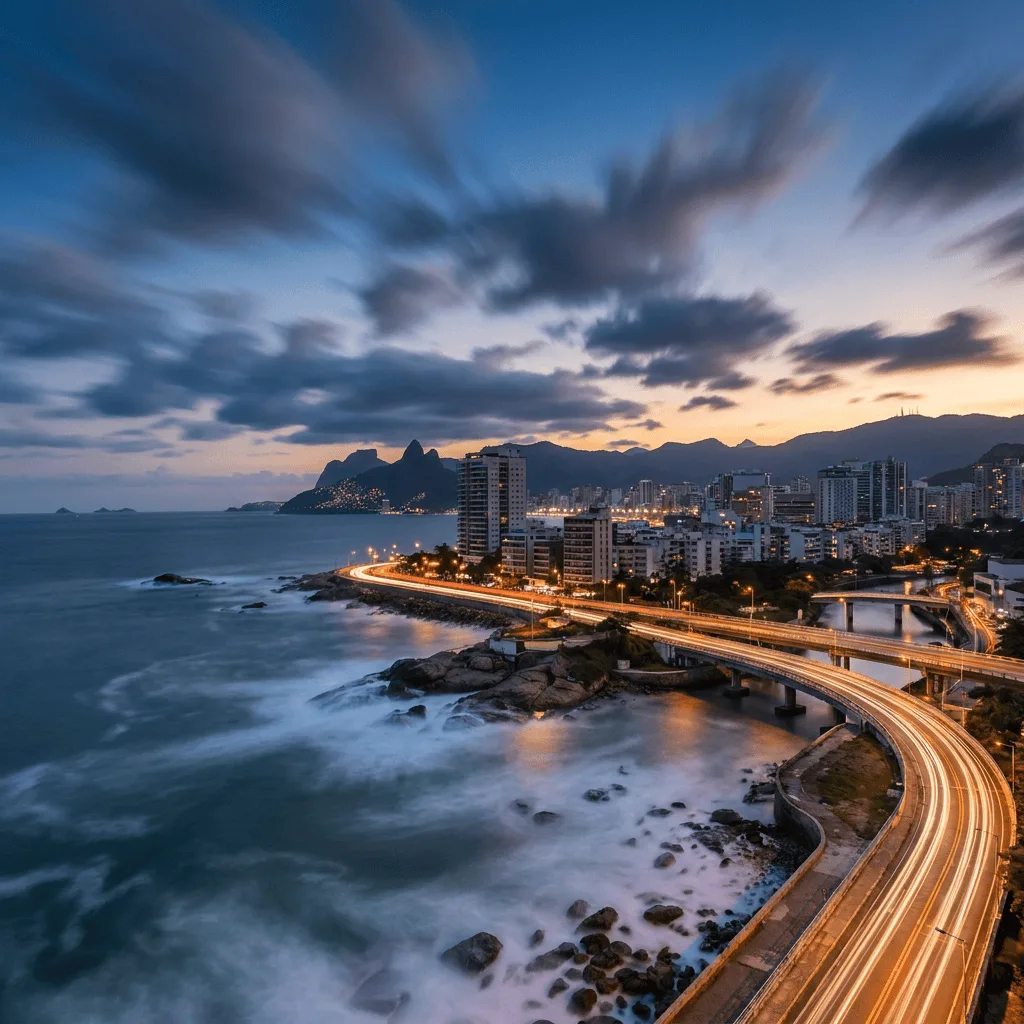
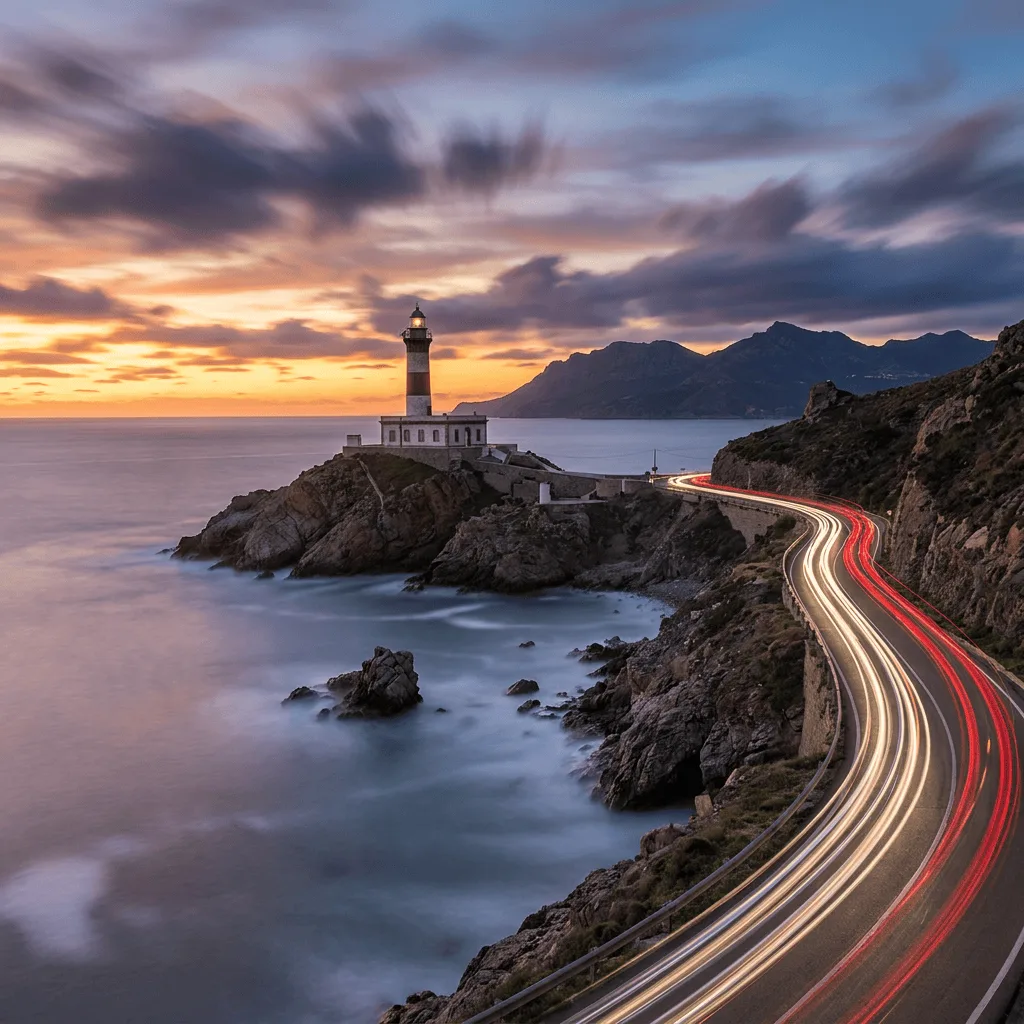
Translating a normal-shutter photo into a long-exposure look means streaking the moving elements while keeping the static ones sharp — water gets silky, headlights become continuous light trails, clouds smear across the sky. Our editor identifies the motion-implied elements and applies the streak effect. Use it for landscape art from travel photos, urban-night visuals, music marketing, themed event posters, and editorial illustration with a cinematic mood.
How to Apply Long Exposure Effect
Upload Your Photo
Choose a photo with motion-capable elements — water, clouds, vehicles, traffic, or sky. Photos with static-only subjects don't benefit from the effect.
Apply & Review
Apply the effect and check the motion logic — moving elements should streak, stationary elements should stay sharp. The result should feel slow-shuttered.
Refine & Download
Re-prompt for longer streaks, more pronounced light trails, or a different motion direction until the photo lands. Download for landscape or urban prints.