Edit into Low Poly Style
Transform any photo into low poly art — reconstruct the image from a mesh of flat triangles with sharp polygon edges.
Click to upload an image
or drag and drop
Running a quick security check…
What It Does
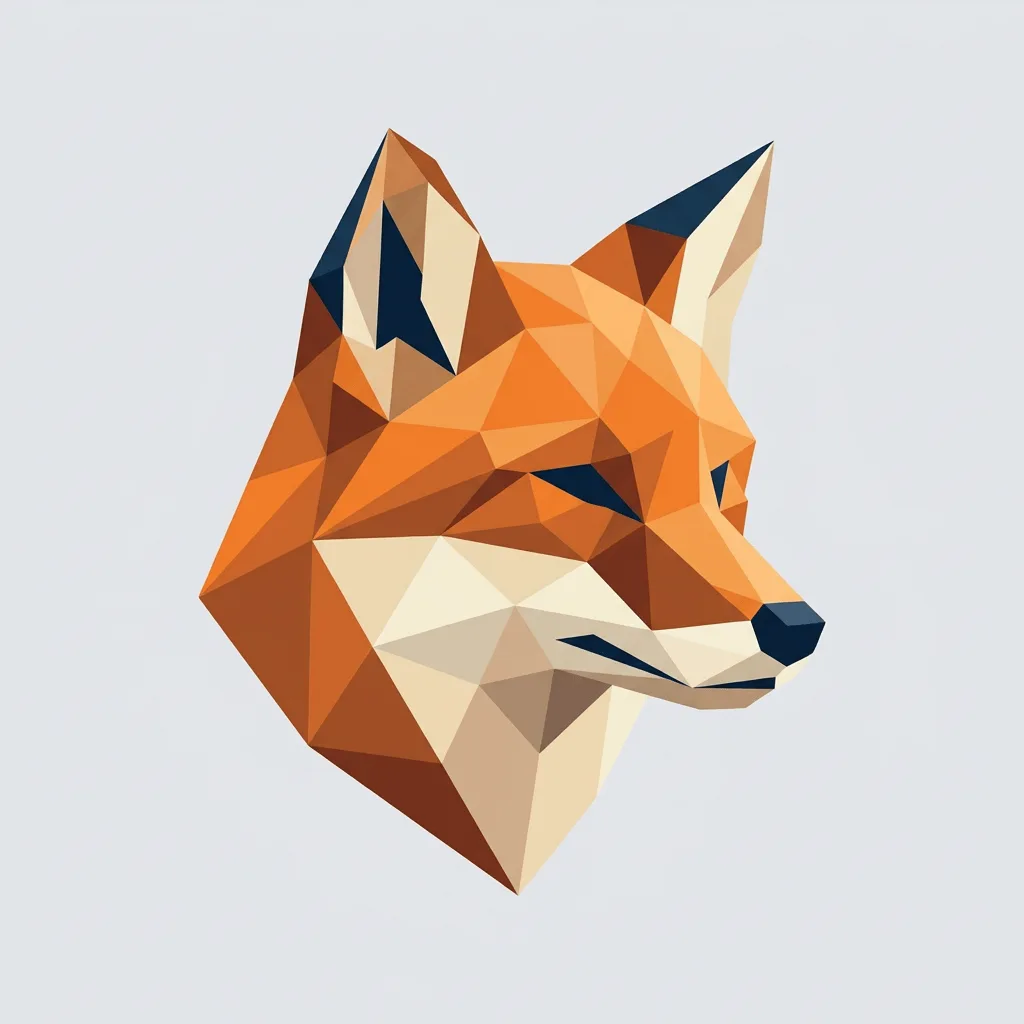
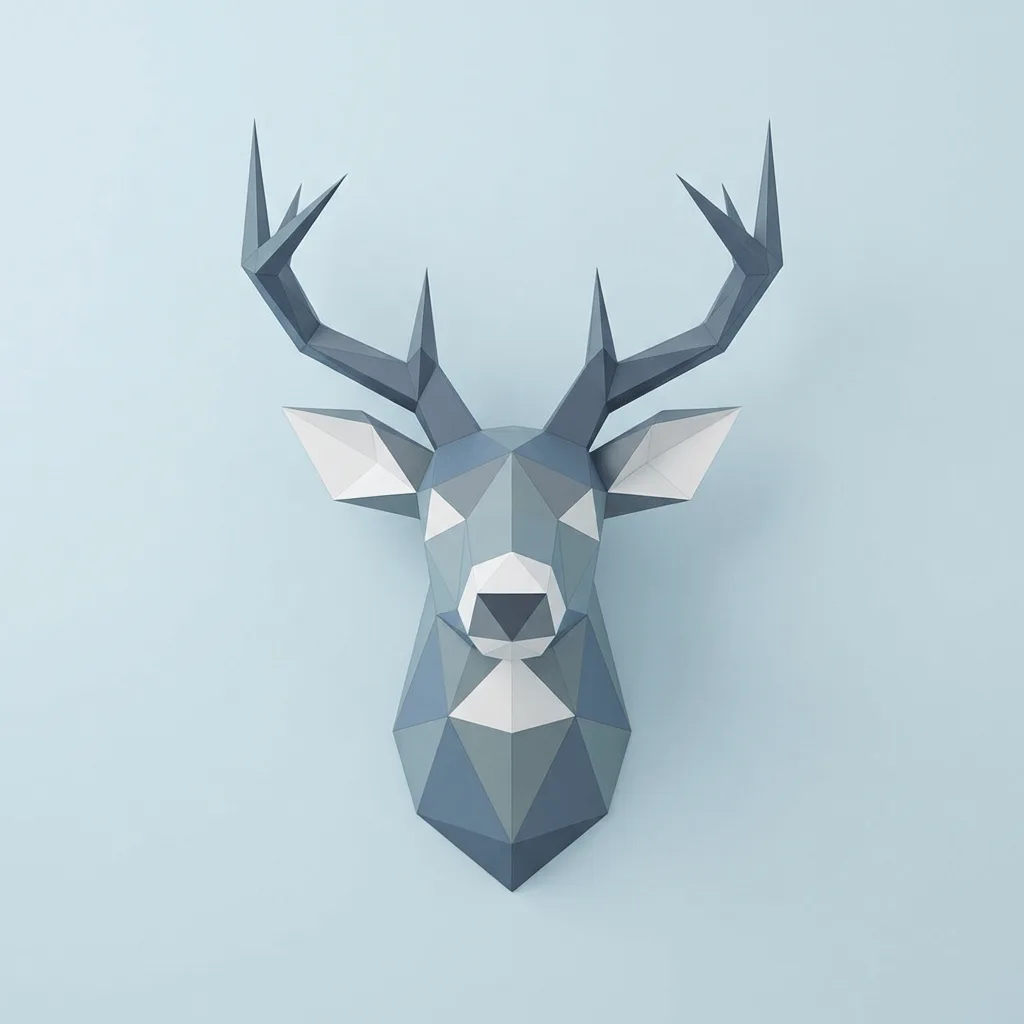
About Converting Photos to Low Poly
Translating a photo into low poly is the deliberate reduction of continuous tones into discrete flat facets — each triangle takes a single color, edges become sharp polygon boundaries, and the subject gains a faceted, almost geometric crystal feel. Our editor reads your image, samples it onto a triangular mesh, and assigns one flat tone per facet so the result reads as low poly art, not as a posterized photo. Use it for modern brand visuals, app and product hero imagery, gallery-style portraits, mountain or landscape prints, and pitch deck illustrations with a tech aesthetic.
How to Convert a Photo to Low Poly
Upload Your Photo
Choose a photo with a strong subject — landscapes, animals, portraits, and architectural shots translate most convincingly into low poly facets.
Apply & Review
Apply the conversion and check the polygon density and the tone-per-facet rule. The result should feel faceted and crystalline, not just posterized.
Refine & Download
Re-prompt for chunkier or finer polygons, a different palette, or stronger or softer edges until the low poly lands. Download for print or screen.