Create Low Poly Art
Generate low poly art — images reconstructed from a mesh of flat triangles, in the modern minimalist 3D rendering style.
Running a quick security check…
Inspiration Gallery
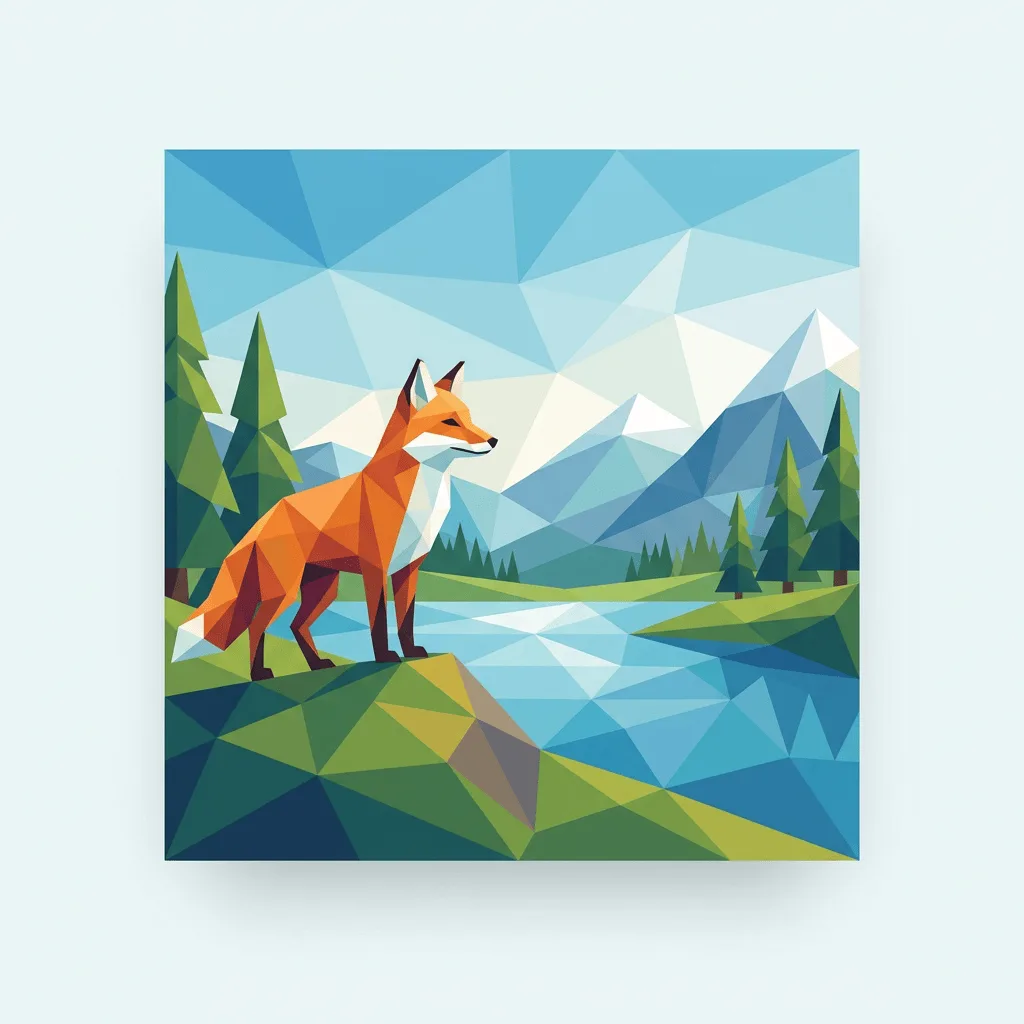
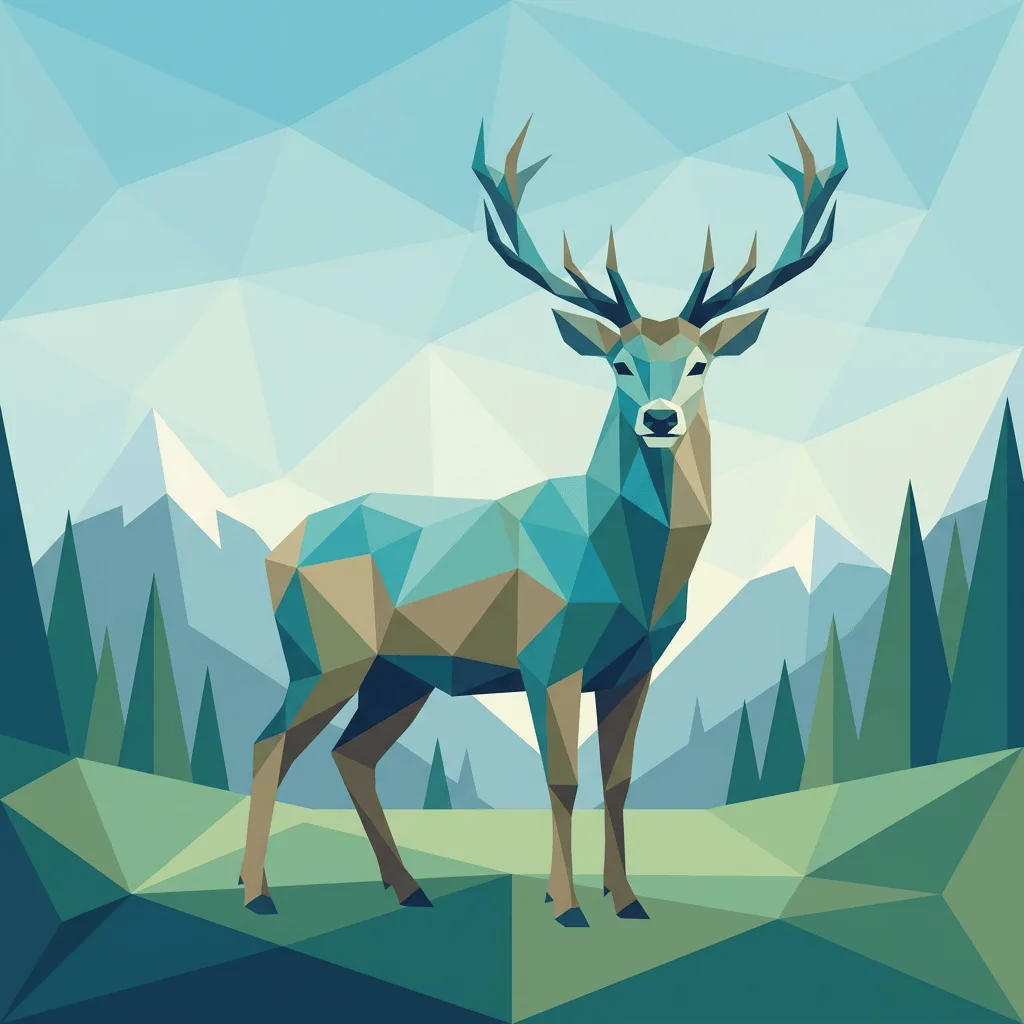
See what you can create with our AI image generator
About Creating Low Poly Art
Low poly art emerged as a deliberate aesthetic from early 3D game graphics — the technical constraint of using as few polygons as possible became a recognizable visual language of faceted forms, sharp edges, and flat-shaded facets. The modern revival, driven by indie game artists and minimalist illustrators, treats it as a style rather than a limitation. Our AI captures that look: it reconstructs your subject as a mesh of flat triangles, holds tone uniform within each facet, and keeps the palette clean and modern. Use it for indie game promotional art, modern minimalist illustration, brand visuals with a tech feel, app onboarding artwork, and gallery prints.
How to Create Low Poly Art
Describe Your Subject
Tell the AI the subject and the look — 'low poly mountain landscape at sunset, warm palette', 'low poly fox in a forest, jewel tones'. Subjects with clear silhouettes (animals, landscapes, faces) work best.
Generate & Review
Generate the image and check the facets — each triangle should be uniformly colored, edges should be sharp, and the polygon count should match the look you want (chunky vs. fine).
Refine & Save
Re-prompt for more or fewer polygons, a different palette, or a different subject angle until the art lands. Save in high resolution for print or screen.